Fleet console, on your metal
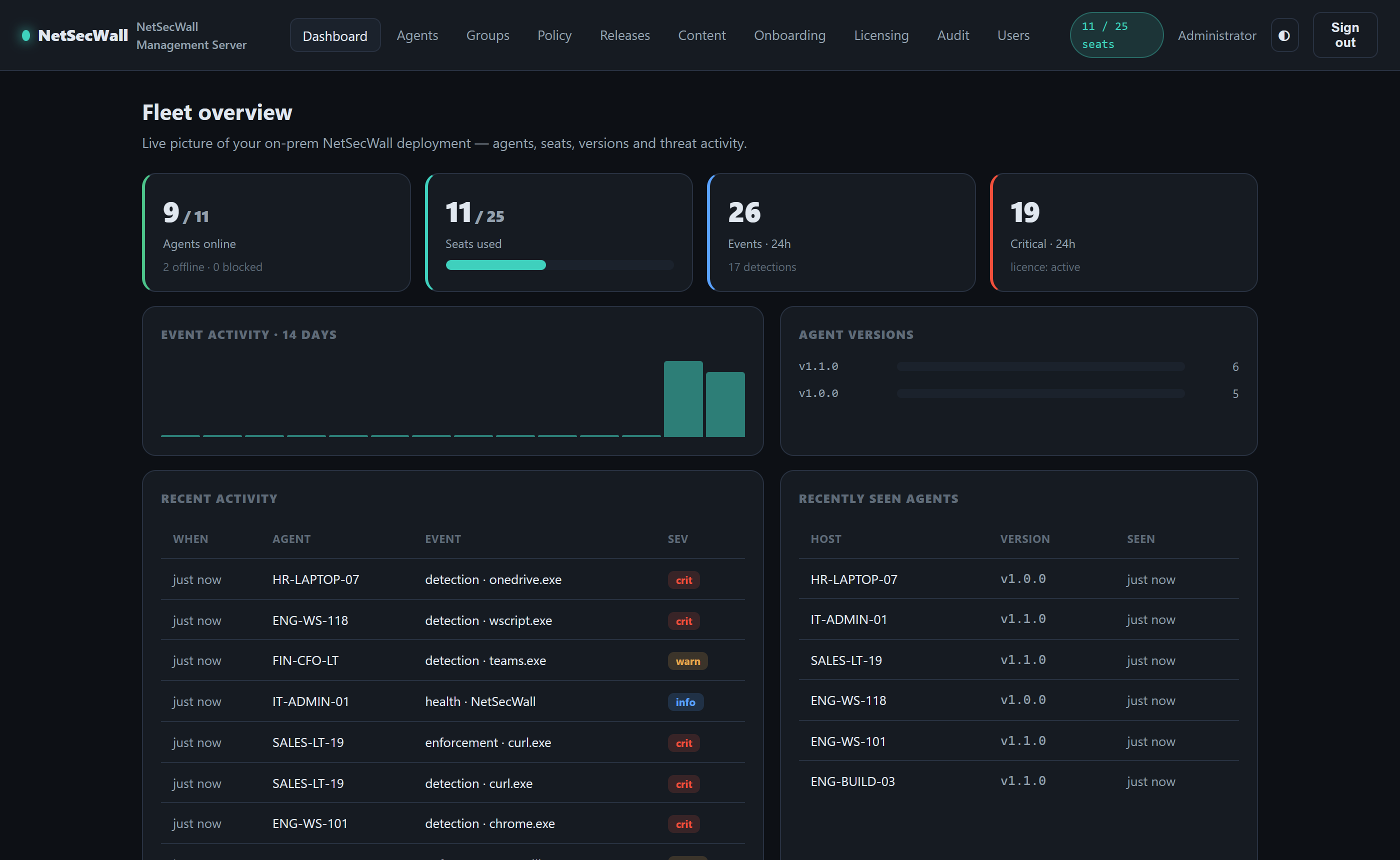
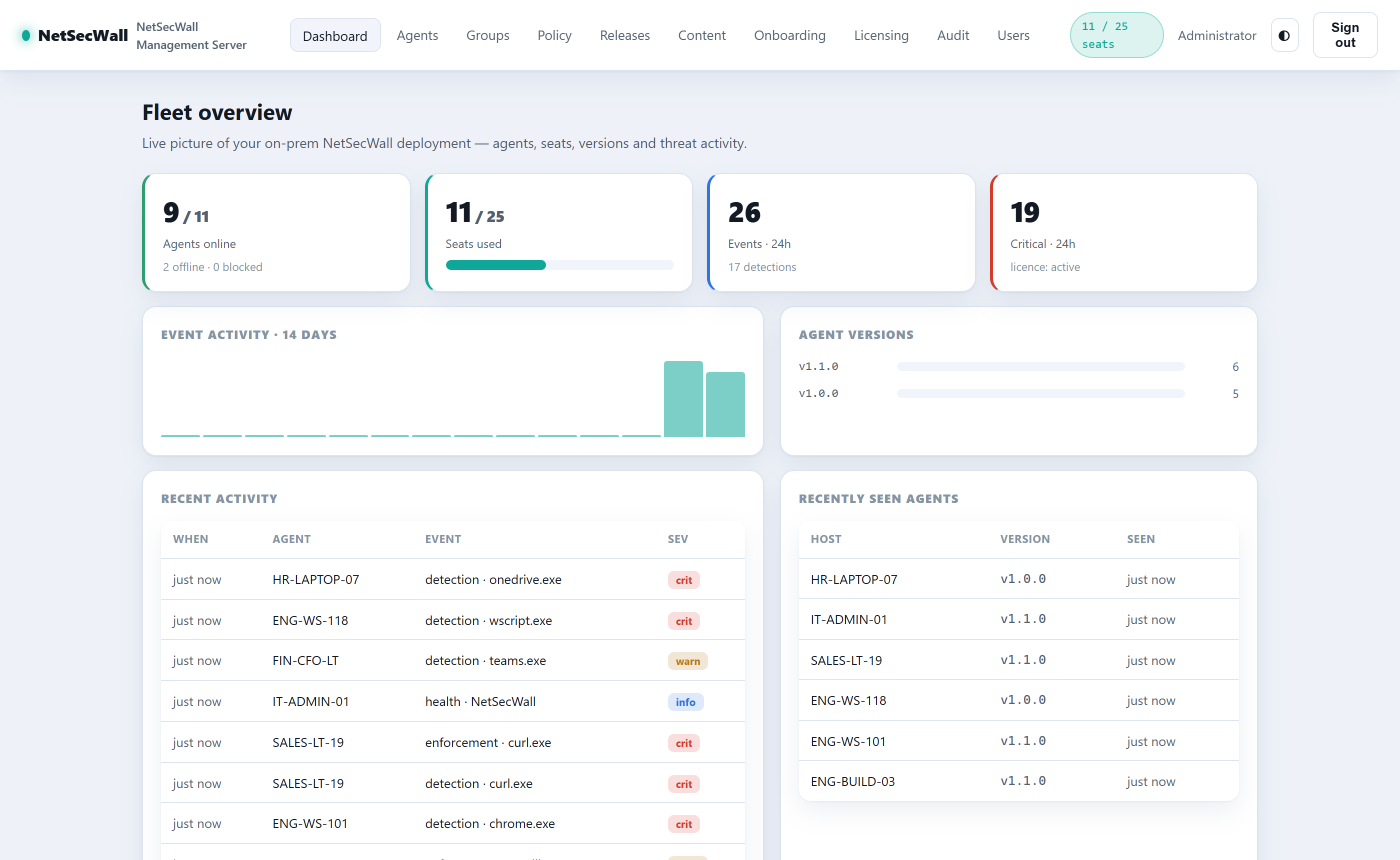
A self-hosted management server with live dashboards: agents online, seat usage, detections, version spread, and per-device history — all inside your network.
The NetSecWall Management Server is an on-prem console that enrolls every endpoint, deploys policy with a guided wizard, pushes silent updates, and meters its own seats — with no cloud dependency after a one-time activation.
Enterprise is in beta. It isn't sold self-service — every deployment is set up with us, so we can size it, help you roll it out, and act on what you hit. Talk to sales and we'll take it from there.
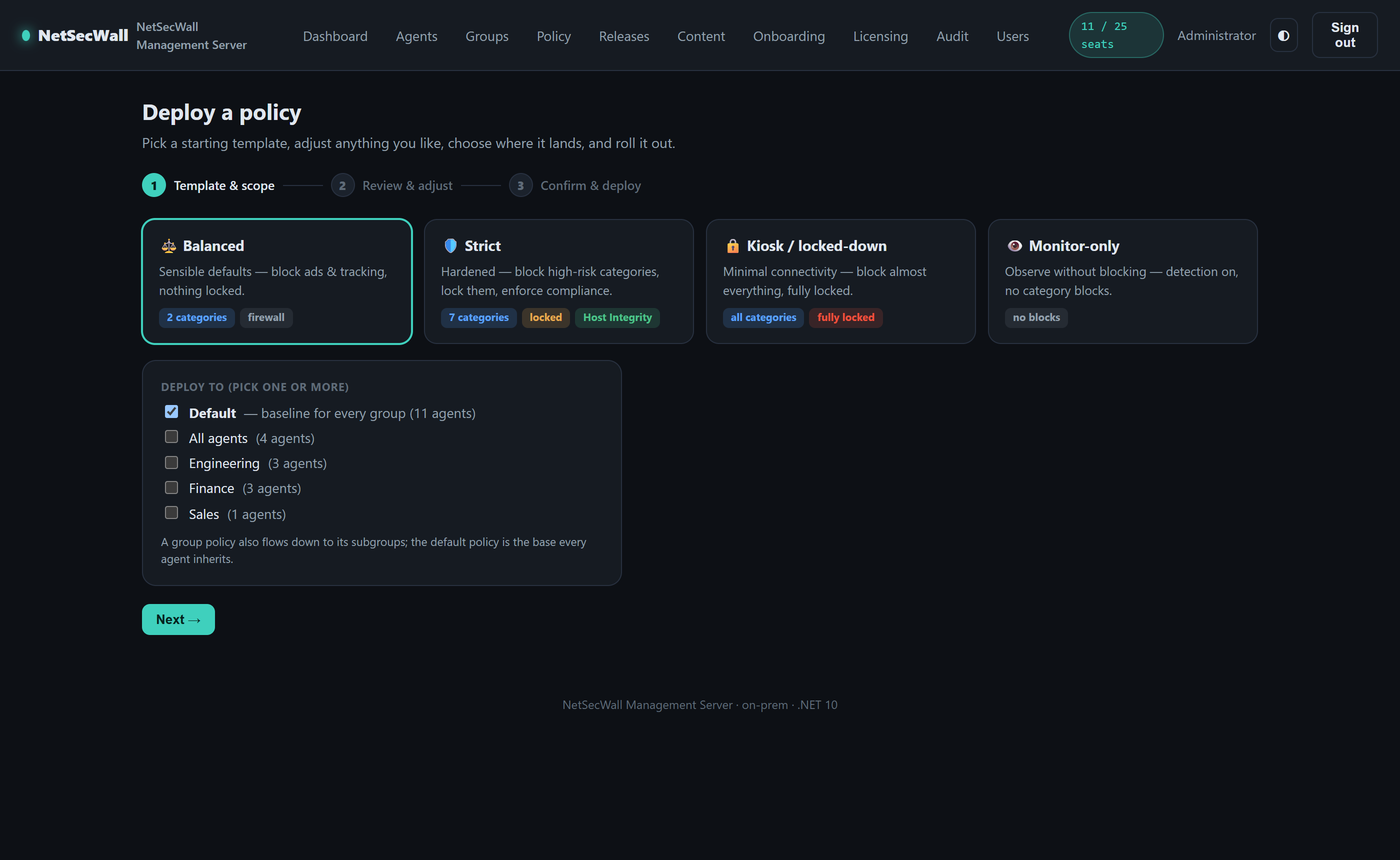
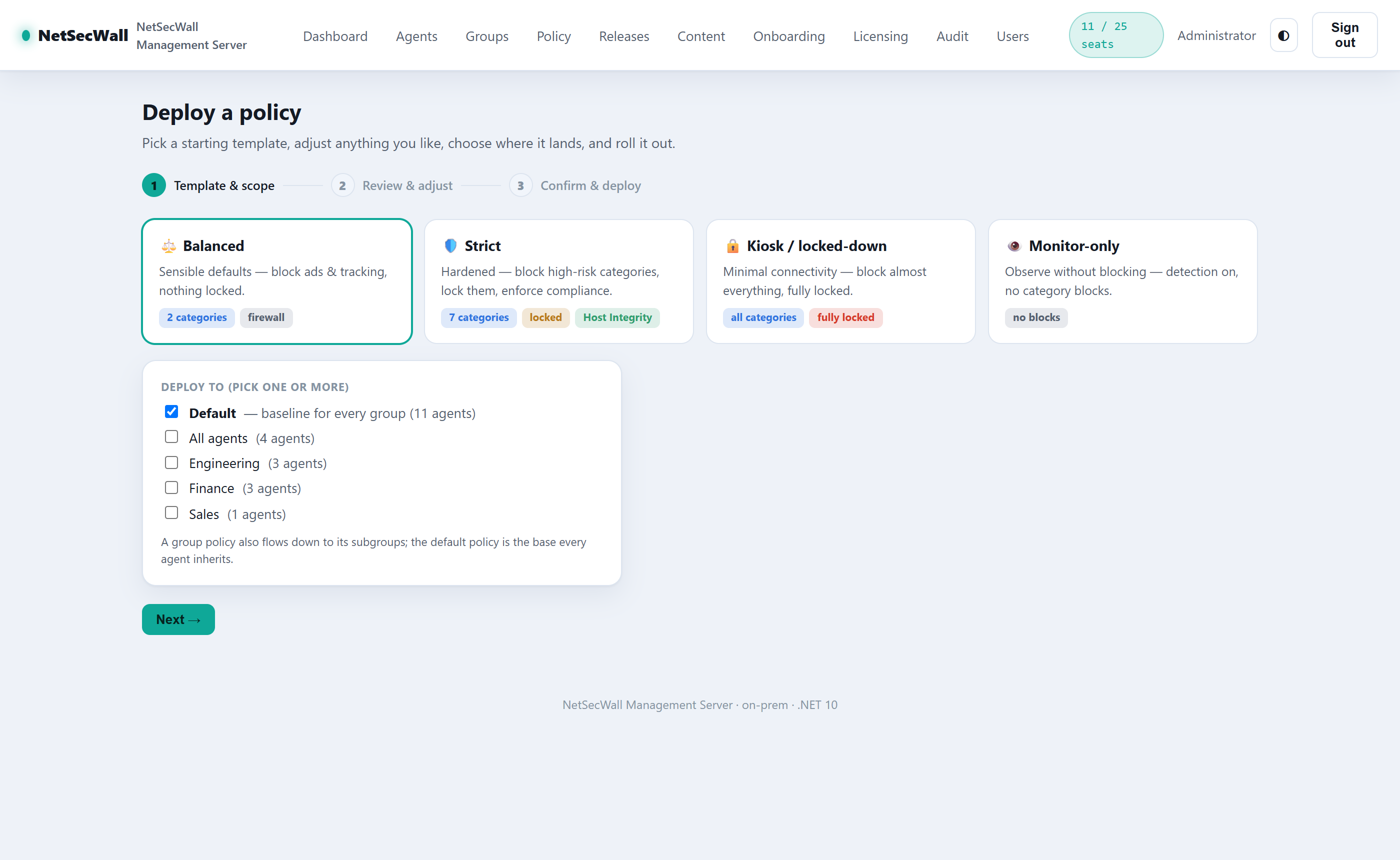
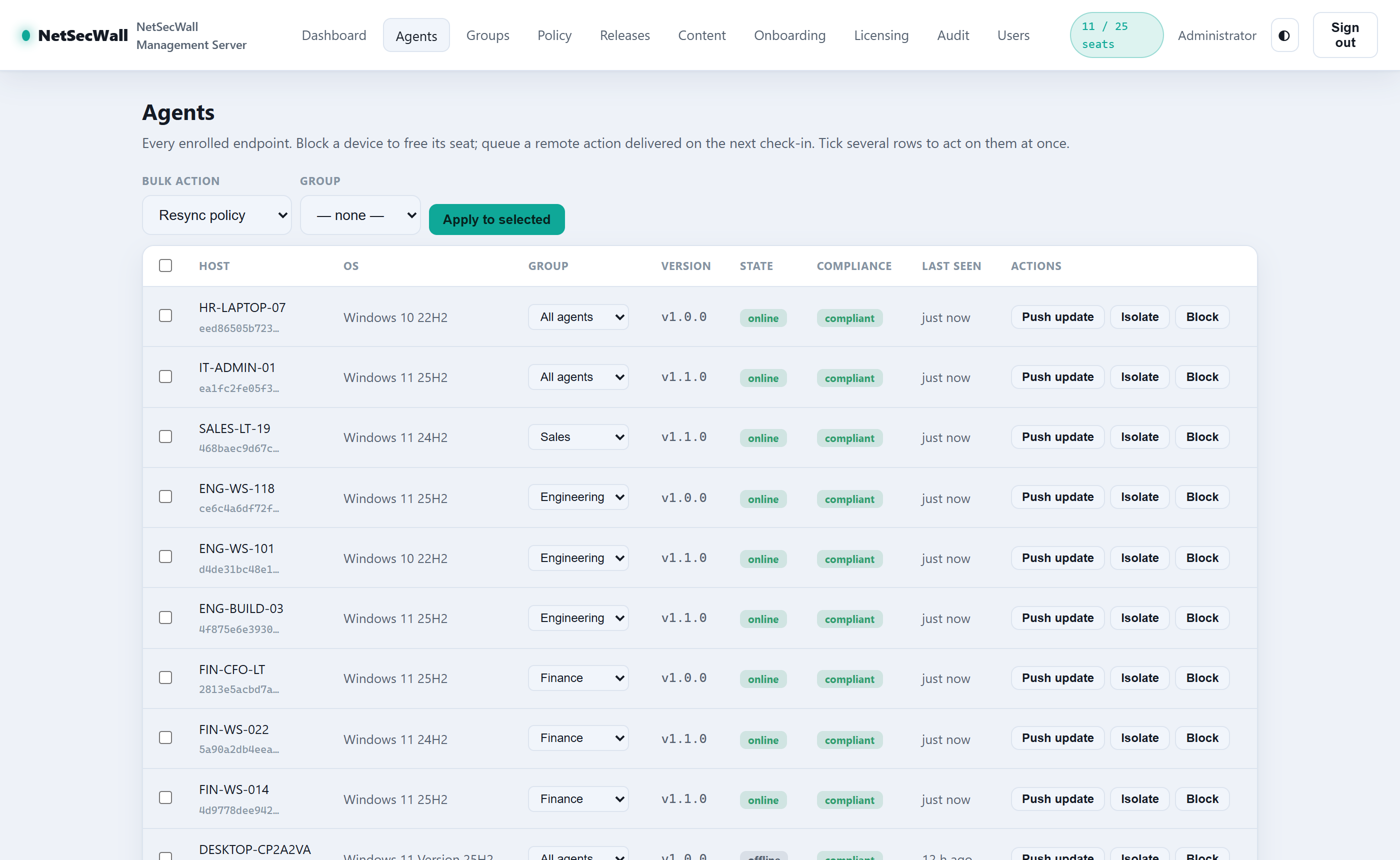
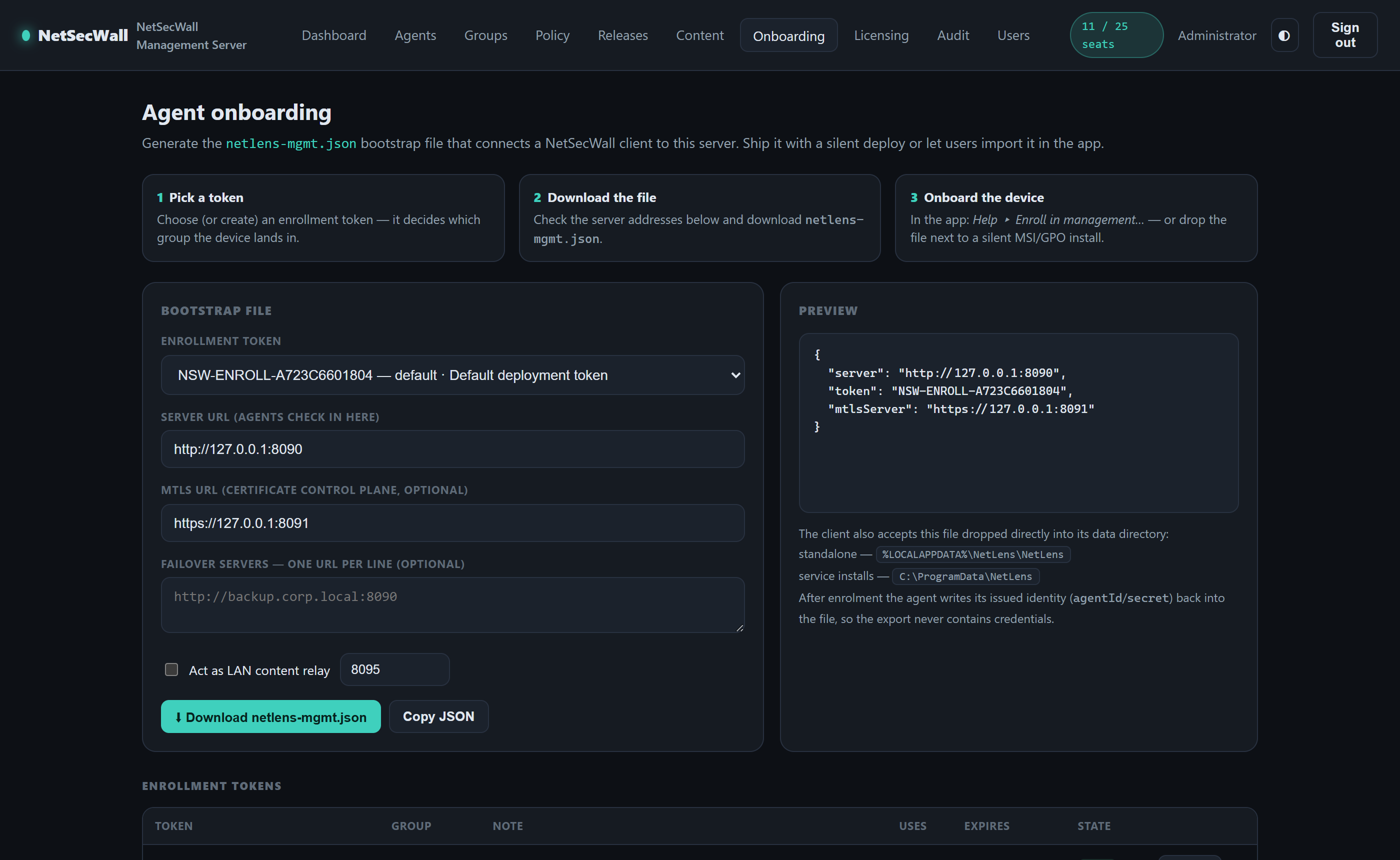
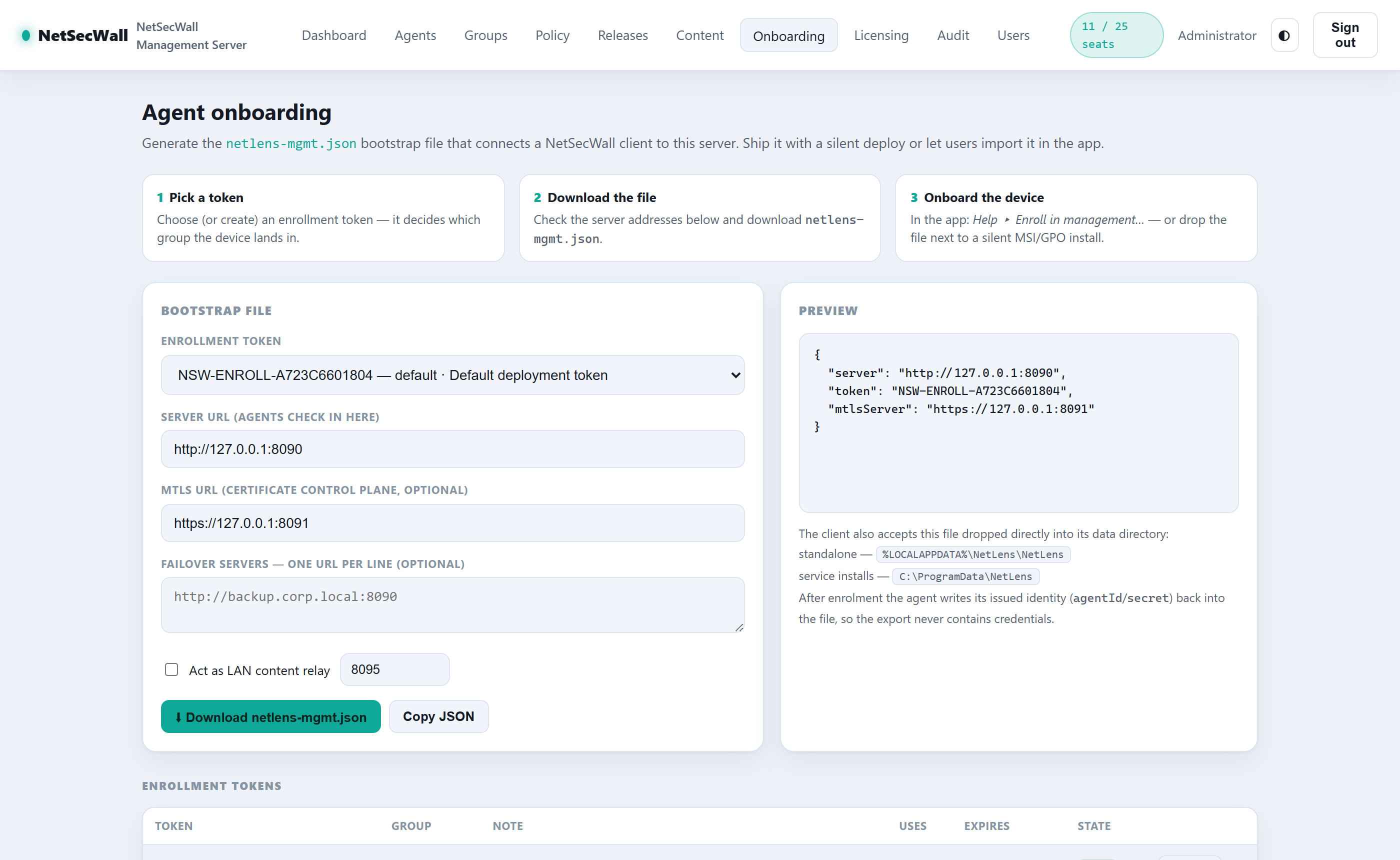
Actual, unretouched screenshots from a live NetSecWall Management Server deployment. Select a view below — the console ships with light and dark themes and follows your preference.
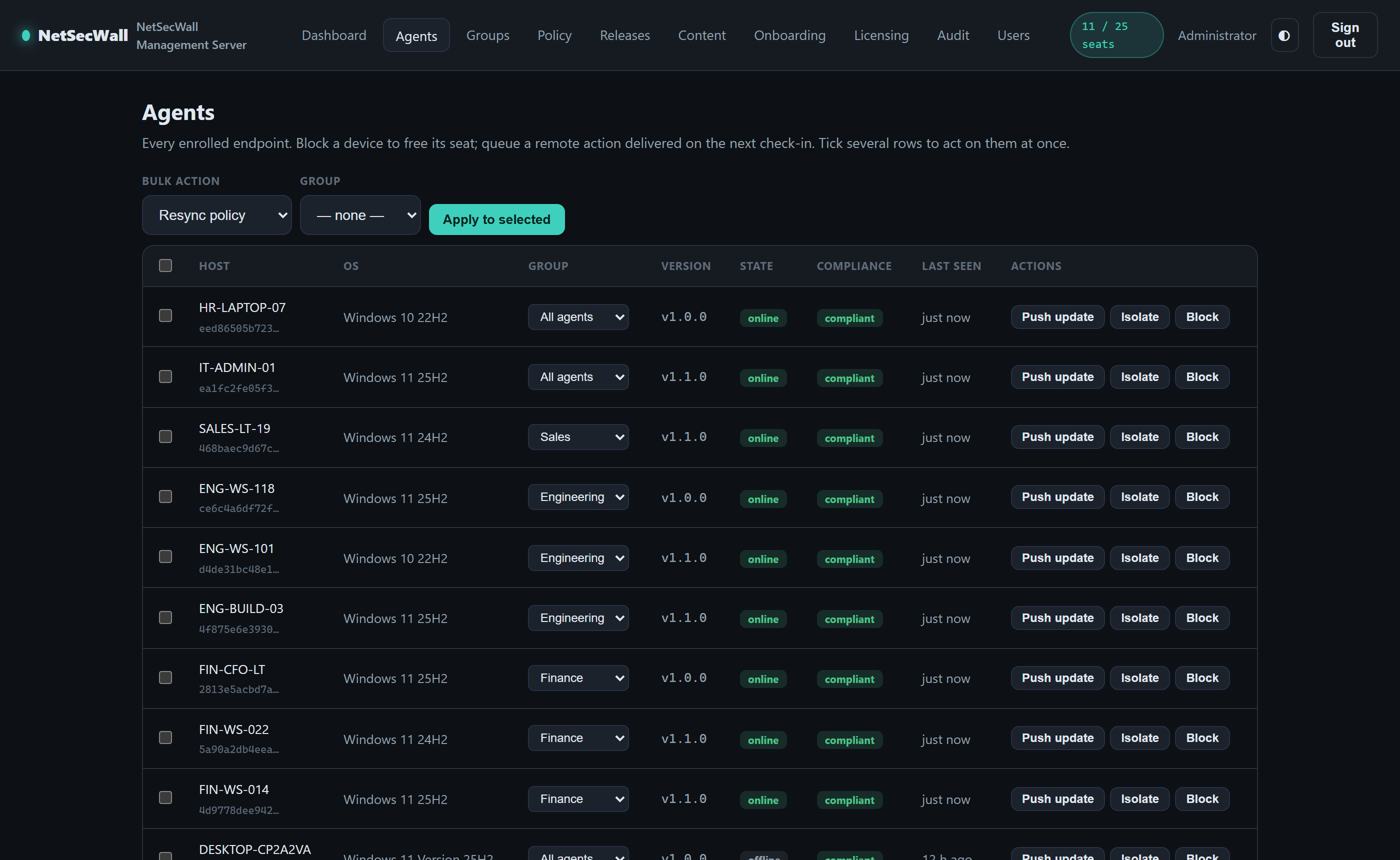
Everything in NetSecWall Pro on every seat — plus the management plane IT actually needs.
A self-hosted management server with live dashboards: agents online, seat usage, detections, version spread, and per-device history — all inside your network.
Start from Balanced, Strict, Kiosk, or Monitor-only, adjust, pick target groups, review the blast radius, deploy — and optionally push it to online agents instantly.
Organize endpoints into an OU-style tree. Policies flow down the chain — categories and locks accumulate, settings override nearest-first — with an effective-policy preview.
Generate a netlens-mgmt.json on the server's Onboarding page. Users import it in the app, or GPO / Intune / SCCM drops it beside a silent install — the device enrolls itself.
Publish a release once, push fleet-wide. SHA-256-verified, silently installed, with a per-device version trail and quarantine for machines that fall behind.
Isolate a machine, force a policy resync, or push an update from the console — commands arrive over a live WebSocket channel, not on the next check-in.
Every agent receives its own client certificate from the server's internal CA — with automatic renewal, rotation-revokes-the-old-cert, and keys sealed at rest.
Set a minimum version and drift rules; a non-compliant endpoint quarantines itself off the network until it's back in line. Location-aware policy covers on-site vs. off-site.
Owner / admin / operator / viewer roles, optional OIDC single sign-on (Entra ID, Okta, Keycloak), and an immutable audit trail of every console action.
A key's seat count becomes your server's cap the moment you activate. Every tier includes the full console and every desktop feature on every seat — and keys stack if you grow. Indicative yearly pricing; we quote per deployment.
Billed yearly · invoice or payment link · one-shot activation — the server then runs fully on-prem
We use Microsoft Clarity to see how this site is used — which pages confuse people, and where something is broken. Allowing cookies lets it recognise you between pages of the same visit. Decline and it stays on, but anonymously and without cookies. Typing is masked either way, and none of it touches the NetSecWall app on your PC.What we collect