parental controls
Posts tagged “parental controls”.
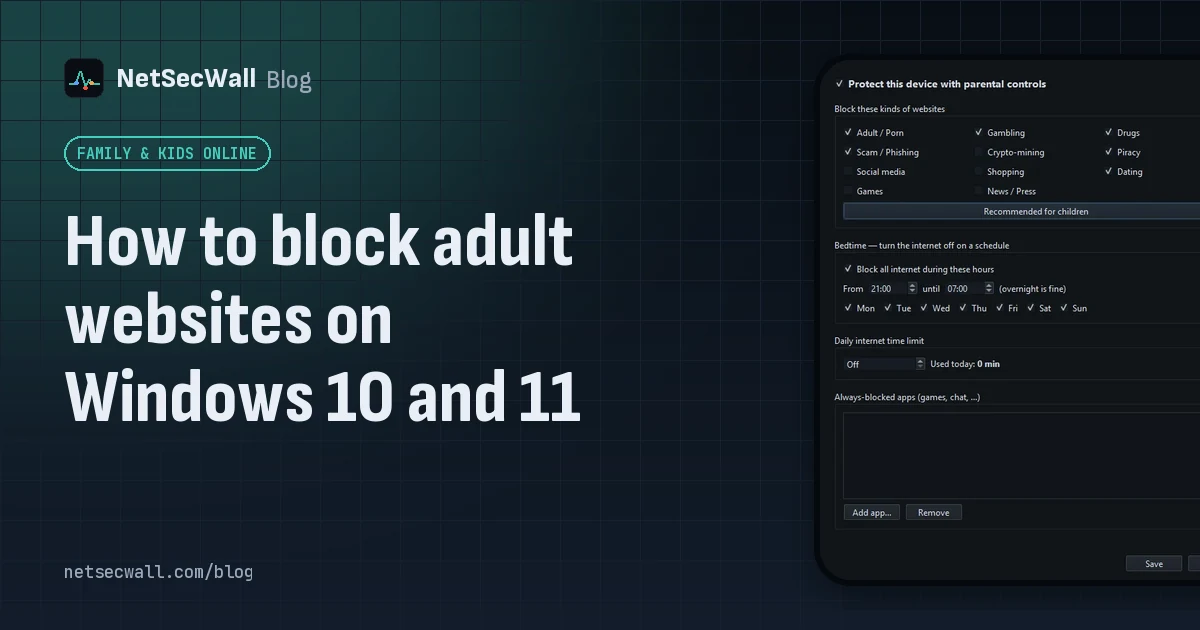 How to block adult websites on Windows 10 and 11
Use a family DNS filter on your router, a filter on the PC, or both. NetSecWall blocks its Adult / Porn category, around 900,000 domains, for every browser and app on the PC, behind a password.
How to block adult websites on Windows 10 and 11
Use a family DNS filter on your router, a filter on the PC, or both. NetSecWall blocks its Adult / Porn category, around 900,000 domains, for every browser and app on the PC, behind a password.
 How to block gambling sites on a PC
Block the Gambling website category on the PC and lock the setting behind a password someone else holds. No filter catches every gambling site, so pair the block with support beyond the computer.
How to block gambling sites on a PC
Block the Gambling website category on the PC and lock the setting behind a password someone else holds. No filter catches every gambling site, so pair the block with support beyond the computer.
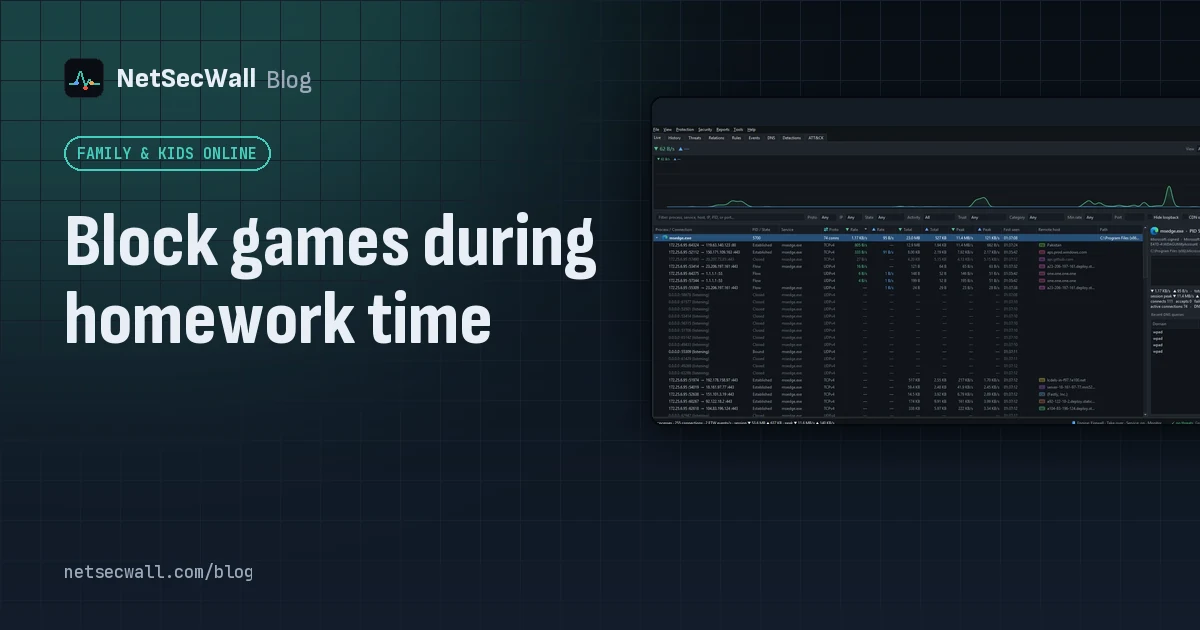 Block games during homework time
Block the game programs themselves, not just gaming websites. NetSecWall can cut a game's internet for good or for an hour, block gaming sites, and hold new apps until you approve them.
Block games during homework time
Block the game programs themselves, not just gaming websites. NetSecWall can cut a game's internet for good or for an hour, block gaming sites, and hold new apps until you approve them.
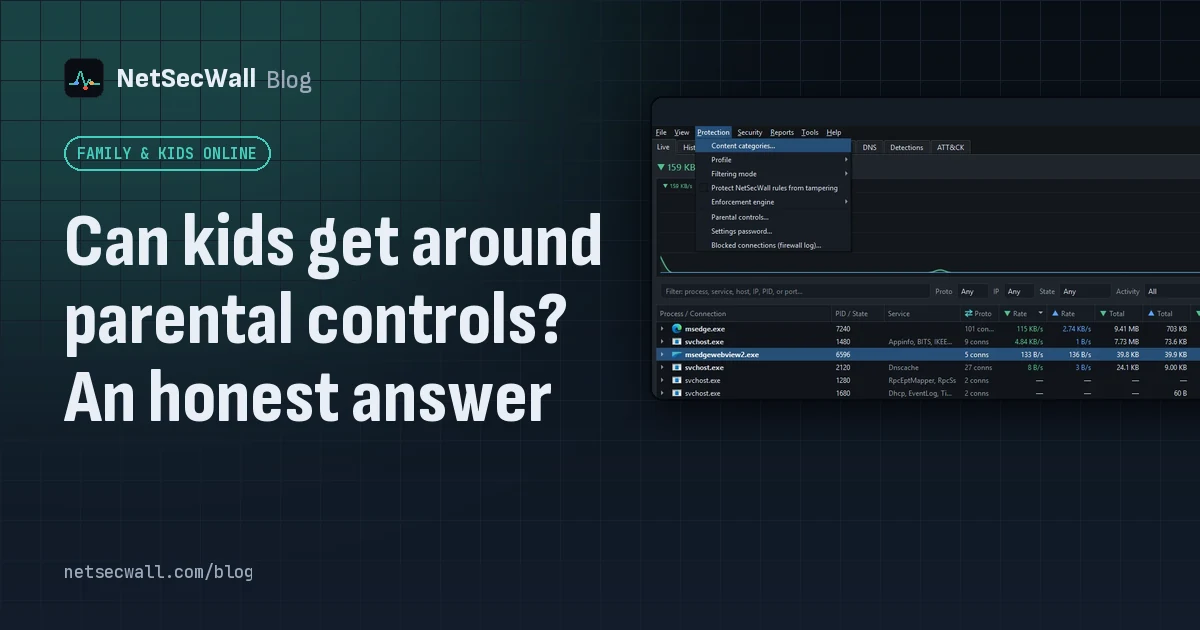 Can kids get around parental controls? An honest answer
Yes. A determined child can get around almost any parental control, especially with admin rights, another device or a VPN. You can make it much harder, and talking to them does more than any setting.
Can kids get around parental controls? An honest answer
Yes. A determined child can get around almost any parental control, especially with admin rights, another device or a VPN. You can make it much harder, and talking to them does more than any setting.
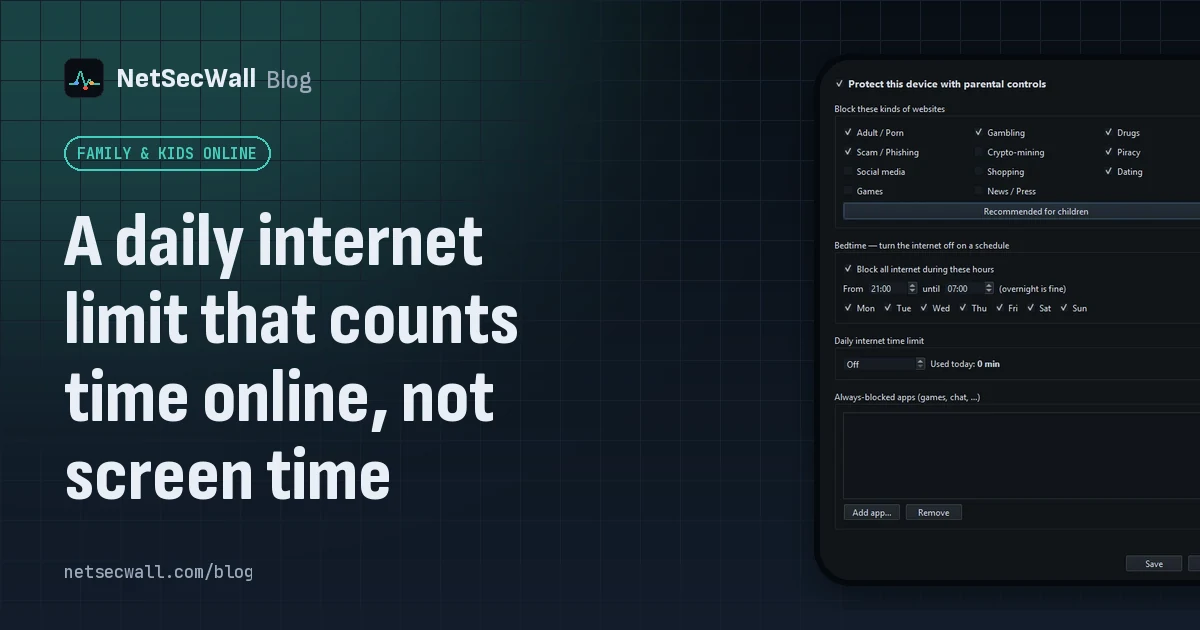 A daily internet limit that counts time online, not screen time
A screen-time limit counts every minute the PC is in use. NetSecWall's daily internet time limit counts only time when the PC has an open connection, in 30-second steps, and resets at midnight.
A daily internet limit that counts time online, not screen time
A screen-time limit counts every minute the PC is in use. NetSecWall's daily internet time limit counts only time when the PC has an open connection, in 30-second steps, and resets at midnight.
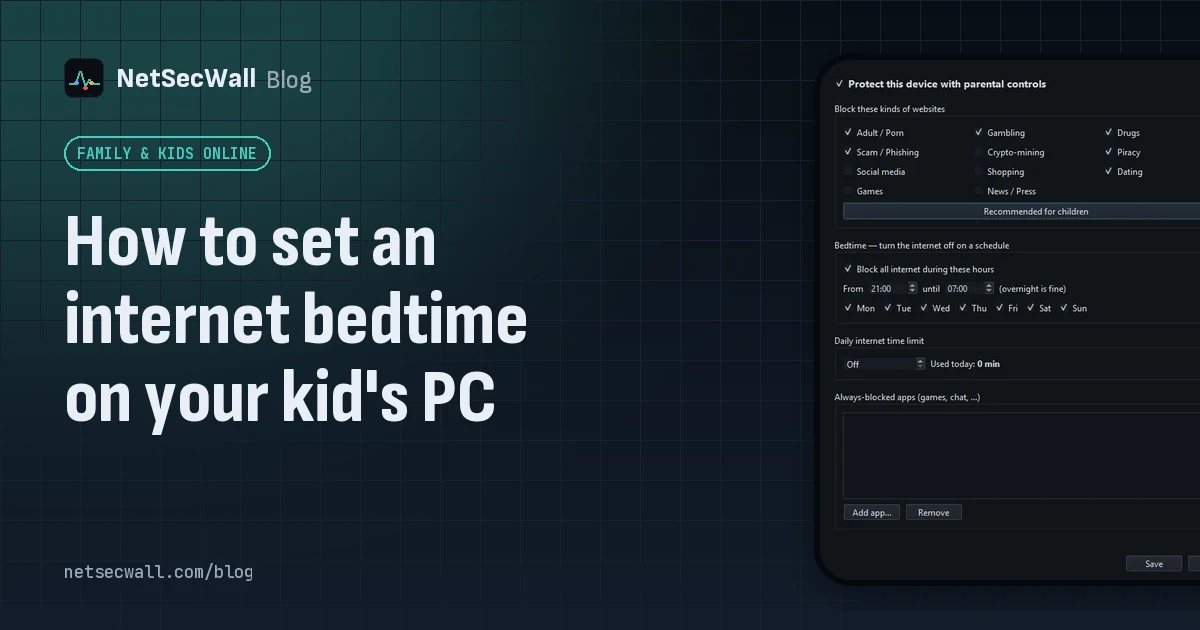 How to set an internet bedtime on your kid's PC
Set a schedule that switches the internet off at night, on your router or on the PC itself. NetSecWall's bedtime blocks all internet on the PC between two times you choose, overnight included.
How to set an internet bedtime on your kid's PC
Set a schedule that switches the internet off at night, on your router or on the PC itself. NetSecWall's bedtime blocks all internet on the PC between two times you choose, overnight included.
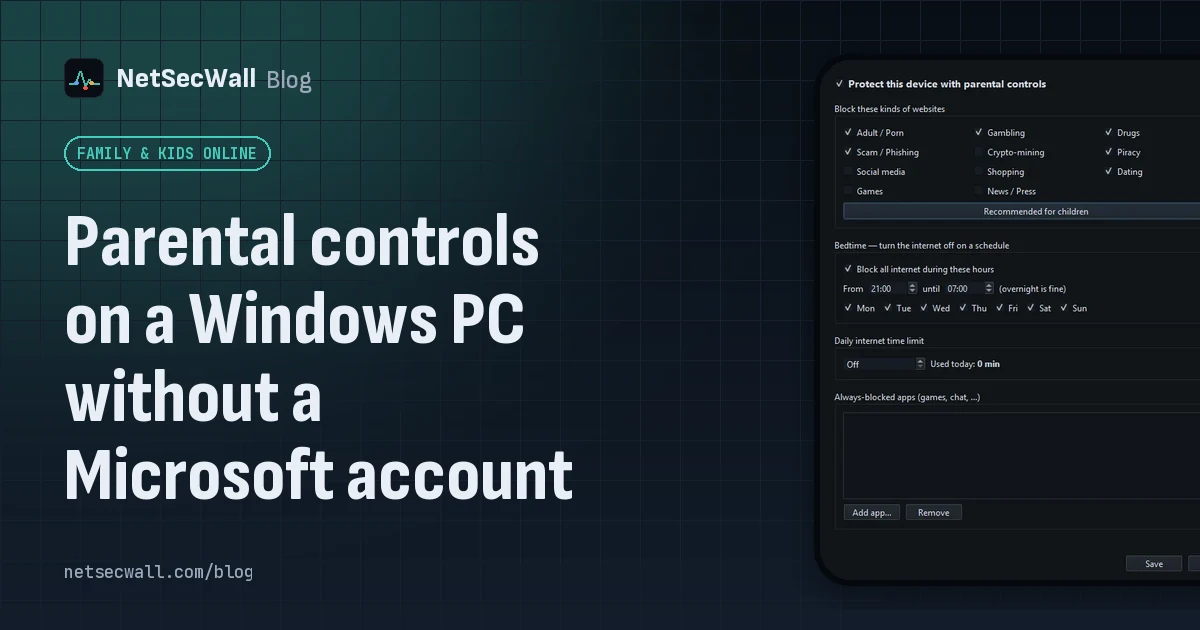 Parental controls on a Windows PC without a Microsoft account
Windows' own family features need Microsoft accounts. Without them, give your child a standard local account and use an on-PC tool that filters sites and sets a bedtime and daily limit.
Parental controls on a Windows PC without a Microsoft account
Windows' own family features need Microsoft accounts. Without them, give your child a standard local account and use an on-PC tool that filters sites and sets a bedtime and daily limit.