Security & threats
How malware and intrusions show up in network traffic, and how to catch them.
 Why is an app on my PC talking to a Tor exit node?
Usually because something on your PC accepts connections arriving through Tor, a peer-to-peer app met a Tor user, or a program uses Tor itself. Malware does too, so check the app and direction.
Why is an app on my PC talking to a Tor exit node?
Usually because something on your PC accepts connections arriving through Tor, a peer-to-peer app met a Tor user, or a program uses Tor itself. Malware does too, so check the app and direction.
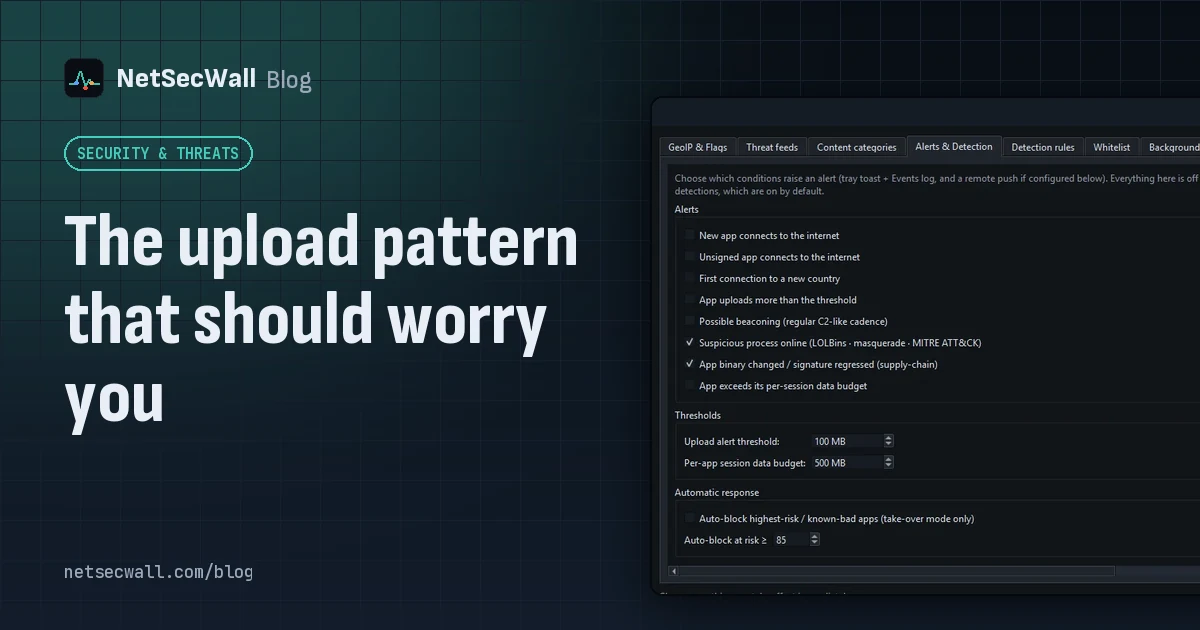 The upload pattern that should worry you
Worry when one program uploads far more than it downloads, in bulk, to a place you can't explain. That's the shape of data theft. Backups and sync look the same, so context decides.
The upload pattern that should worry you
Worry when one program uploads far more than it downloads, in bulk, to a place you can't explain. That's the shape of data theft. Backups and sync look the same, so context decides.
 Why you need a firewall and an antivirus, and what each one misses
An antivirus judges files and program behavior; a firewall judges connections. Each misses what the other sees, from a clean-looking tool phoning out to malware that never touches the network.
Why you need a firewall and an antivirus, and what each one misses
An antivirus judges files and program behavior; a firewall judges connections. Each misses what the other sees, from a clean-looking tool phoning out to malware that never touches the network.
 Living off the land: when Windows' own tools go rogue
Attackers often skip custom malware and use tools Windows already ships, such as PowerShell, certutil and mshta. The files are genuine, so the tell is behavior, like those tools reaching the internet.
Living off the land: when Windows' own tools go rogue
Attackers often skip custom malware and use tools Windows already ships, such as PowerShell, certutil and mshta. The files are genuine, so the tell is behavior, like those tools reaching the internet.
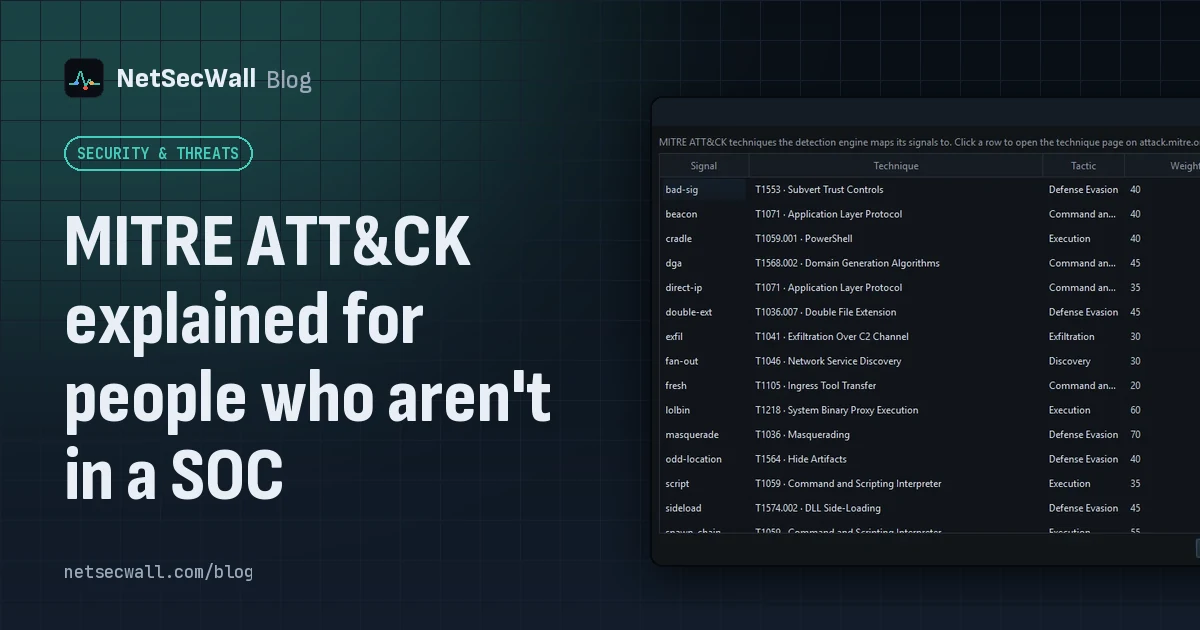 MITRE ATT&CK explained for people who aren't in a SOC
MITRE ATT&CK is a free public catalog of how real attackers operate. Tactics are their goals, techniques are their methods, and knowing the two helps you read a security alert without guessing.
MITRE ATT&CK explained for people who aren't in a SOC
MITRE ATT&CK is a free public catalog of how real attackers operate. Tactics are their goals, techniques are their methods, and knowing the two helps you read a security alert without guessing.
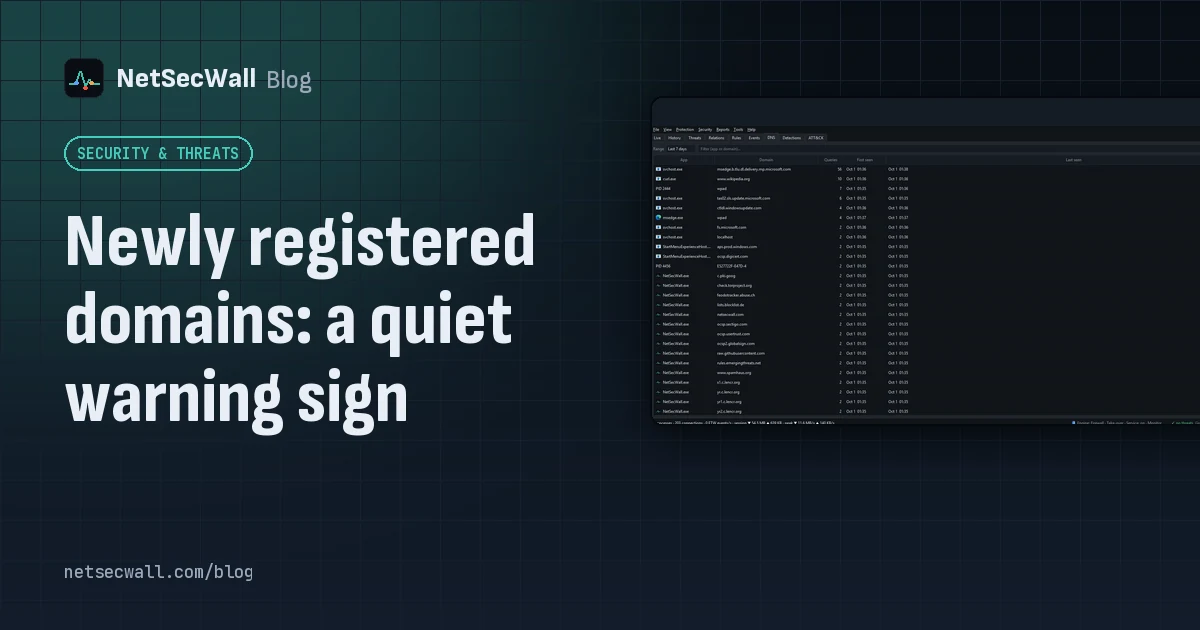 Newly registered domains: a quiet warning sign
Phishing and malware campaigns tend to use domains registered days earlier, before blocklists catch up. A very young domain proves nothing alone, but it adds weight when an app already looks wrong.
Newly registered domains: a quiet warning sign
Phishing and malware campaigns tend to use domains registered days earlier, before blocklists catch up. A very young domain proves nothing alone, but it adds weight when an app already looks wrong.
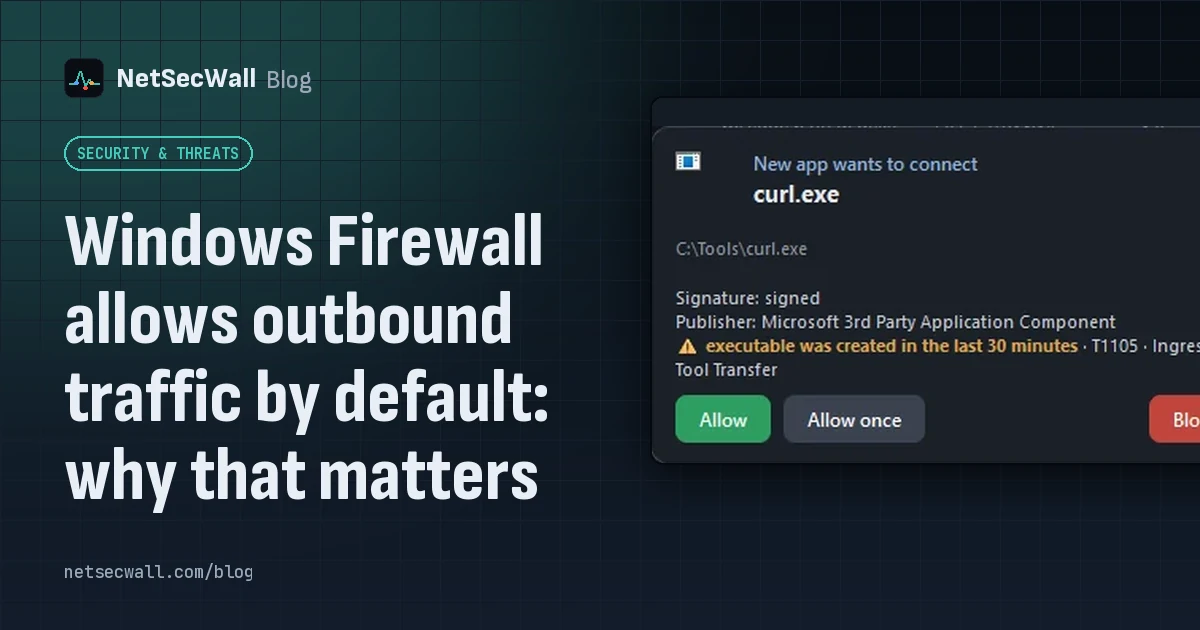 Windows Firewall allows outbound traffic by default: why that matters
Out of the box, Windows Defender Firewall blocks unsolicited inbound connections but lets every program connect out. That keeps things working, and it means nothing stops an unwanted app phoning home.
Windows Firewall allows outbound traffic by default: why that matters
Out of the box, Windows Defender Firewall blocks unsolicited inbound connections but lets every program connect out. That keeps things working, and it means nothing stops an unwanted app phoning home.
 How to spot malware by its network traffic
Almost all malware has to talk to someone. Look for unknown or unsigned programs online, odd ports, check-ins on a timer, lopsided uploads, threat-listed addresses and Windows tools going online.
How to spot malware by its network traffic
Almost all malware has to talk to someone. Look for unknown or unsigned programs online, odd ports, check-ins on a timer, lopsided uploads, threat-listed addresses and Windows tools going online.
 Threat-intelligence IP lists: what they catch and what they miss
Threat-intelligence IP lists name addresses already tied to botnets, hacked machines, spam networks or Tor. They catch known infrastructure well but miss new servers and can mislabel shared addresses.
Threat-intelligence IP lists: what they catch and what they miss
Threat-intelligence IP lists name addresses already tied to botnets, hacked machines, spam networks or Tor. They catch known infrastructure well but miss new servers and can mislabel shared addresses.
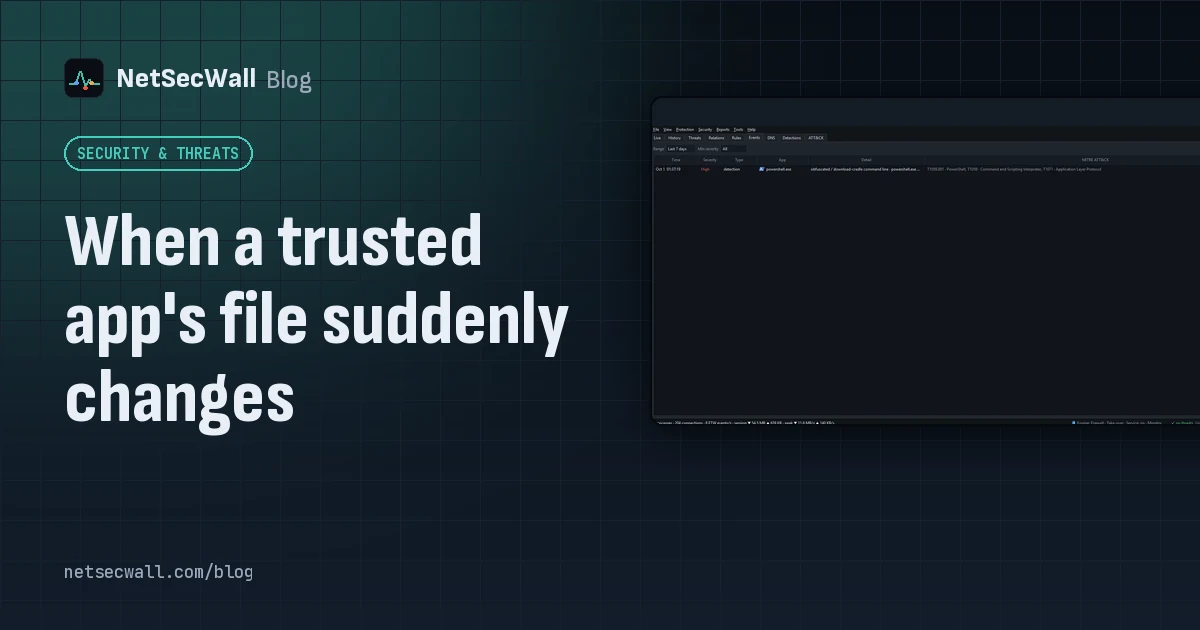 When a trusted app's file suddenly changes
A trusted app's file changing usually means an update. Worry when the change brings a lost or broken signature, or new destinations — the marks of a tampered, supply-chain-compromised app.
When a trusted app's file suddenly changes
A trusted app's file changing usually means an update. Worry when the change brings a lost or broken signature, or new destinations — the marks of a tampered, supply-chain-compromised app.
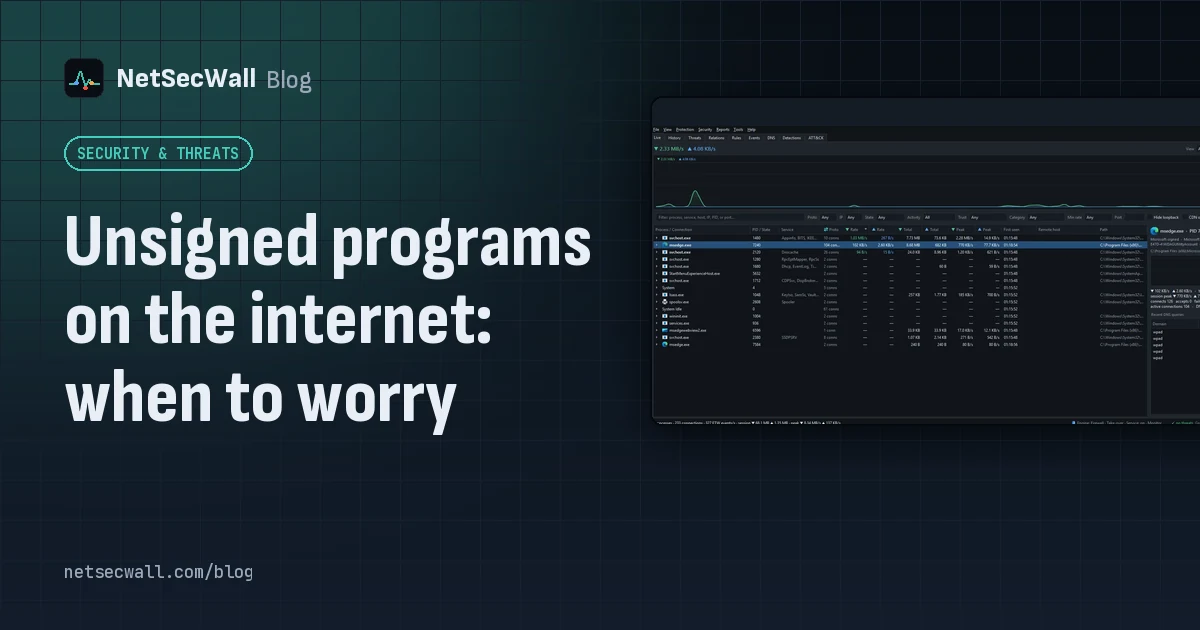 Unsigned programs on the internet: when to worry
An unsigned program going online isn't proof of malware; plenty of honest software is unsigned. Worry when it also runs from a temp folder, appeared minutes ago, or carries a broken signature.
Unsigned programs on the internet: when to worry
An unsigned program going online isn't proof of malware; plenty of honest software is unsigned. Worry when it also runs from a temp folder, appeared minutes ago, or carries a broken signature.
 What is beaconing? How malware checks in with its server
Beaconing is malware's regular check-in with its command-and-control server. The steady timing is hard to hide, so a program contacting one address like clockwork is worth a look.
What is beaconing? How malware checks in with its server
Beaconing is malware's regular check-in with its command-and-control server. The steady timing is hard to hide, so a program contacting one address like clockwork is worth a look.