Why some organizations keep security management on their own servers
Self-hosting keeps fleet data, policy and admin access inside your network. NetSecWall's Management Server (beta) contacts netsecwall.com once, to activate. Managed PCs still check for updates.
Management Server
On this page
Some organizations won't run the console that controls their endpoints on someone else's cloud. They have to keep data in a particular country or building, they don't want a third party able to read fleet data or push changes to every PC, or they need to show an auditor exactly where everything lives. Self-hosted security management answers that, at the cost of running the server yourself. NetSecWall's Management Server (beta) runs on your own Windows machine and contacts netsecwall.com once, to activate. The managed PCs still reach netsecwall.com for a few things, and this post lists them precisely.
Why organizations choose self-hosted security management
The reasons are rarely ideological. They tend to be one of these:
- Data residency. A contract, a regulator or a public-sector rule says where data about your systems may be stored. With a server you run, the answer is "in this room" or "in our data center".
- No third-party access to the management plane. A console that can push policy to every endpoint is one of the most valuable targets in an organization. When it's hosted by a vendor, that vendor's staff, its subcontractors, and anyone who compromises it sit one step from your fleet. Self-hosting shrinks that circle to your own admins.
- Auditability. You can point to the database, the logs and the admin accounts, and say who can reach them.
- Restricted networks. Some sites allow very little outbound traffic. A console that must talk to a vendor's cloud all day is a hard sell there.
What self-hosting costs you
Running it yourself is real work. You patch the Windows machine it runs on. You back up its data. You watch its disk and its uptime. If it goes down, nobody else notices before you do. Some organizations are better served by a hosted service for exactly that reason. The choice is about which risk you would rather manage.
Questions to ask any self-hosted console
Whatever you evaluate, ask where each of these lives, and what it sends home and when:
- The device inventory: host names, OS versions, app versions.
- Policies and groups.
- Admin accounts and how admins sign in.
- The audit log.
- Certificates and private keys.
- Telemetry, events and alerts from the endpoints.
- Every connection the server and the endpoints make to the vendor, and when.
The last point is where self-hosted products are most often vague. The endpoints matter as much as the server.
What NetSecWall's Management Server keeps on your network
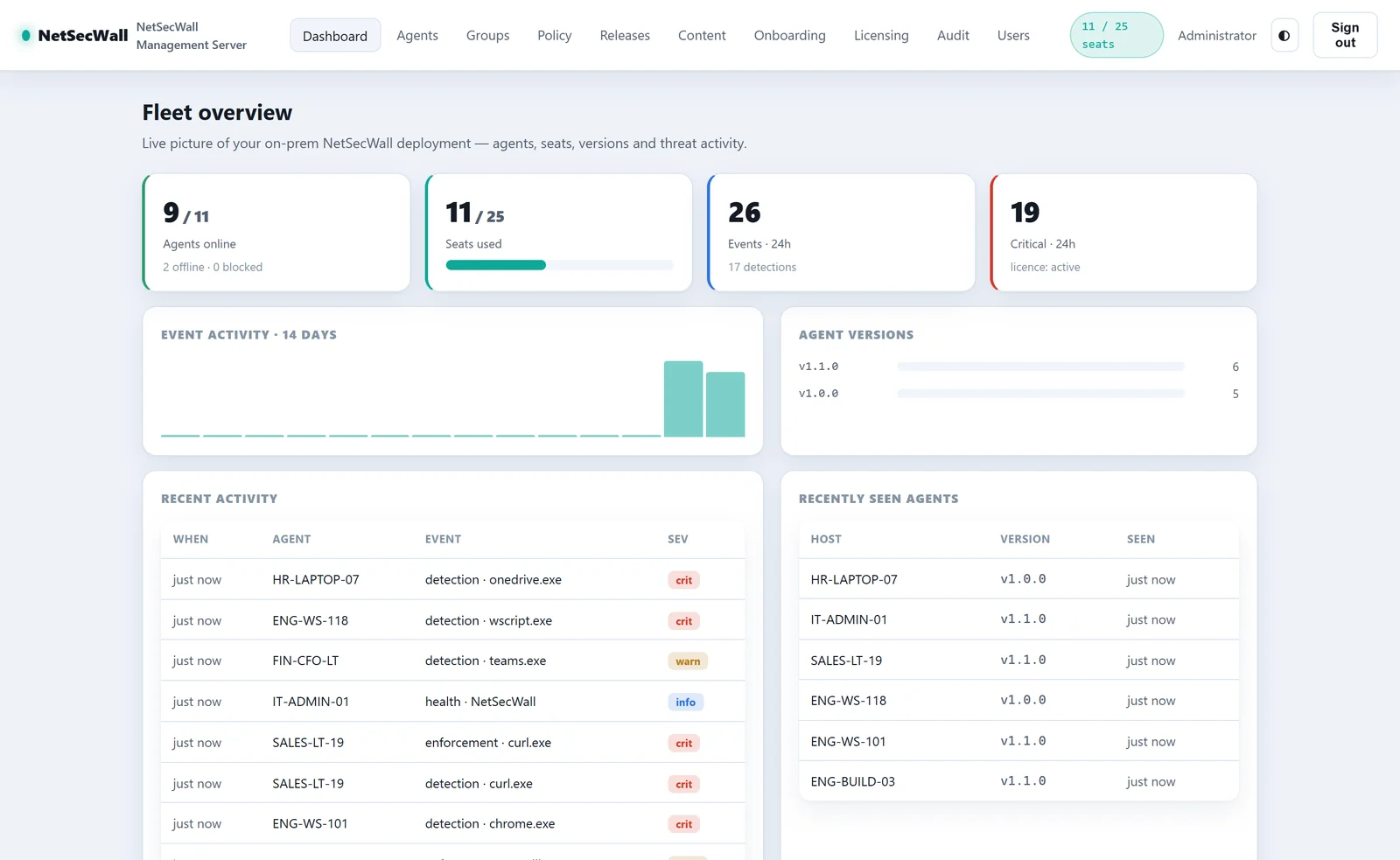
The Management Server is a single self-contained program that runs as a Windows service on a machine you choose: Windows Server 2016 to 2025, or Windows 10 or 11. It is part of NetSecWall Enterprise, which is in beta and sold through sales.
| What | Where it lives |
|---|---|
| Console, agent API, policies, groups, commands | The server, on your hardware |
| Database | A SQLite file next to the server, or your own SQL Server |
| Device inventory | The server: host name, OS, app version, device hash, policy state, features in use |
| Each PC's traffic history (apps, addresses, amounts) | Only on that PC. It isn't sent to your server either |
| Admin accounts | Local console accounts with four roles, or single sign-on through your OIDC identity provider |
| Audit log | The server. Append-only and never pruned |
| Certificates | The server's own certificate authority. Keys are sealed to the machine with Windows DPAPI |
Events and finished commands are pruned after 90 days by default. That's configurable, and 0 keeps everything. PCs talk to the server over mutual TLS, each with its own client certificate from the server's certificate authority. You can't load your own certificate into the server. For the console, put a reverse proxy with a proper certificate in front of it.
What still talks to netsecwall.com
This is the part to read carefully.
- The server, once. Activation sends your Enterprise key to netsecwall.com and receives the plan, features and seat count. After that, the server never contacts NetSecWall again. There is no offline license file, so the server needs that one call. An unactivated server runs on a built-in demo license that expires a year after first run.
- The managed PCs, for updates and blocklists. A managed NetSecWall client still checks netsecwall.com for app updates. It may also download its threat lists, category lists and GeoIP tables from NetSecWall's hosted feeds, falling back to each list's public source. These requests don't carry the PC's traffic history, which stays on the PC.
- Anything someone switches on at a PC. Anonymous usage analytics (off by default), VirusTotal hash lookups with your own key, domain-age lookups and phone or webhook alerts only happen if someone enables them on that PC. A policy can't turn them on.
The full list for a single PC is in exactly what NetSecWall sends over the internet.
Don't plan on a fully air-gapped deployment today. Activation needs one internet call, there's no offline license file, and although the console can store feed files, the client doesn't use them yet. PCs without internet access keep working on the lists they already have, and those lists go stale.
If you want managed PCs to have no route to netsecwall.com at all, block it at your perimeter. You can push app updates from the console's release page instead, as described in pushing NetSecWall updates to managed PCs. Just accept that threat lists then age.
The beta, honestly
Beyond the network question, know the current limits:
- The management agent runs inside the desktop app. A PC enrolls and checks in only while an administrator has NetSecWall open.
- The client sends no events or detections to the server yet, so alert review happens on each PC. Nothing is forwarded to a SIEM in practice.
- There are no built-in reports or exports, and no clustering or failover.
- The server runs on Windows only.
Where to go from here
If keeping the console in-house is what you need, start with installing the NetSecWall Management Server. The rest of the rollout is covered in silently deploying NetSecWall and managing firewall policy across dozens of PCs. Pilots are arranged through the Enterprise page.
Frequently asked questions
Does the Management Server send our fleet data to NetSecWall?
No. The server makes one call to netsecwall.com, to activate its license, and none after that. Inventory, policies, commands and the audit log stay in its database.
Can the Management Server run fully offline?
Not today. It needs one internet call to activate, and the managed PCs use netsecwall.com or public sources for their threat lists and update checks.
Can we host the server on Linux?
No. It runs on Windows only, as a Windows service, because it relies on Windows features such as DPAPI.
Where is the data stored?
In a SQLite database next to the server program by default, or in a SQL Server database you provide. Certificates and uploaded files sit in folders beside it.
Does our own team see each employee's browsing on the server?
No. Each PC's traffic history stays on that PC. The server receives inventory and policy state, not which apps connected where.
Keep reading
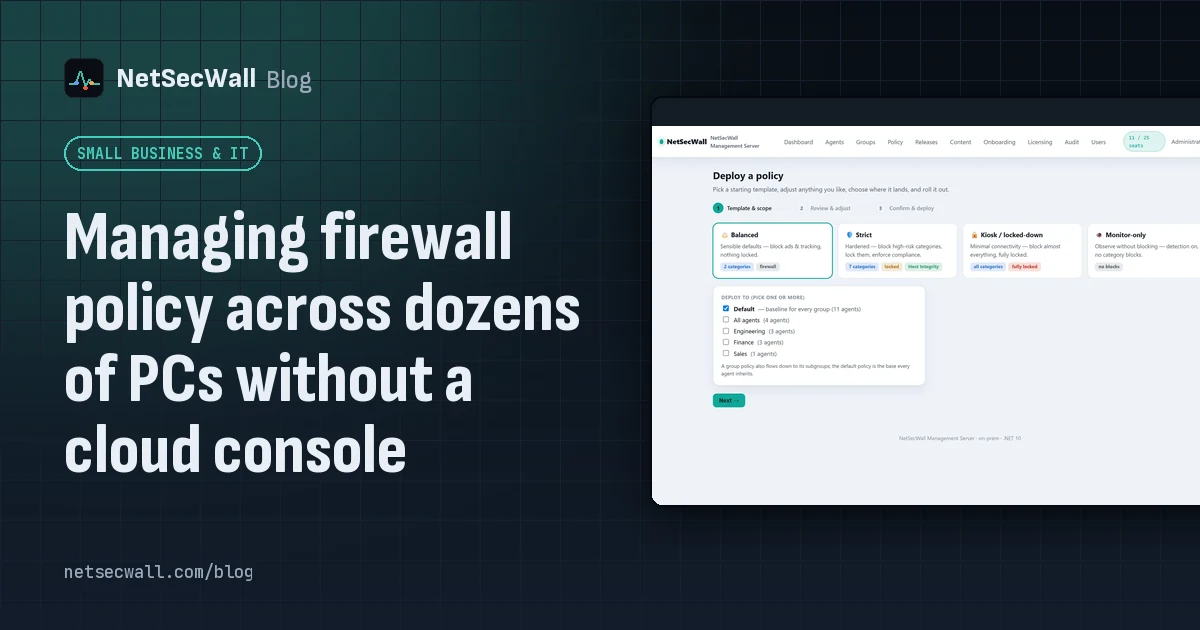 Managing firewall policy across dozens of PCs without a cloud console
Group the PCs on a Management Server you host yourself, set one policy with the wizard, lock what users mustn't change, and let each PC apply it at its next check-in. No cloud console.
 Silently deploying NetSecWall to Windows PCs
Run the installer with /VERYSILENT /SUPPRESSMSGBOXES /NORESTART /RESTARTEXITCODE=3010 from your deployment tool, check the exit code, then license each PC or add a netlens-mgmt.json file.
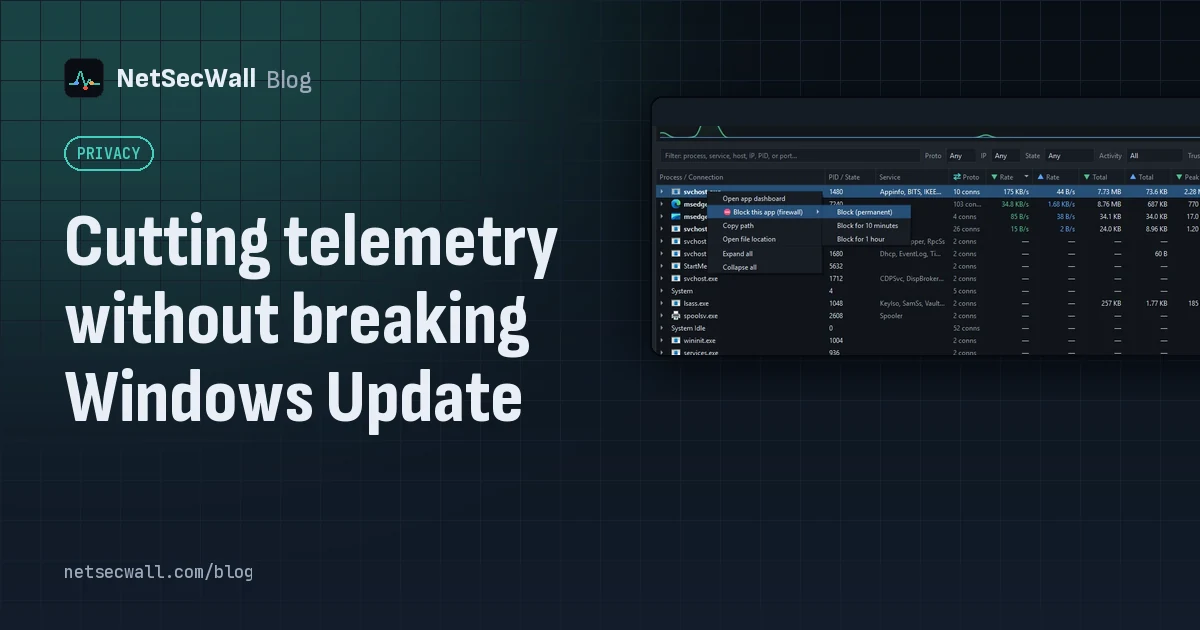 Cutting telemetry without breaking Windows Update
Use Windows' own diagnostic data settings for Windows, and block telemetry one app at a time for everything else. Blocking svchost.exe or Microsoft domains wholesale is what breaks Update.
 How to stop apps from phoning home on Windows
See what each app contacts, decide which calls you'd miss, then block the rest: the whole app, just its updater or crash reporter, or ad and tracking domains across every app.