Threat intelligence and behavioral detection
NetSecWall checks every remote address against six public threat lists, and separately scores each program's behavior from 0 to 100. Lists catch known-bad addresses; behavior catches new ones.
NetSecWall for WindowsTwo different mechanisms sit behind NetSecWall's threat intelligence and detection, and they fail in opposite ways. Threat intelligence is a lookup: is this address on a list of known-bad ones? Behavioral detection asks whether what a program is doing looks wrong, wherever it's going. Lists miss anything new. Behavior flags things that turn out to be fine. Both are part of the Plus, Family and Pro plans.
Threat intelligence: six public lists
NetSecWall downloads six free, public IP threat lists and checks every public remote address, IPv4 and IPv6, against them on the PC. Your traffic is never sent anywhere to be looked up.
| Feed | Shown as | Severity |
|---|---|---|
| FireHOL Level 1 | Malware | High |
| abuse.ch Feodo C2 | Botnet C2 | High |
| Emerging Threats Compromised | Compromised host | Medium |
| Spamhaus DROP | Spam / hijacked | Medium |
| blocklist.de attackers | Known attacker | Medium |
| Tor Exit Nodes | Tor exit node | Low |
A match shows as a badge and red text on the connection, in the details pane and on the IP dashboard. It's logged in the Threats tab, counted in the status bar, and raises a tray alert the first time a program reaches that address.
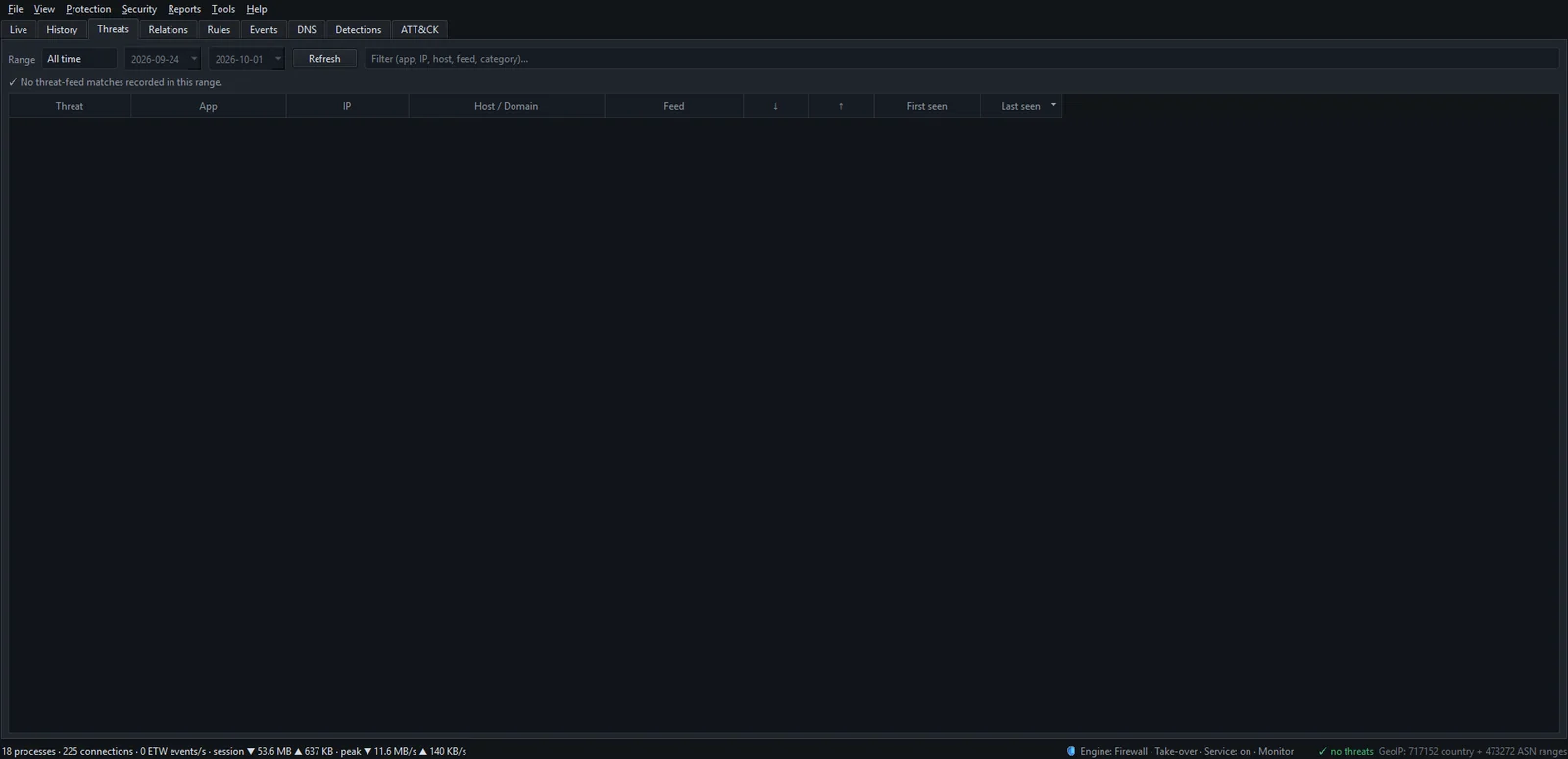
The lists come from NetSecWall's own servers, with the original source as a fallback. With Tools ▸ Feeds ▸ Auto-update feeds daily on (the default), NetSecWall checks every three hours and refreshes any list more than about a day old. A PC that has been offline is checking against whatever it last downloaded. See the threat-intelligence feeds.
Phishing and scam sites are handled differently: they're a website category (Scam / Phishing) matched by domain, not a threat feed. Two optional extras are off by default: checking each networking app's file hash against your own IOC list or, with your own API key, VirusTotal (hash reputation), and checking how recently a domain was registered when an already-flagged app contacts it.
A feed hit is not a verdict. Shared hosting and CDNs mean a bad neighbor can put an ordinary address on a list. Look at which program connected, and whether that makes sense, before you act.
Behavioral detection
Every program that reaches the network gets a risk score from 0 to 100, made by adding up the weights of the signals it trips. There are 21 signals, each mapped to a MITRE ATT&CK technique, and a score of 40 or more raises an alert. Some that matter most:
| Signal | What trips it | Innocent explanation |
|---|---|---|
| Beaconing | Small, regular connections to one host: an interval between 3 seconds and 10 minutes, little jitter, payloads under 8 KB | Update checkers and push clients also check in on a timer |
| Large upload | 100 MB or more uploaded, and at least five times more up than down | A backup or a big upload you started |
| Fresh executable | A program file created in the last 30 minutes | Anything you just installed |
| Temp or download folder | Running from a temp or downloads directory | Installers do this legitimately |
| Windows tool online | A system tool such as certutil or mshta connecting out |
Some admin scripts |
| Masquerading | A system name like svchost.exe running outside System32 |
Very few |
Network signals count half for properly signed programs, and apps you whitelist are never scored. A separate, opt-in alert fires when any new app connects; see choosing your alerts.
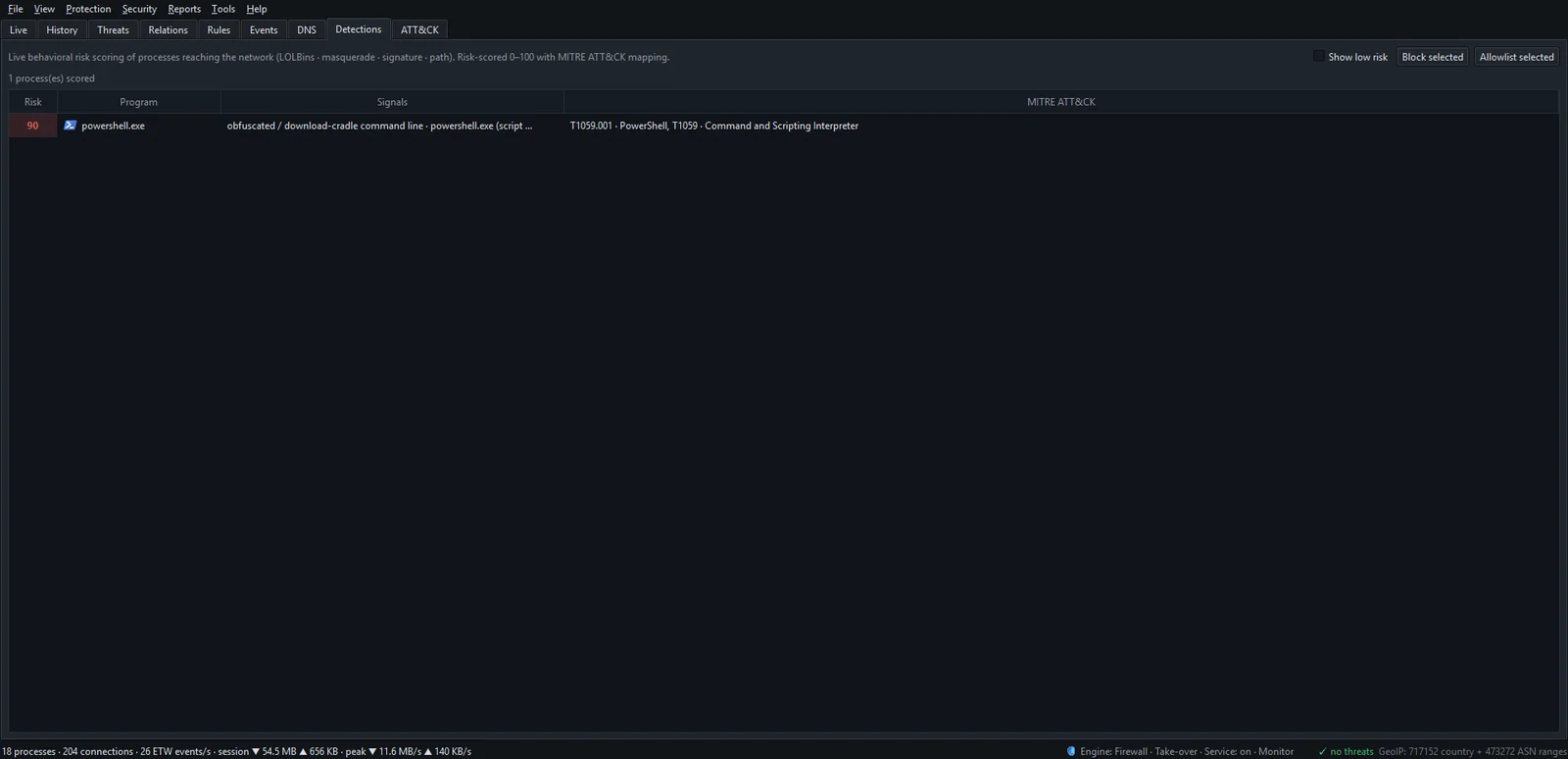
The ATT&CK tab goes one step further: weak signals across a parent and child process chain are fused into one incident, scored by how many attack stages they span. The Detections tab explains the numbers.
Reading an incident
Work through it in this order:
- Which program? Do you recognize it, and did you install it? Where does it run from?
- Where to? Does the destination make sense for that program? A text editor talking to a CDN is normal; a text editor beaconing to a home broadband address is not.
- Since when? First seen today, or doing this for months? The app dashboard shows its history.
- How much? A few bytes on a timer reads very differently from a sustained upload.
If it still looks wrong, select it on the Detections tab and click Block selected; it's reversible. If it's fine, Allowlist selected stops NetSecWall scoring it.
NetSecWall is not an antivirus. It watches the network. It doesn't scan files, won't remove malware, and can't see anything that never touches the network. Run it alongside Microsoft Defender or your antivirus of choice, not instead of one.
Frequently asked questions
Does NetSecWall block threat-feed addresses automatically?
No. A match is flagged and alerted, not blocked. The optional Auto-block highest-risk / known-bad apps setting in Security ▸ Alerts & detection… blocks programs, not addresses: those scoring 85 or more (adjustable), or with a known-bad file hash. It only works in Take over mode.
Which MITRE ATT&CK techniques does NetSecWall detect?
Open Security ▸ MITRE ATT&CK techniques… for the full table of signals, techniques, tactics and weights. Click a row to open the technique on attack.mitre.org.
Why was a program I trust flagged?
Behavioral signals describe shape, not intent, and an updater running from a temp folder or checking in on a timer can trip them. If you're sure it's fine, use Allowlist selected or add its publisher under Security ▸ App whitelist…; see stopping alerts for trusted apps.
Do the threat feeds cost extra?
No. They're free public lists, downloaded from NetSecWall's servers. Threat intelligence and behavioral detection are included in the Plus, Family and Pro plans.