What is beaconing? How malware checks in with its server
Beaconing is malware's regular check-in with its command-and-control server. The steady timing is hard to hide, so a program contacting one address like clockwork is worth a look.
NetSecWall for Windows
On this page
- What is beaconing for? Why malware checks in instead of waiting
- Sleep and jitter
- Why beaconing is detectable, and why it's noisy
- Can you spot it with Windows alone?
- How NetSecWall flags a C2-like cadence
- What to do when a program is flagged
- What the beaconing check misses
- See what's checking in on your PC
What is beaconing? It's the regular "anything for me?" check-in that an infected computer makes with the attacker's command-and-control (C2) server. The malware sleeps, wakes, sends a small request, gets a small answer, and goes back to sleep. Because it repeats on a timer, the pattern shows up in network metadata even when the traffic itself is encrypted.
What is beaconing for? Why malware checks in instead of waiting
Most home PCs sit behind a router, and Windows Defender Firewall blocks unsolicited inbound connections. An attacker usually can't connect in to an infected machine. So the malware connects out, which Windows allows by default, and asks whether there's work to do. That's a pull model: the implant polls, the server answers.
Most of the time the answer is "nothing", so the exchange is tiny. When the operator does queue a task (run a command, download a file, upload some documents), it rides back on the next check-in. To blend in, the check-ins usually look like ordinary web requests over HTTPS on port 443. MITRE ATT&CK files this under T1071 Application Layer Protocol, with Web Protocols (T1071.001) and DNS (T1071.004) as common variants, in the Command and Control tactic.
Sleep and jitter
C2 tools let the operator choose two numbers.
- Sleep is the time between check-ins. It can be seconds for an attacker who is actively working, or hours and even days for an implant that should stay quiet.
- Jitter adds randomness to each interval. A 60-second sleep with 20% jitter wakes at some point between 48 and 72 seconds.
Jitter exists to break simple "exactly every 60 seconds" detection. It doesn't make the traffic random. The average stays at 60 seconds and the spread stays inside known bounds, which is still very different from a person clicking around.
Why beaconing is detectable, and why it's noisy
A beacon has a shape: the same program, the same destination, similar gaps, similar small sizes, repeated for hours. Detectors measure how tightly the gaps cluster around their average (the coefficient of variation) and whether the payloads stay small.
The catch is that plenty of honest software has the same shape:
- update checks and license checks
- chat and email apps keeping a connection alive or polling for new messages
- cloud sync clients asking "has anything changed?"
- telemetry and crash-reporting services
- push-notification services
So beaconing is a reason to look, not a verdict. Context decides: who the program is, whether it's signed, where the destination is, and whether it keeps going at 3 a.m. when nobody is using the PC. If you're chasing that last one, see why a PC uploads data when you're not using it.
Can you spot it with Windows alone?
Not easily. netstat and Resource Monitor show connections at one moment. To see a rhythm you'd have to sample repeatedly and compare timestamps by hand, and short-lived check-ins can open and close between samples. You need something that records activity per program and per address over time.
How NetSecWall flags a C2-like cadence
NetSecWall records, second by second, when each program exchanges traffic with each remote address. For every program-and-address pair it measures the gaps between bursts of activity, ignoring gaps under 1.5 seconds so continuous streams don't count. It keeps the last ten gaps and, once it has at least five, flags the pair when all three of these hold:
| Test | Threshold |
|---|---|
| Average gap | between 3 seconds and 10 minutes |
| Regularity | spread under a quarter of the average (coefficient of variation below 0.25) |
| Size | under 8 KB per active second, on average |
A flag does two things.
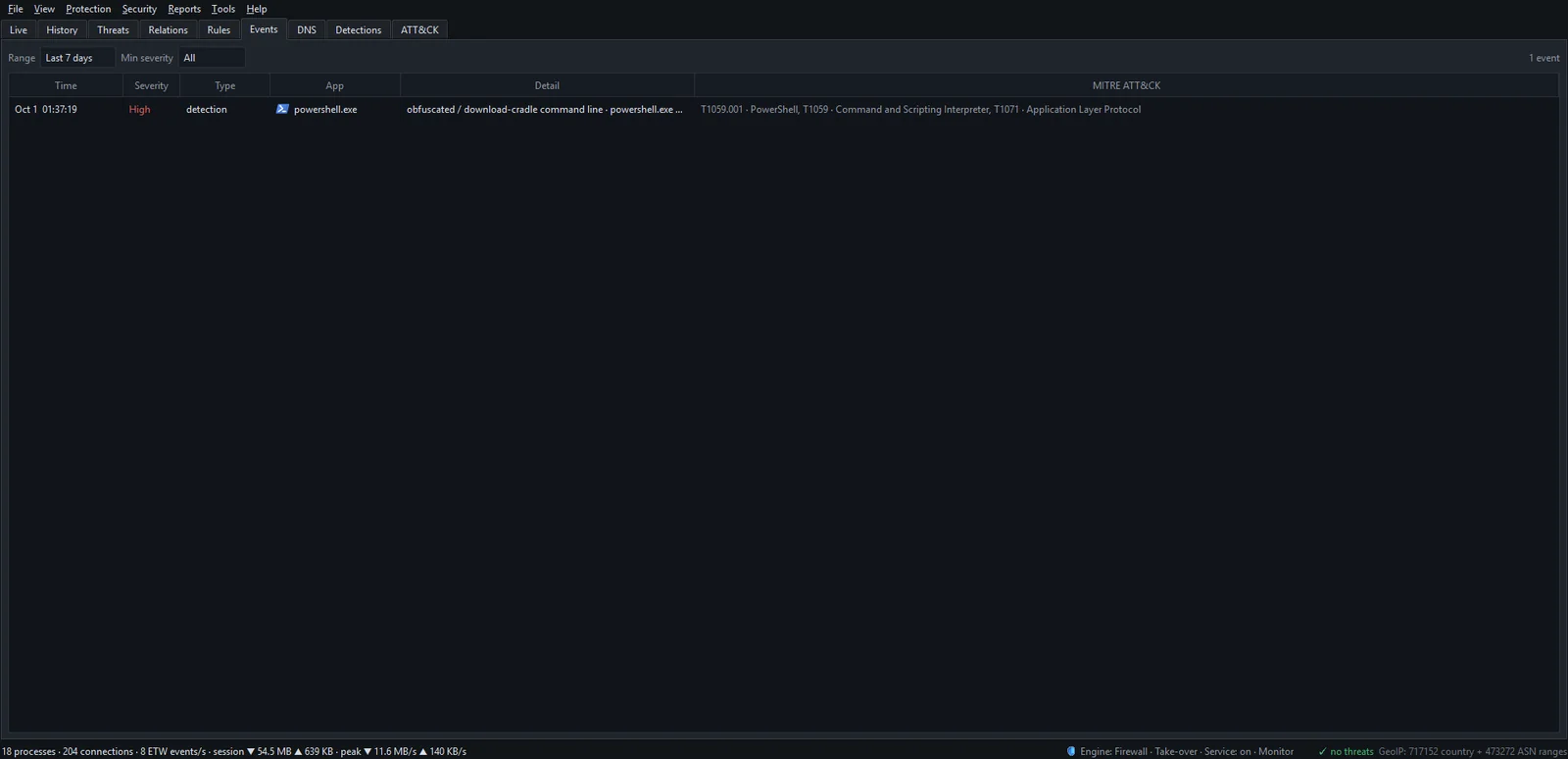
- It adds the "beacon" detection signal (T1071 Application Layer Protocol, weight 40) to the program's risk score. Forty is the alert threshold, so a beacon alone puts the program on the Detections tab and can raise the "Suspicious process" alert, which is on by default.
- It raises the dedicated beaconing alert, if you turned it on. The alert is off by default because of all the honest heartbeats above. When on, you get a tray notification titled "Possible beaconing" that names the host and interval ("contacts … every ~60 s with small payloads"), and an entry in the Events tab tagged with T1071.
To switch the dedicated alert on:
- Open Security ▸ Alerts & detection….
- Under Alerts, tick Possible beaconing (regular C2-like cadence).
- Click Close. Changes on this page take effect immediately.

For phone or webhook notifications when you're away from the PC, see choosing your alerts.
What to do when a program is flagged
- Select the program in the Live tab and read the trust line in the details pane: is it signed, and by whom? Where does it run from?
- Right-click its connection and choose Open IP dashboard. Reverse DNS and the network owner often explain a heartbeat at once, for example a chat service's push server on a large cloud.
- Right-click the program and choose Open app dashboard to see when it first appeared and which hosts it talks to most.
- If it's software you know and trust, stop it being scored: select it on the Detections tab and click Allowlist selected. See stopping alerts for trusted apps.
- If you can't explain it, right-click it and choose Block this app (firewall) ▸ Block for 1 hour, then run a full antivirus scan.
What the beaconing check misses
Be clear about the gaps:
- Long sleeps. An implant that checks in less often than every 10 minutes is outside the window.
- Heavy jitter. Intervals randomized enough to push the spread past a quarter of the average won't match.
- Rotating addresses. The check works per remote address. C2 traffic spread across many IPs, for instance behind a CDN, breaks the pattern up.
- Borrowed identity. A beacon injected into your browser is attributed to the browser.
- Allowlisted apps are never scored.
- Content. NetSecWall sees timing and size, never what was said. It can't tell a C2 command from a weather update.
Beaconing is one signal among 21, and it's strongest in combination: an unsigned program from a temp folder that also beacons scores far higher than either fact alone. The broader routine for spotting malware by its traffic puts it in context, and MITRE ATT&CK explained covers the T-numbers.
See what's checking in on your PC
Most of what you'll find will be honest heartbeats, and knowing which ones is useful in itself. The 7-day trial includes the Detections tab and every alert described here.
Frequently asked questions
Is beaconing always a sign of malware?
No. Update checks, chat apps, sync clients and telemetry all contact their servers on a schedule. It becomes suspicious when the program is unknown or unsigned, the destination is unexplained, or other warning signs line up.
How often does malware beacon?
Whatever the operator sets. Intervals range from a few seconds during active control to hours or days for implants meant to stay hidden, usually with some random jitter added.
What is the difference between beaconing and a keepalive?
A keepalive holds an existing connection open; a beacon asks for instructions. On the wire both are small and periodic, so a traffic-timing check can match either one, and you have to judge by the program and destination.
Why is NetSecWall's beaconing alert off by default?
Because many legitimate apps have a steady heartbeat and the alert would be noisy on most PCs. The beacon still counts toward a program's risk score, so a beaconing program that also looks wrong in other ways is reported either way.
Which MITRE ATT&CK technique covers beaconing?
T1071 Application Layer Protocol, in the Command and Control tactic. Web Protocols (T1071.001) and DNS (T1071.004) are its most common sub-techniques.
Keep reading
 When a trusted app's file suddenly changes
A trusted app's file changing usually means an update. Worry when the change brings a lost or broken signature, or new destinations — the marks of a tampered, supply-chain-compromised app.
When a trusted app's file suddenly changes
A trusted app's file changing usually means an update. Worry when the change brings a lost or broken signature, or new destinations — the marks of a tampered, supply-chain-compromised app.
 Living off the land: when Windows' own tools go rogue
Attackers often skip custom malware and use tools Windows already ships, such as PowerShell, certutil and mshta. The files are genuine, so the tell is behavior, like those tools reaching the internet.
Living off the land: when Windows' own tools go rogue
Attackers often skip custom malware and use tools Windows already ships, such as PowerShell, certutil and mshta. The files are genuine, so the tell is behavior, like those tools reaching the internet.
 MITRE ATT&CK explained for people who aren't in a SOC
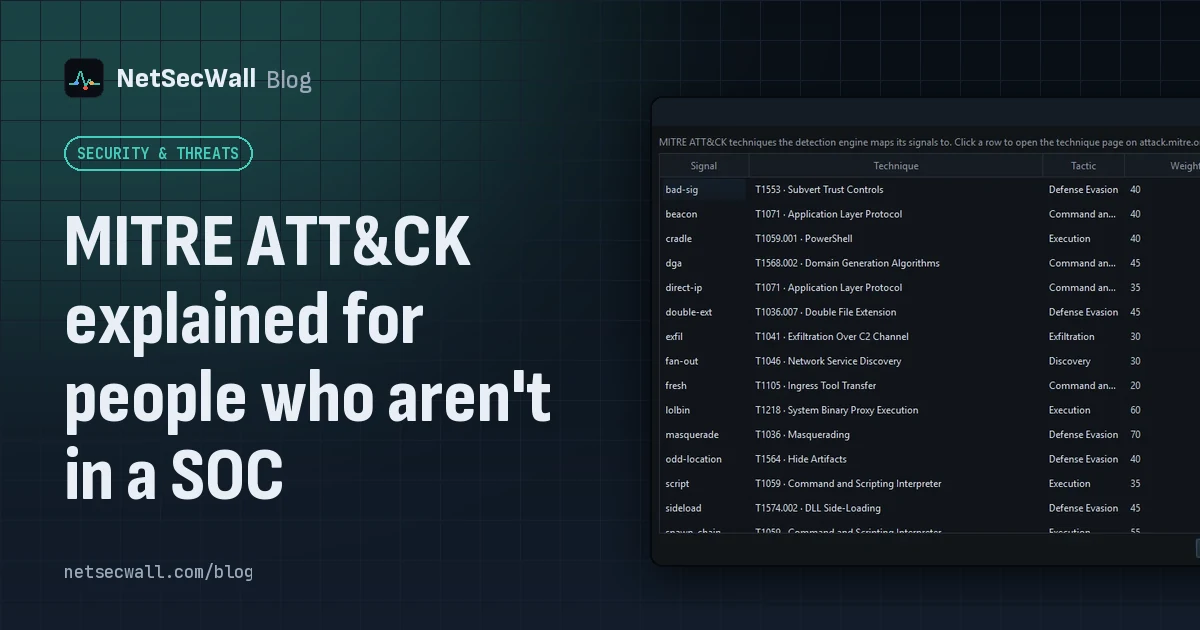
MITRE ATT&CK is a free public catalog of how real attackers operate. Tactics are their goals, techniques are their methods, and knowing the two helps you read a security alert without guessing.
MITRE ATT&CK explained for people who aren't in a SOC
MITRE ATT&CK is a free public catalog of how real attackers operate. Tactics are their goals, techniques are their methods, and knowing the two helps you read a security alert without guessing.
 The upload pattern that should worry you
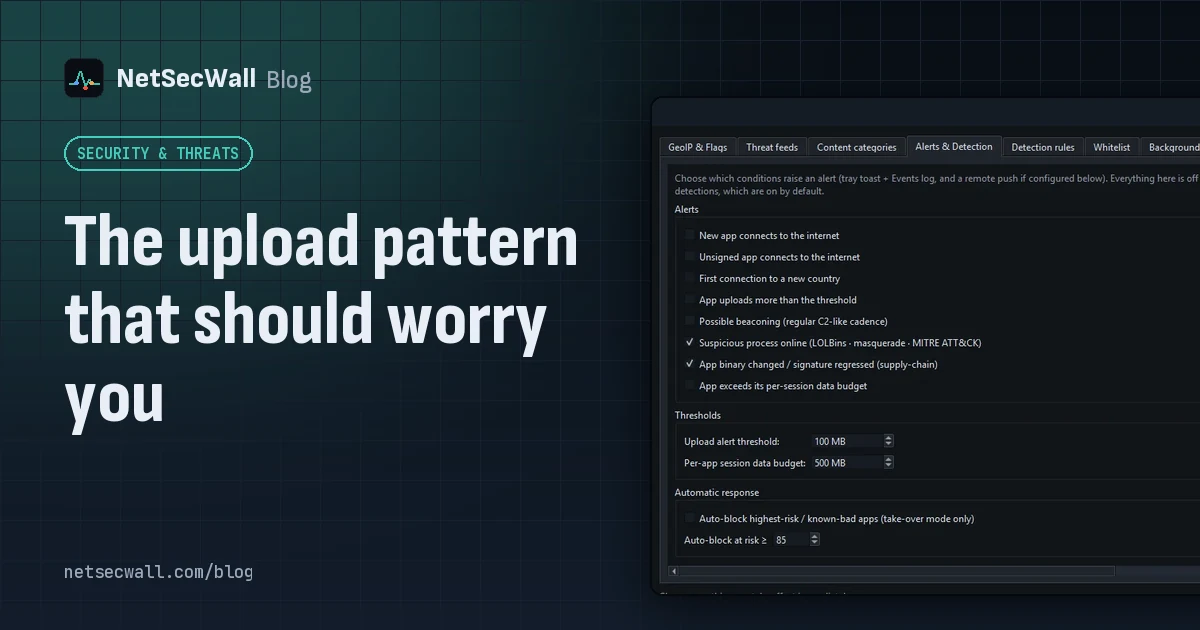
Worry when one program uploads far more than it downloads, in bulk, to a place you can't explain. That's the shape of data theft. Backups and sync look the same, so context decides.
The upload pattern that should worry you
Worry when one program uploads far more than it downloads, in bulk, to a place you can't explain. That's the shape of data theft. Backups and sync look the same, so context decides.