When a trusted app's file suddenly changes
A trusted app's file changing usually means an update. Worry when the change brings a lost or broken signature, or new destinations — the marks of a tampered, supply-chain-compromised app.
NetSecWall for Windows
On this page
Most of the time, a trusted program's file changes because the program updated. But that same moment, new code arriving under a name you already trust, is exactly how a software supply chain attack reaches you. The change worth worrying about comes with a lost or broken signature, or with no update to explain it, or is followed by connections the app never made before.
How a software supply chain attack reaches your PC
A supply chain attack doesn't break into your PC directly. It compromises something you already trust and lets that trust carry the malicious code in. The common routes:
- The vendor's build or update system. Attackers get into a software company and slip code into an official release. Because it goes through the normal pipeline, it's typically signed with the vendor's own certificate and delivered by the app's own updater. ATT&CK calls this T1195.002 Compromise Software Supply Chain, under Initial Access.
- A component the vendor uses. A library, plug-in or installer framework is tampered with upstream, and every product that includes it inherits the problem.
- A fake download. A lookalike site or a poisoned search result offers a trojanized copy of a popular app.
- Tampering on your own disk. Malware that's already on the PC patches or replaces a trusted program's executable, so the malware runs every time you open the app. ATT&CK files that under T1554 Compromise Host Software Binary, a Persistence technique.
Why it works: you've already allowed that app through your firewall, perhaps allowlisted it in your security tools, and you'll click through its update prompts without a second thought.
Why a changed file usually isn't a problem
Every update changes the file. Browsers, chat apps and many other programs update silently, sometimes weekly. A different file hash on its own almost always just means a new version.
The signs that separate tampering from an update:
- The signature got worse. The file used to be signed and now isn't, or the signature is present but invalid. Legitimate vendors rarely stop signing.
- The publisher name changed to something you don't recognize.
- No update explains it. The version number is the same and the vendor released nothing.
- Behavior changed. Right after the change, the app starts contacting hosts it never used before.
What you can check with Windows alone
- Right-click the program's file, choose Properties and open the Details tab for the file and product version. Compare it with the vendor's release notes.
- On the Digital Signatures tab, check the signer's name and the signing timestamp.
- In PowerShell,
Get-FileHash "C:\path\to\app.exe"prints the file's SHA-256. Some vendors publish hashes for their downloads, and you can search a hash on VirusTotal.
These work if you already suspect a file. What's hard is noticing the change in the first place.
How NetSecWall notices a changed program
NetSecWall has an alert called App binary changed / signature regressed (supply-chain) under Security ▸ Alerts & detection…. It's on by default.
The first time each program goes online in a NetSecWall session, NetSecWall calculates the SHA-256 hash of its executable (for files up to 96 MB) and compares it with the fingerprint and signature status it saved the last time. Two different alerts can come out of that comparison:
| Alert | What changed | ATT&CK tag |
|---|---|---|
| App binary changed | The executable's hash differs from last time: "the executable file changed since it was last seen" | T1554 Compromise Host Software Binary |
| App signature regressed | It was signed before and is now unsigned ("was signed before, now unsigned") or has a bad signature ("now has a bad signature") | T1036 Masquerading |
Both are high-severity. They appear as tray notifications, are recorded in the Events tab with their ATT&CK tag, and go to your phone or webhook if you've set up remote alerts.
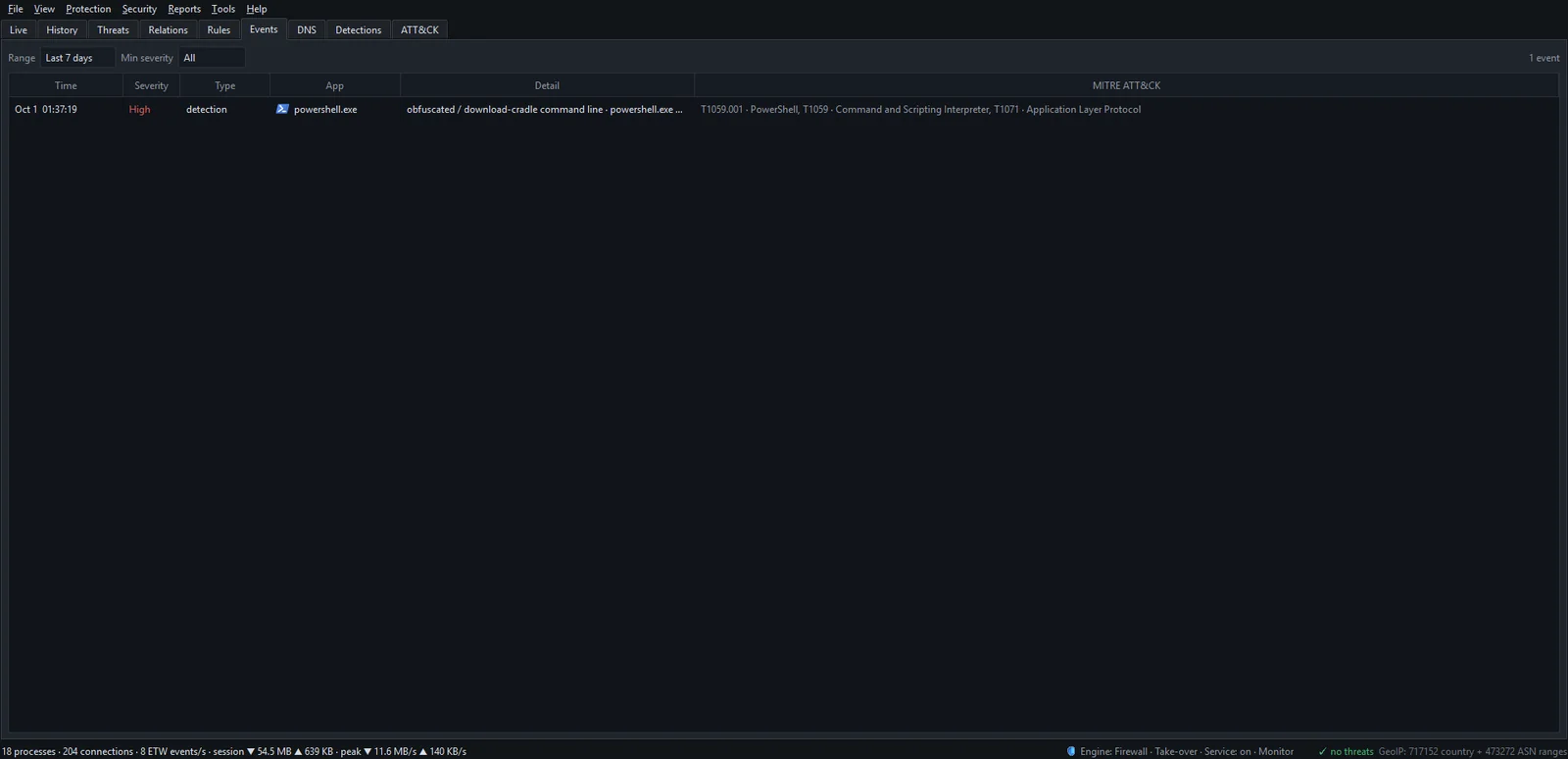
Expect "App binary changed" after ordinary updates. It's a prompt to confirm that an update happened. "App signature regressed" is rarer and deserves attention every time.
What to do when the alert fires
- Open the Events tab and note which program and which alert.
- Select the program in the Live tab. The trust line in the details pane shows whether it's signed, by whom, and its install date.
- Check whether the app really updated: its About screen, the vendor's changelog, or a recent update notice.
- Right-click the program and choose Open app dashboard. In the top hosts table, sort by First seen: hosts that appeared only after the change are worth a look. See the app dashboard.
- If the signature regressed, or nothing explains the change, right-click the program and choose Block this app (firewall) ▸ Block (permanent). Blocking is covered in how to block an app.
- Check the hash. NetSecWall can compare each networking program's SHA-256 with a local IOC list and, with your own API key, VirusTotal; see hash reputation. Only the hash is sent, never the file.
- Reinstall from the vendor's official site, run a full antivirus scan, and tell the vendor.
What the alert can't tell you
Be clear about the gaps:
- Only the main executable is fingerprinted, not the DLLs or plug-ins it loads, and many real supply chain attacks tamper with a library. A separate detection signal flags programs that load an unsigned DLL from a temp or download folder, which covers one common case.
- Files over 96 MB aren't hashed, which excludes some large desktop apps.
- A tampered release signed with the vendor's real certificate looks exactly like a normal update: the binary changed and the signature is fine.
- The check runs when a program goes online, once per NetSecWall session. A program that never connects isn't checked.
- It isn't an antivirus. NetSecWall notices that a file changed; it doesn't examine what the new code does.
The allowlist doesn't silence these alerts; it only stops risk scoring. The alert is one switch for all apps.
How NetSecWall treats its own updates
The same thinking applies to NetSecWall itself. From version 1.2.1, an update is installed only if its SHA-256 matches the update feed and it's signed by the same publisher as the copy that's running; otherwise it's refused and deleted. The reasoning is in NetSecWall 1.2.1: updates must be signed by us. For the wider question of when a missing signature matters, see unsigned programs on the internet.
If you'd like to know when the programs on your PC change under you, the 7-day trial has this alert switched on from the start.
Frequently asked questions
Why did I get "App binary changed" right after an update?
Because an update replaces the executable, so its hash changes. That's the alert working as designed. Check that the update was expected and the signature is still valid, then move on.
Do home users need to worry about supply chain attacks?
They're rare, but when one happens it reaches everyone who installs the affected update, home users included. The practical defenses are simple: download from official sources, keep an eye on signature changes, and notice when a familiar app starts contacting new places.
What is the difference between a changed binary and a regressed signature?
A changed binary means the file is different, which is normal after an update. A regressed signature means the file used to carry a valid signature and now carries none or a broken one, which legitimate updates almost never do.
Can I turn the alert off for one program?
No. It's a single switch in Security ▸ Alerts & detection… for all programs. The app allowlist stops risk scoring but doesn't silence changed-binary alerts.
Does NetSecWall upload my program files to check them?
No. The hash is calculated on your PC. If you add your own VirusTotal key, only the hash is sent for a lookup, never the file.
Keep reading
 What is beaconing? How malware checks in with its server
Beaconing is malware's regular check-in with its command-and-control server. The steady timing is hard to hide, so a program contacting one address like clockwork is worth a look.
What is beaconing? How malware checks in with its server
Beaconing is malware's regular check-in with its command-and-control server. The steady timing is hard to hide, so a program contacting one address like clockwork is worth a look.
 Living off the land: when Windows' own tools go rogue
Attackers often skip custom malware and use tools Windows already ships, such as PowerShell, certutil and mshta. The files are genuine, so the tell is behavior, like those tools reaching the internet.
Living off the land: when Windows' own tools go rogue
Attackers often skip custom malware and use tools Windows already ships, such as PowerShell, certutil and mshta. The files are genuine, so the tell is behavior, like those tools reaching the internet.
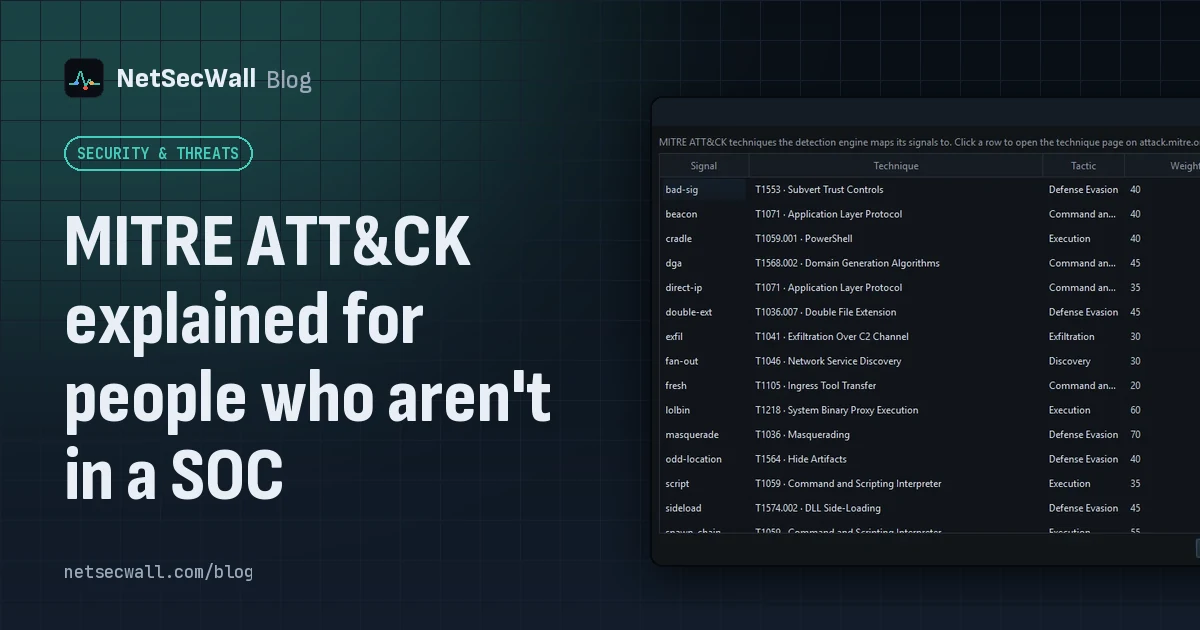 MITRE ATT&CK explained for people who aren't in a SOC
MITRE ATT&CK is a free public catalog of how real attackers operate. Tactics are their goals, techniques are their methods, and knowing the two helps you read a security alert without guessing.
MITRE ATT&CK explained for people who aren't in a SOC
MITRE ATT&CK is a free public catalog of how real attackers operate. Tactics are their goals, techniques are their methods, and knowing the two helps you read a security alert without guessing.
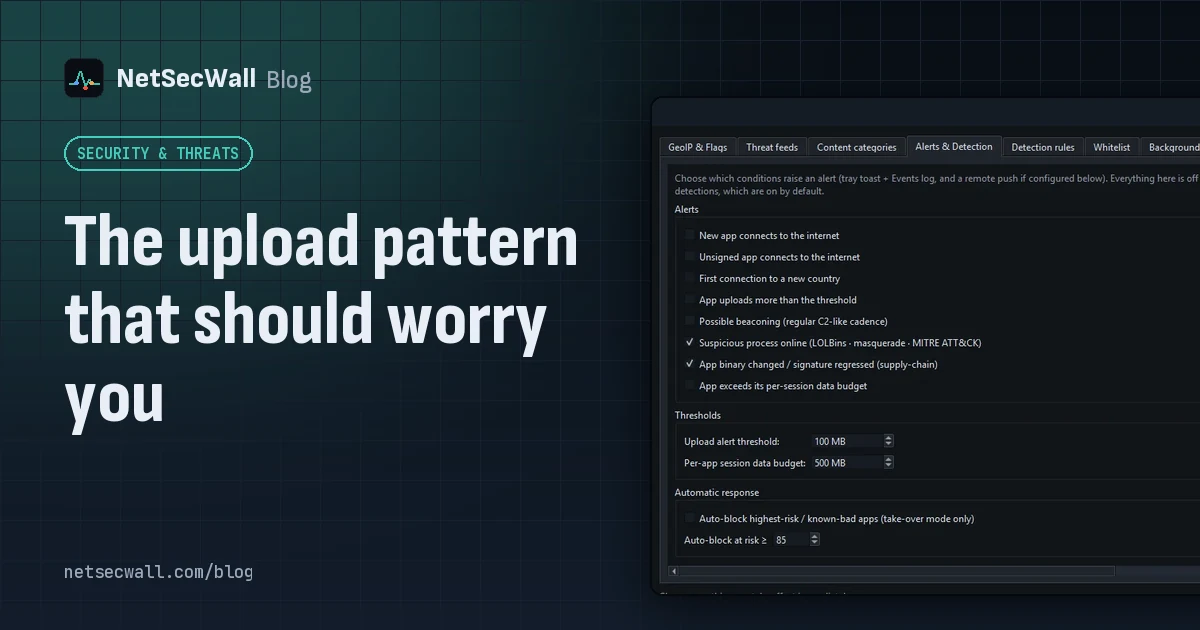 The upload pattern that should worry you
Worry when one program uploads far more than it downloads, in bulk, to a place you can't explain. That's the shape of data theft. Backups and sync look the same, so context decides.
The upload pattern that should worry you
Worry when one program uploads far more than it downloads, in bulk, to a place you can't explain. That's the shape of data theft. Backups and sync look the same, so context decides.