Check app hashes with VirusTotal and your own IOC list
NetSecWall fingerprints each program that goes online (SHA-256) and checks it against your own list of known-bad hashes and, with your VirusTotal API key, VirusTotal. Only the hash is sent.
NetSecWall for WindowsOn this page
NetSecWall can take the SHA-256 fingerprint (hash) of every program that connects to the internet and check it two ways: against a local list of known-bad hashes that you control, called the IOC list, and, if you add your own VirusTotal API key, with a VirusTotal hash check. Only the hash leaves your PC, never the file. Both options are under Security ▸ Alerts & detection…, in the Hash reputation section.
Hash checks are part of Threat intelligence, included in the Plus, Family and Pro plans and the trial.
How the hash check works
A SHA-256 hash is a 64-character fingerprint of a file. The same file always gives the same hash. Change one byte and the hash changes completely. That makes it a precise way to recognize a file someone has already seen and reported.
- NetSecWall hashes the executable of each program that connects to an outside address. Files larger than 96 MB are skipped.
- It works through programs one at a time to keep the load light, and checks each file once per session.
- It checks your local IOC list first, then VirusTotal if a key is set.
- The same fingerprint drives the "App binary changed" alert, which fires when a program's file changes between runs.

Your local IOC list (ioc-hashes.txt)
IOC stands for "indicator of compromise". The file ioc-hashes.txt lives in NetSecWall's data folder: C:\ProgramData\NetLens when the background service is installed, or %LOCALAPPDATA%\NetLens\NetLens without it. Settings shows the exact path next to Local IOC list:.
The format is simple:
- one SHA-256 per line (upper or lower case both work),
- lines starting with
#are comments, and anything after a#is ignored.
On first run NetSecWall creates the file with one example entry, the hash of the EICAR test file. EICAR is a harmless, standard file used to test security tools.
To add hashes:
- Open Security ▸ Alerts & detection….
- In Hash reputation, click Open next to Local IOC list:. The file opens in your text editor.
- Paste one hash per line, then save the file.
- Restart NetSecWall so it reads the list again. If you use the background service, restart it too (Tools ▸ Background service ▸ Stop, then Start), or restart the PC.
Hashes can come from your own investigation, from a security advisory, or from VirusTotal. Restore factory defaults… in Settings resets this file.
Turn on the VirusTotal hash check
- Sign in to your VirusTotal account and copy your API key. A free community account has one.
- Open Security ▸ Alerts & detection….
- Paste the key into VirusTotal API key:. The field hides the key except while you edit it.
- Click Close. Checking starts right away.
NetSecWall paces lookups to 4 a minute, the limit of VirusTotal's public API. On the first run, with many programs to check, working through the queue takes a while. Temporary failures are retried a few times. The VirusTotal endpoint: field is editable, but leave it at the default unless you know you need another address.
What gets sent
- To VirusTotal: the file's SHA-256 hash and your API key. Not the file, its name or its path.
- For the local IOC list: nothing. The match happens on your PC.
VirusTotal sees which hashes you look up, tied to your API key. Nothing is sent to VirusTotal unless you enter a key. More on NetSecWall's connections: what NetSecWall sends.
What happens on a match
| Source | Alert | Automatic block |
|---|---|---|
| Local IOC list | "⚠ Known-malicious binary": SHA-256 matches a known-bad IOC hash | Yes, if automatic response is on (take-over mode) |
| VirusTotal, 3 or more engines | "⚠ VirusTotal flagged binary": N / M engines flag this file as malicious | No |
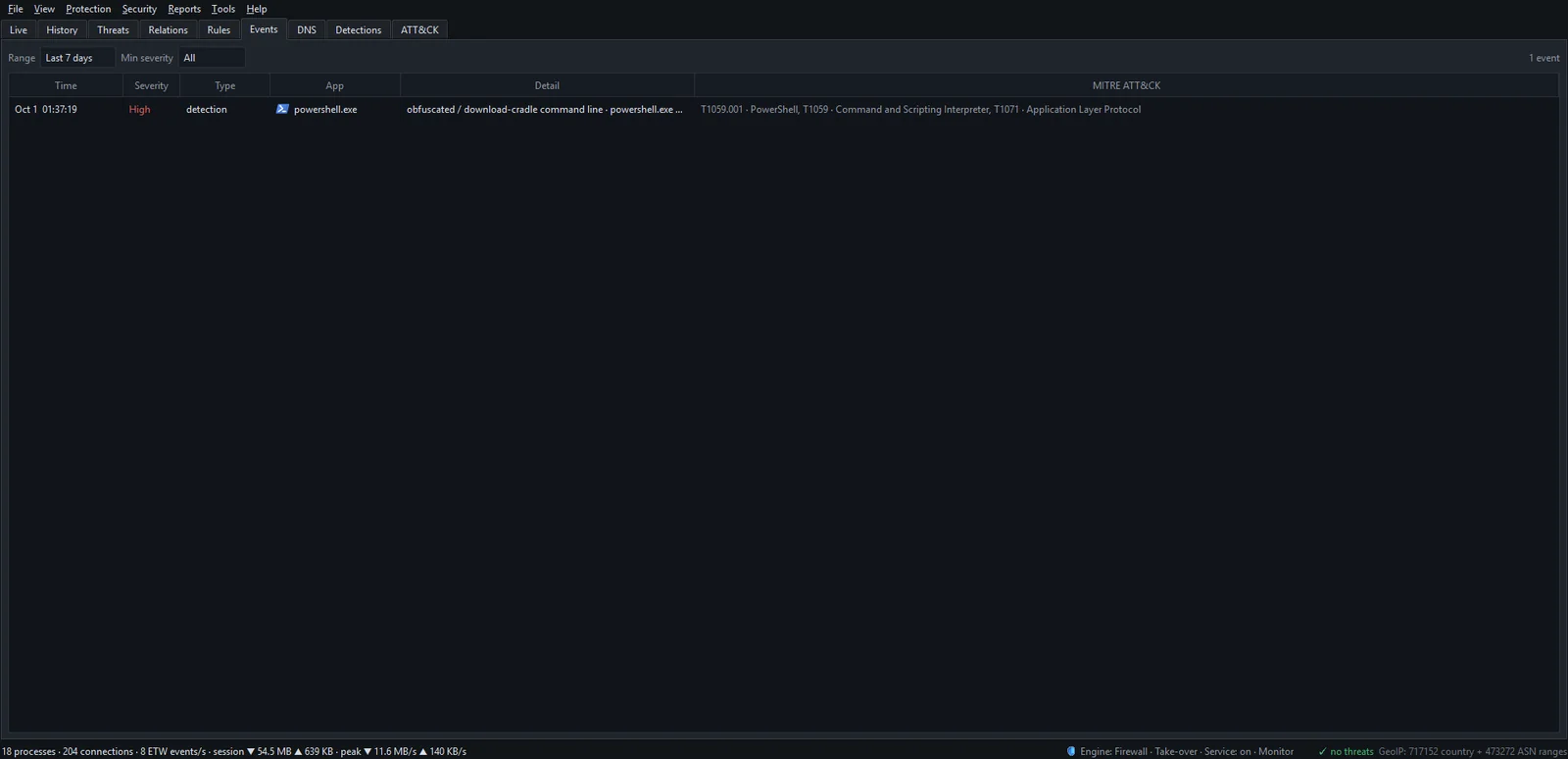
Both are high-severity alerts, mapped to T1204 User Execution. They appear as a tray notification, on the Events tab, and on your phone if you set up remote alerts.
One or two engines flagging a file raises nothing, because single detections are often false positives. A file VirusTotal has never seen raises nothing either.
A VirusTotal match alerts but doesn't block. If you want that file blocked automatically in future, add its hash to your IOC list and turn on automatic response.
Limits
- Only the main executable of a program that connects out is checked. DLLs it loads and scripts it runs are not. For a PowerShell script, the check sees
powershell.exe, which is clean. - A hash only recognizes a file someone has already reported. New or repacked malware has a fresh hash. Behavioral detection is there for that case.
- VirusTotal's free API has quotas, so a busy PC takes time to get through its list.
This is not an antivirus. NetSecWall does not scan files, quarantine them or remove malware. Keep an antivirus running. See why you need both.
Frequently asked questions
Does NetSecWall upload my files to VirusTotal?
No. It sends only the SHA-256 hash of the file, with your API key. The file itself never leaves your PC.
Do I need a paid VirusTotal account?
No. A free account's API key works. NetSecWall keeps to the public API's limit of 4 lookups a minute.
How do I find a program's SHA-256 hash myself?
In PowerShell, run Get-FileHash "C:\path\to\program.exe". It returns the SHA-256 hash by default, in the same form the IOC list uses.
Is this the same as a virus scan?
No. It compares a fingerprint with lists of files already known to be bad. It can't judge a file nobody has reported, and it only looks at programs that use the network.