NetSecWall 1.2.0: Family and Pro leave beta
NetSecWall 1.2.0 takes Family and Pro out of beta, signs the installer and app, downloads every list from NetSecWall's servers on all plans, and brings license-key entry back into the app.
NetSecWall for Windows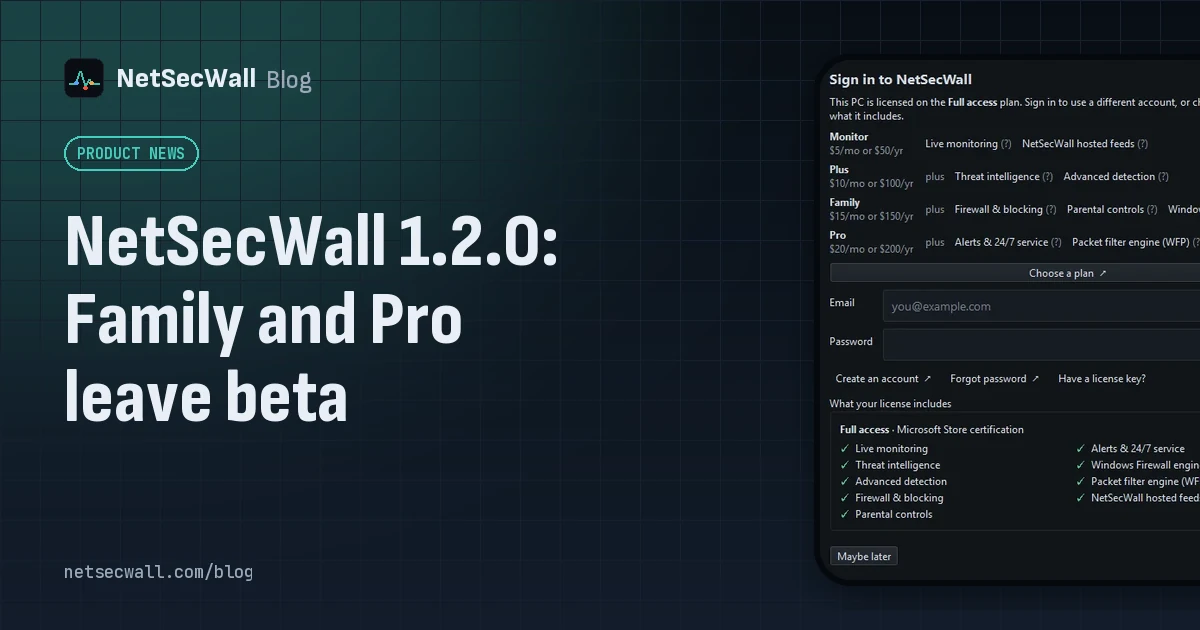
On this page
The NetSecWall 1.2.0 release, published September 30, 2026, takes the Family and Pro plans out of beta. It also signs the installer, the app and the uninstaller, downloads every blocklist and the GeoIP tables from NetSecWall's own servers on every plan, and lets you enter a license key in the app again. Enterprise, the self-hosted Management Server, stays in beta. One more thing up front: if you're running 1.2.0, move to 1.2.1 from the website. 1.2.0's in-app updater has a crash that 1.2.1 fixes.
Family and Pro are out of beta
With 1.2.0, no consumer plan is in beta any more. These are the four plans and what each adds, at the current introductory prices:
| Plan | Per device, per year | Adds |
|---|---|---|
| Monitor | $50 | Live monitoring, NetSecWall hosted feeds |
| Plus | $100 | Threat intelligence, Advanced detection |
| Family | $150 | Firewall & blocking, Parental controls, Windows Firewall engine |
| Pro | $200 | Alerts & 24/7 service, Packet filter engine (WFP) |
Every install still starts with a 7-day trial with every feature unlocked, no card and no sign-up. There's no free tier after it. Plans are billed yearly and paid in cryptocurrency (USDC or USDT). The pricing page has the details, and which plan do I need? helps you pick.
Enterprise stays in beta. The Management Server is sold through sales rather than self-service, and it hasn't been through the same release testing as the desktop plans.
A signed installer, app and uninstaller
Windows asks for permission before an installer can change the system. For an unsigned program, that prompt can't say who made it. For a signed one, it shows the verified publisher.
From 1.2.0, the installer, the NetSecWall app and its uninstaller are all code-signed. You can check the signature yourself: right-click the file, choose Properties, and open the Digital Signatures tab. The download page lists who the installer is signed by, along with its SHA-256 fingerprint.
Signing also laid the groundwork for the next release. From 1.2.1, NetSecWall refuses to install an update unless it's signed by the same publisher. See NetSecWall 1.2.1: updates must be signed by us.
Every list from NetSecWall's servers, on every plan
NetSecWall matches your connections against lists it downloads: six threat-intelligence IP lists, 13 website-category domain lists, and the GeoIP tables that put a country and network owner on each address. Until 1.2.0, hosted lists were a Pro feature. Other plans fetched each list from its public source, and the GeoIP tables came from their public source on every plan.
From 1.2.0, every plan downloads blocklists, category lists and the GeoIP tables from NetSecWall's servers. That's one fast, deduplicated download instead of a dozen third-party ones. If NetSecWall's copy of a list is unavailable, the app falls back to the list's public source.
This doesn't change where matching happens. The lists are downloaded to your PC and matched there, so nothing about your connections is sent anywhere to be looked up. The mirror may occasionally ask for a one-click "Verify this PC" check in your browser, which lasts for weeks. More on the lists themselves in the threat-intelligence feeds NetSecWall uses.
License keys work in the app again
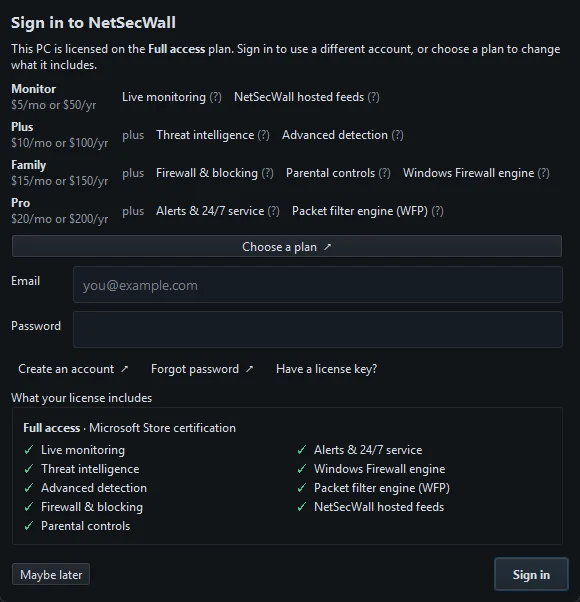
You can activate a license key from inside NetSecWall again, without signing in to an account:
- Open Help ▸ Sign in to NetSecWall….
- Click Have a license key?.
- Paste your key. It starts with
NETSECWALL-. - Click Activate key.
Signing in with your account email and password still works as before. Step by step: sign in or activate a license key.
Uninstalling can remove your data
Uninstalling NetSecWall now asks whether to delete your settings, history and downloaded lists as well: "Also delete your NetSecWall settings, history and downloaded lists from this PC?" No is the default, and it keeps them for a later reinstall.
A silent uninstall keeps the data unless you pass /PURGE=1. Either way, your license survives, because it's bound to the device on NetSecWall's server. See how to uninstall NetSecWall.
Fixes in the NetSecWall 1.2.0 release
- Signing in with the bot check on. Signing in from the app failed when the website's bot check was switched on. The app now opens a one-time check in your browser instead.
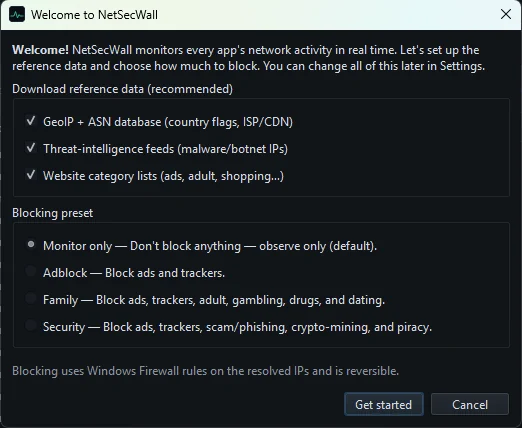
- First run. Several dialogs used to open on top of each other. First run now shows the welcome screen, then the setup wizard, in that order.
- Garbled characters. Accented characters and dashes on the welcome screen were garbled.
- Locked tabs. Tabs a plan doesn't include could still be selected by accessibility tools.
- Small screens. The sign-in window could be taller than a small screen.
Move on to 1.2.1
1.2.1 came out the same day, and you should be on it. In 1.1.0 and 1.2.0, NetSecWall closes unexpectedly the moment an in-app update finishes downloading. Those versions are therefore no longer offered updates from inside the app.
- Download 1.2.1 from the download page.
- Run it.
- When setup says NetSecWall is already installed, choose No to upgrade in place. Your settings, history and license are kept.
Every version's notes are on the changelog.
Frequently asked questions
Is NetSecWall Enterprise out of beta too?
No. Only the consumer plans (Monitor, Plus, Family and Pro) are out of beta. The Management Server is still in beta and sold through sales.
Do hosted feeds send my traffic to NetSecWall?
No. NetSecWall's servers only supply the lists. They're downloaded to your PC and every match happens locally.
Can I pay monthly?
Not at the moment. Plans are sold yearly and paid in cryptocurrency (USDC or USDT) on one of several supported networks.
Why does 1.2.0 not update itself to 1.2.1?
1.2.0's updater crashes when a download finishes, so the update service stopped offering it updates. Download and run 1.2.1 once, and later updates work from inside the app.
Is there still a free trial?
Yes. Every install starts with a 7-day trial with every feature unlocked, no card and no sign-up. It can't be reset by reinstalling.
Keep reading
 NetSecWall 1.2.1: updates must be signed by us
NetSecWall 1.2.1 installs an update only if it's signed by the same publisher as your copy, and fixes a crash when updates finished downloading. On 1.1.0 or 1.2.0, download 1.2.1 from the website.
NetSecWall 1.2.1: updates must be signed by us
NetSecWall 1.2.1 installs an update only if it's signed by the same publisher as your copy, and fixes a crash when updates finished downloading. On 1.1.0 or 1.2.0, download 1.2.1 from the website.
 Why is an app on my PC talking to a Tor exit node?
Usually because something on your PC accepts connections arriving through Tor, a peer-to-peer app met a Tor user, or a program uses Tor itself. Malware does too, so check the app and direction.
Why is an app on my PC talking to a Tor exit node?
Usually because something on your PC accepts connections arriving through Tor, a peer-to-peer app met a Tor user, or a program uses Tor itself. Malware does too, so check the app and direction.
 Is my computer being tracked? What your network traffic says
Almost certainly, by ad and analytics services, which is normal and mostly happens in your browser. Signs of worse are specific: unknown programs, steady check-ins and flagged addresses.
Is my computer being tracked? What your network traffic says
Almost certainly, by ad and analytics services, which is normal and mostly happens in your browser. Signs of worse are specific: unknown programs, steady check-ins and flagged addresses.
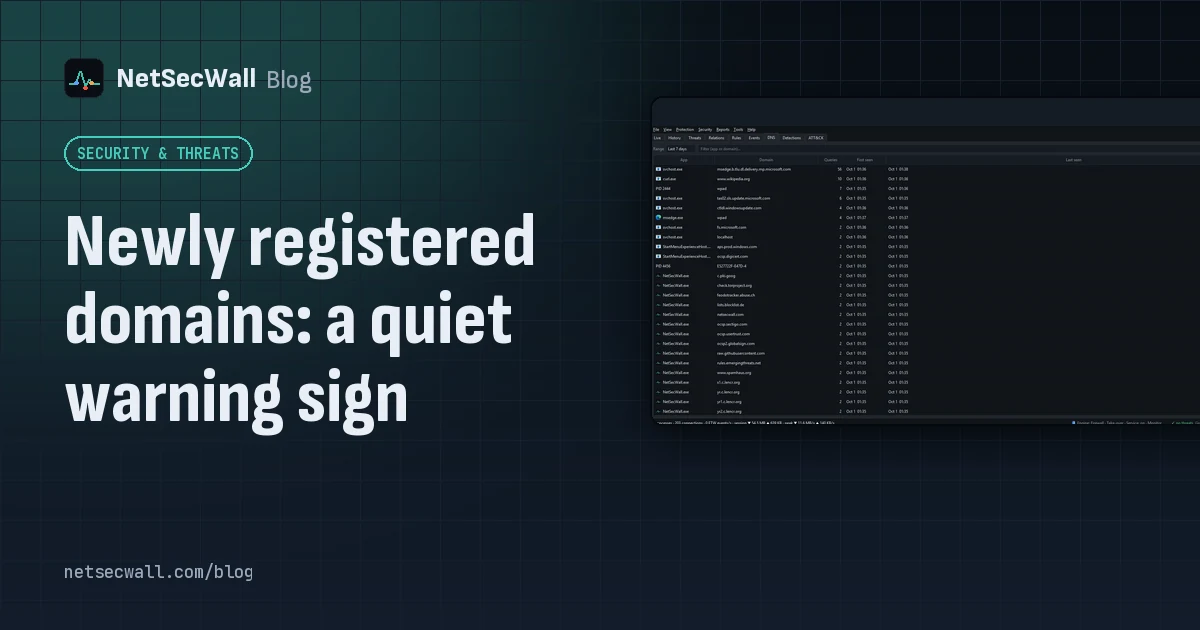 Newly registered domains: a quiet warning sign
Phishing and malware campaigns tend to use domains registered days earlier, before blocklists catch up. A very young domain proves nothing alone, but it adds weight when an app already looks wrong.
Newly registered domains: a quiet warning sign
Phishing and malware campaigns tend to use domains registered days earlier, before blocklists catch up. A very young domain proves nothing alone, but it adds weight when an app already looks wrong.