Why is an app on my PC talking to a Tor exit node?
Usually because something on your PC accepts connections arriving through Tor, a peer-to-peer app met a Tor user, or a program uses Tor itself. Malware does too, so check the app and direction.
NetSecWall for Windows
On this page
A connection to a Tor exit node address usually has one of three explanations: someone using Tor is connecting in to a program on your PC that accepts connections, a peer-to-peer app has been handed a peer that happens to sit behind Tor, or a program on your PC is using Tor itself. The last is normal for Tor Browser and a concern for anything else, because some malware uses Tor to hide its command server. So check two things first: which program it is, and which side started the connection.
What a Tor exit node is
Tor sends traffic through three volunteer-run relays before it reaches its destination. The first (the entry or guard relay) knows who you are but not where you're going. The last, the exit, knows where the traffic is going but not who sent it. To the website or server at the far end, the connection appears to come from the exit relay's IP address.
The Tor Project publishes the addresses of current exit relays, which is how security tools can recognize them. Two details matter for what follows:
- An exit address is what a destination sees. If someone using Tor connects to a server on your PC, the connection comes from an exit.
- A Tor client on your PC connects first to an entry relay, and entry relays are mostly not on the exit list. So an exit list only catches part of Tor use.
The innocent reasons
Something on your PC accepts incoming connections. Remote desktop, SSH, a game server, a media server, a web server or a torrent client listening on a forwarded port can all be reached from the internet. People using Tor, and a lot of automated scanners that route through Tor, will find them. The exit address is the one knocking.
Peer-to-peer software. Torrent clients, some games and some calling apps connect to whatever peer addresses they're given. A peer whose own traffic leaves through Tor shows up with an exit address.
Tor itself. Tor Browser, and some privacy apps that bundle Tor, connect to Tor relays all the time. Some relays are exits as well, so a few of those connections will match.
A reused address. Relays come and go, and the machine running one may offer other services on the same address.
The suspicious reasons
- Malware using Tor for command and control. Some malware bundles a Tor client so its traffic leaves through the Tor network and its real server stays hidden. MITRE ATT&CK describes this as T1090.003 Multi-hop Proxy.
- An unfamiliar program, especially one that's unsigned, runs from a temp or download folder, or appeared recently, reaching Tor addresses on its own.
- Attacks on something you expose. Repeated incoming attempts from exits against remote desktop or SSH aren't an infection, but they are someone trying the door.
How NetSecWall recognizes Tor addresses
Tor Exit Nodes is one of the six public threat lists NetSecWall checks, alongside botnet, malware and attacker lists; what those lists catch and what they miss covers all six. It uses the Tor Project's published exit list, refreshed about daily. A match is labeled "Tor exit node" with a TOR badge and low severity, because the list says where traffic comes from, not whether it's hostile.
A match shows up:
- as a badge and red text on the connection in the Live tab, and a threat line in the details pane
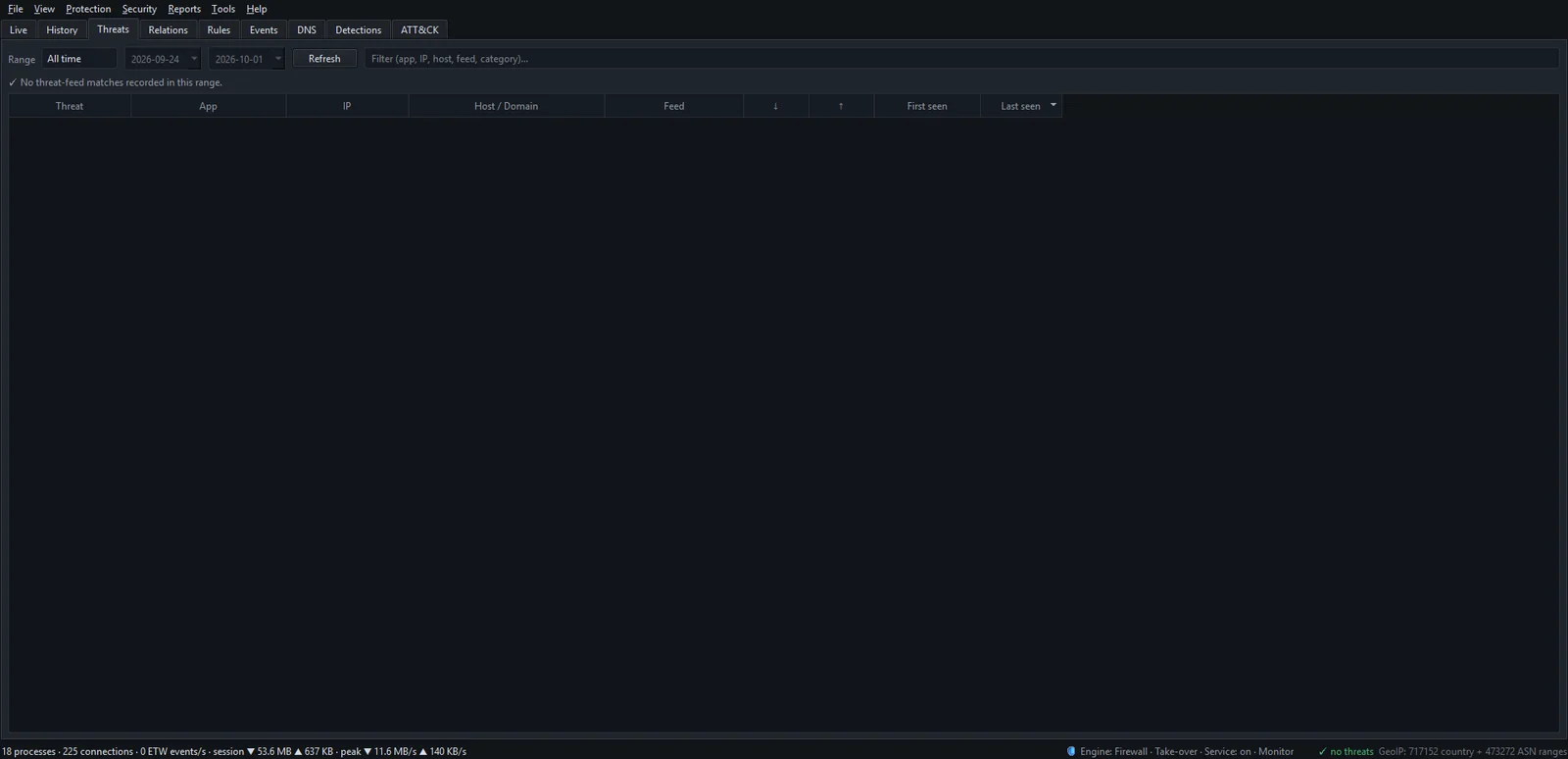
- in the Threats tab, with Tor Exit Nodes in the Feed column
- as a tray alert the first time a program reaches that address
- on the IP dashboard for the address
It also adds the "tor-egress" detection signal to the program's risk score (T1090.003 Multi-hop Proxy, weight 40). Forty is the alert threshold, so the program appears on the Detections tab and can raise the "Suspicious process" alert. That signal doesn't look at direction, so a server program receiving a connection from Tor scores too.
How to investigate
- Open the Threats tab and type
Torin the filter box. Note which programs appear. - In the Live tab, tick ⚠ Threats in the filter bar and expand the program. Each connection reads local address and port → remote address and port.
- Work out the direction. If the program also has a
:port (listening)row and the connection's local port is that same port, the connection came in. Otherwise your program dialed out. - Select the program and read the trust line in the details pane: signed or not, publisher, and where it runs from.
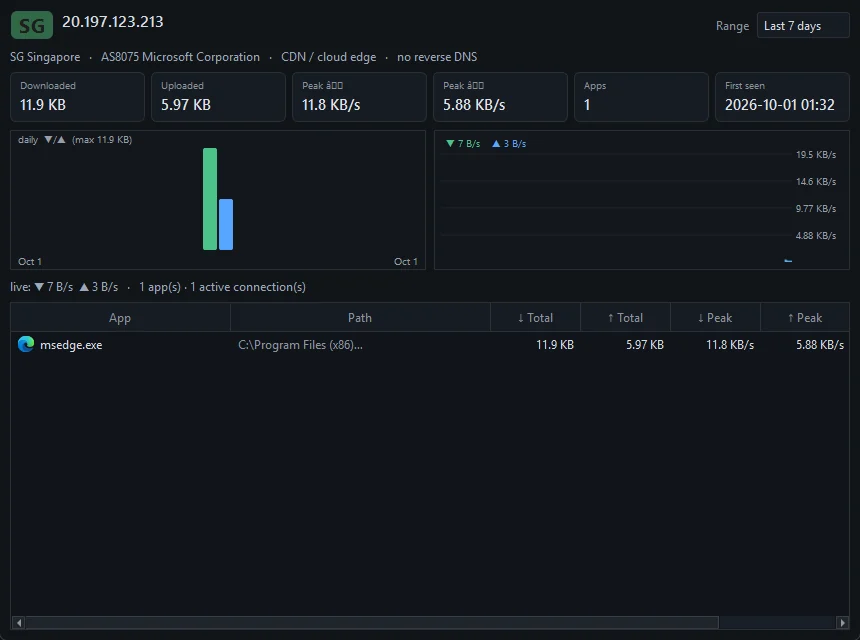
- Right-click the connection and choose Open IP dashboard for reverse DNS, the network owner and every program that used the address. More in the IP dashboard.
- For outside opinions, right-click and choose Investigate IP ▸ AbuseIPDB or VirusTotal. They open in your browser.
What to do about it
An unfamiliar program dialing out to Tor. Right-click it and choose Block this app (firewall) ▸ Block (permanent), then run a full antivirus scan. Look at its app dashboard for other destinations. Blocking is covered in how to block an app.
Incoming connections to something you expose. Ask whether it needs to be reachable from the internet at all. Remove the port forward on your router, turn off the program's automatic port mapping (UPnP) if it has one, or put the service behind a VPN. For a firewall-level block, New rule… on the Rules tab can create an inbound rule for a program or port; while the background service is running that button is unavailable, so use Windows Defender Firewall instead. Inbound vs outbound connections explains the difference if it's new.
Tor Browser or a Tor-based app you use on purpose. Nothing to fix. To stop it being scored, select it on the Detections tab and click Allowlist selected.
NetSecWall flags Tor addresses but doesn't block them by itself, and there's no one-click "block all Tor exits". Blocking works per program, per country, per website category, or through a custom rule for specific addresses.
Limits worth knowing
- Only exits are listed. A Tor client that connects through entry relays or unlisted bridges won't match.
- Relays change constantly. A daily list will be slightly out of date in both directions.
- NetSecWall doesn't inspect content, and Tor traffic is encrypted anyway. It tells you which program and which address, not what was said.
- It isn't an antivirus. A suspicious Tor connection is a reason to scan, not a diagnosis.
To see whether anything on your PC talks to Tor, the 7-day trial includes the Threats tab and all six lists. For the list itself, see the threat feeds NetSecWall uses.
Frequently asked questions
Is using Tor illegal?
In most countries, no. Tor is legitimate privacy software used by journalists, researchers and ordinary people. A few countries restrict or block it.
Does a connection to a Tor exit node mean I've been hacked?
No. Incoming connections from Tor to a service you expose, peer-to-peer apps and Tor Browser all produce matches. It's worth a look when an unfamiliar program is making the connection itself.
Can I see what was sent over the connection?
No. NetSecWall reads connection metadata, not content, and Tor traffic is encrypted. You can see the program, the address, the times and how much data moved.
Why does NetSecWall rate Tor exits as low severity?
Because using Tor isn't malicious in itself. The Tor match adds to a program's risk score, so a Tor connection combined with other warning signs still rises to an alert.
Does NetSecWall block Tor automatically?
No. It flags connections to exit addresses and scores the program. You decide whether to block the program making them.
Keep reading
 Is my computer being tracked? What your network traffic says
Almost certainly, by ad and analytics services, which is normal and mostly happens in your browser. Signs of worse are specific: unknown programs, steady check-ins and flagged addresses.
 Newly registered domains: a quiet warning sign
Phishing and malware campaigns tend to use domains registered days earlier, before blocklists catch up. A very young domain proves nothing alone, but it adds weight when an app already looks wrong.
 How to spot malware by its network traffic
Almost all malware has to talk to someone. Look for unknown or unsigned programs online, odd ports, check-ins on a timer, lopsided uploads, threat-listed addresses and Windows tools going online.
 Threat-intelligence IP lists: what they catch and what they miss
Threat-intelligence IP lists name addresses already tied to botnets, hacked machines, spam networks or Tor. They catch known infrastructure well but miss new servers and can mislabel shared addresses.