security basics
Posts tagged “security basics”.
 Why is an app on my PC talking to a Tor exit node?
Usually because something on your PC accepts connections arriving through Tor, a peer-to-peer app met a Tor user, or a program uses Tor itself. Malware does too, so check the app and direction.
 Can kids get around parental controls? An honest answer
Yes. A determined child can get around almost any parental control, especially with admin rights, another device or a VPN. You can make it much harder, and talking to them does more than any setting.
 Why you need a firewall and an antivirus, and what each one misses
An antivirus judges files and program behavior; a firewall judges connections. Each misses what the other sees, from a clean-looking tool phoning out to malware that never touches the network.
 Inbound and outbound connections, in plain English
A connection is outbound when your PC starts it, inbound when another machine does. Your router and Windows Firewall stop most unsolicited inbound traffic, so outbound is where apps phone home.
 Is my computer being tracked? What your network traffic says
Almost certainly, by ad and analytics services, which is normal and mostly happens in your browser. Signs of worse are specific: unknown programs, steady check-ins and flagged addresses.
 How to cut an infected PC off the network in one step
Contain first: stop the PC talking to the network so malware can't take orders, send data out or spread. On one PC, use Block all outbound (panic). On a managed fleet, use Isolate (beta).
 Living off the land: when Windows' own tools go rogue
Attackers often skip custom malware and use tools Windows already ships, such as PowerShell, certutil and mshta. The files are genuine, so the tell is behavior, like those tools reaching the internet.
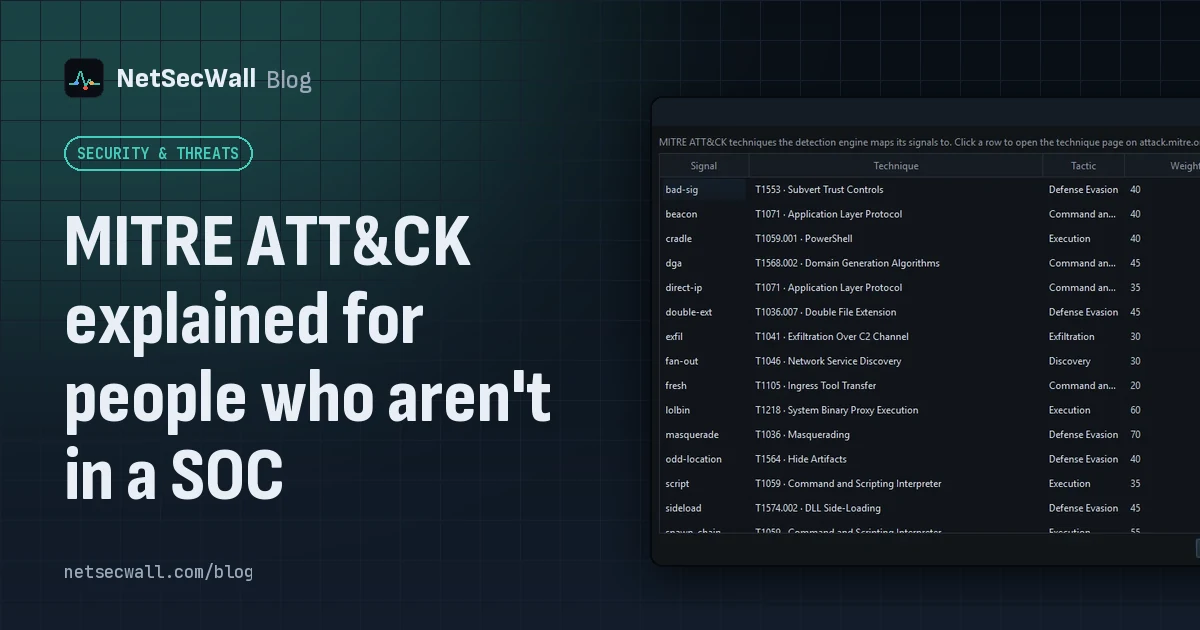 MITRE ATT&CK explained for people who aren't in a SOC
MITRE ATT&CK is a free public catalog of how real attackers operate. Tactics are their goals, techniques are their methods, and knowing the two helps you read a security alert without guessing.
 What is a port? 443, 53, 3389 and friends
A port is a number from 0 to 65535 that tells a computer which program a piece of network traffic is for. Servers wait on well-known ports like 443 or 53; your side uses a random high port.
 Newly registered domains: a quiet warning sign
Phishing and malware campaigns tend to use domains registered days earlier, before blocklists catch up. A very young domain proves nothing alone, but it adds weight when an app already looks wrong.
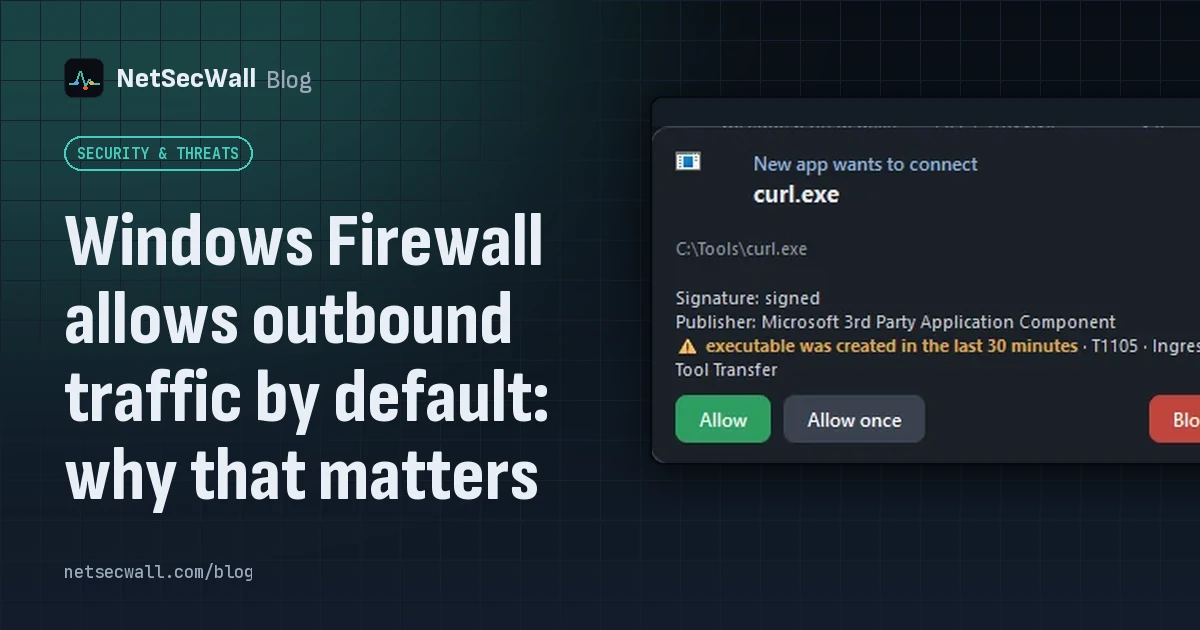 Windows Firewall allows outbound traffic by default: why that matters
Out of the box, Windows Defender Firewall blocks unsolicited inbound connections but lets every program connect out. That keeps things working, and it means nothing stops an unwanted app phoning home.
 Network visibility for a small office without an IT department
Watch three things on each PC: programs you don't recognize going online, unusually large uploads, and threat-list hits. Then add phone alerts and a 15-minute weekly review. No IT staff needed.
 How to spot malware by its network traffic
Almost all malware has to talk to someone. Look for unknown or unsigned programs online, odd ports, check-ins on a timer, lopsided uploads, threat-listed addresses and Windows tools going online.
 ESTABLISHED, TIME_WAIT, LISTENING: TCP states decoded
TCP states show where a connection is in its life: LISTENING waits, SYN_SENT is dialing, ESTABLISHED is talking, CLOSE_WAIT and TIME_WAIT are the goodbye. Most are harmless; piles of some are clues.
 Threat-intelligence IP lists: what they catch and what they miss
Threat-intelligence IP lists name addresses already tied to botnets, hacked machines, spam networks or Tor. They catch known infrastructure well but miss new servers and can mislabel shared addresses.
 When a trusted app's file suddenly changes
A trusted app's file changing usually means an update. Worry when the change brings a lost or broken signature, or new destinations — the marks of a tampered, supply-chain-compromised app.
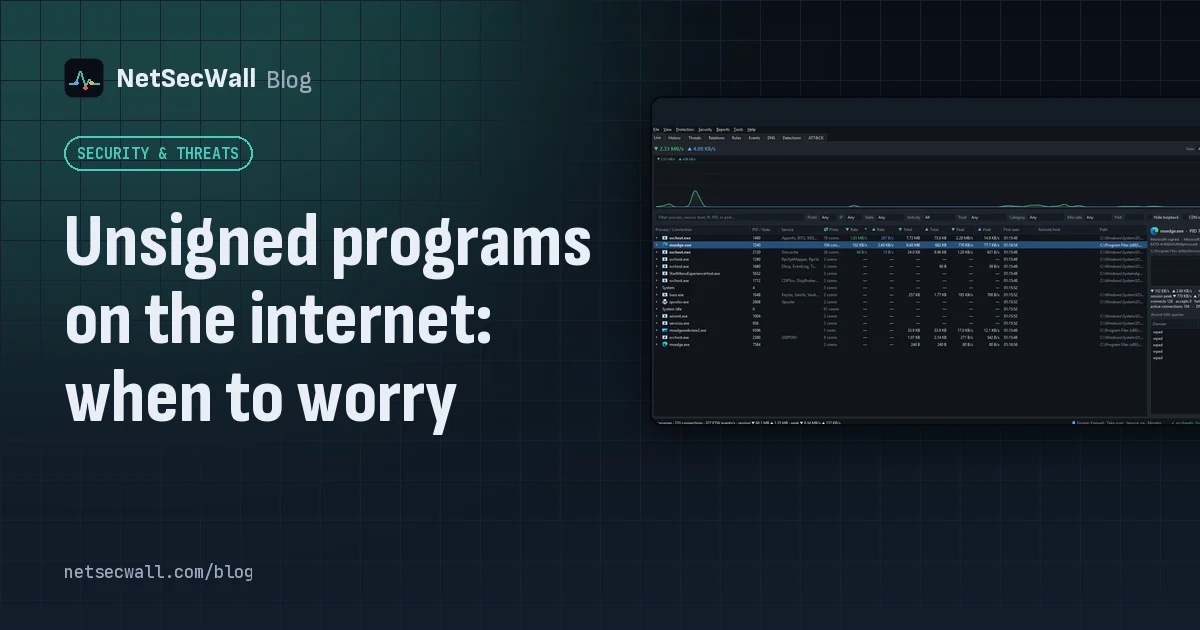 Unsigned programs on the internet: when to worry
An unsigned program going online isn't proof of malware; plenty of honest software is unsigned. Worry when it also runs from a temp folder, appeared minutes ago, or carries a broken signature.
 What is beaconing? How malware checks in with its server
Beaconing is malware's regular check-in with its command-and-control server. The steady timing is hard to hide, so a program contacting one address like clockwork is worth a look.
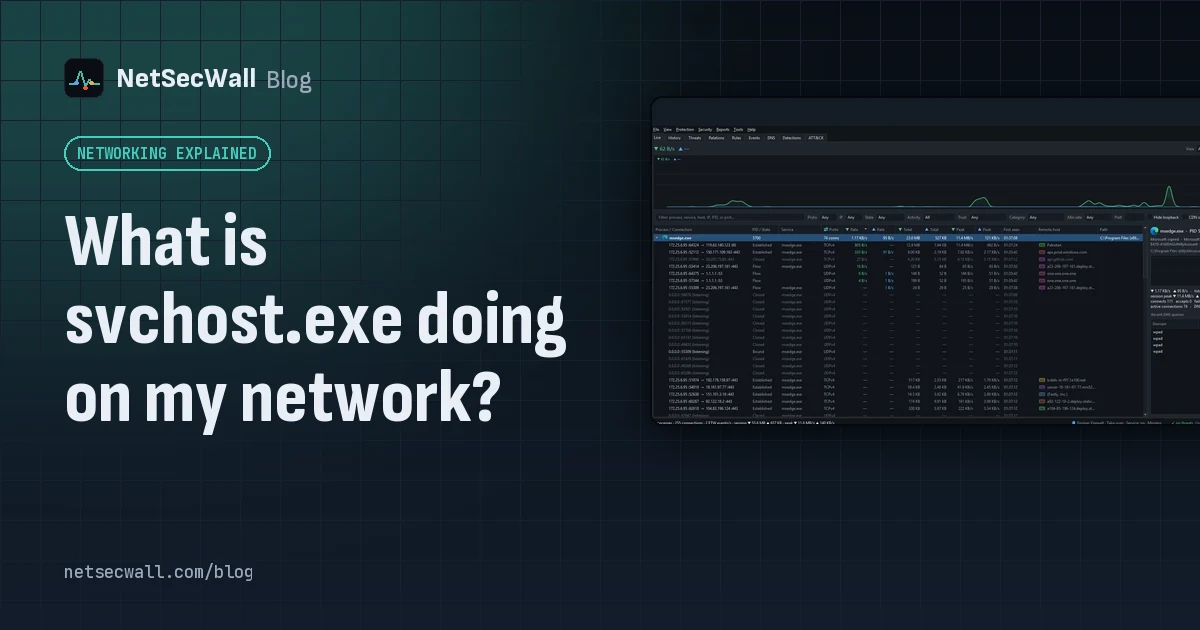 What is svchost.exe doing on my network?
svchost.exe hosts Windows services, and several of them need the internet: Windows Update, BITS, Delivery Optimization, time sync and the DNS Client. The real question is always which service.
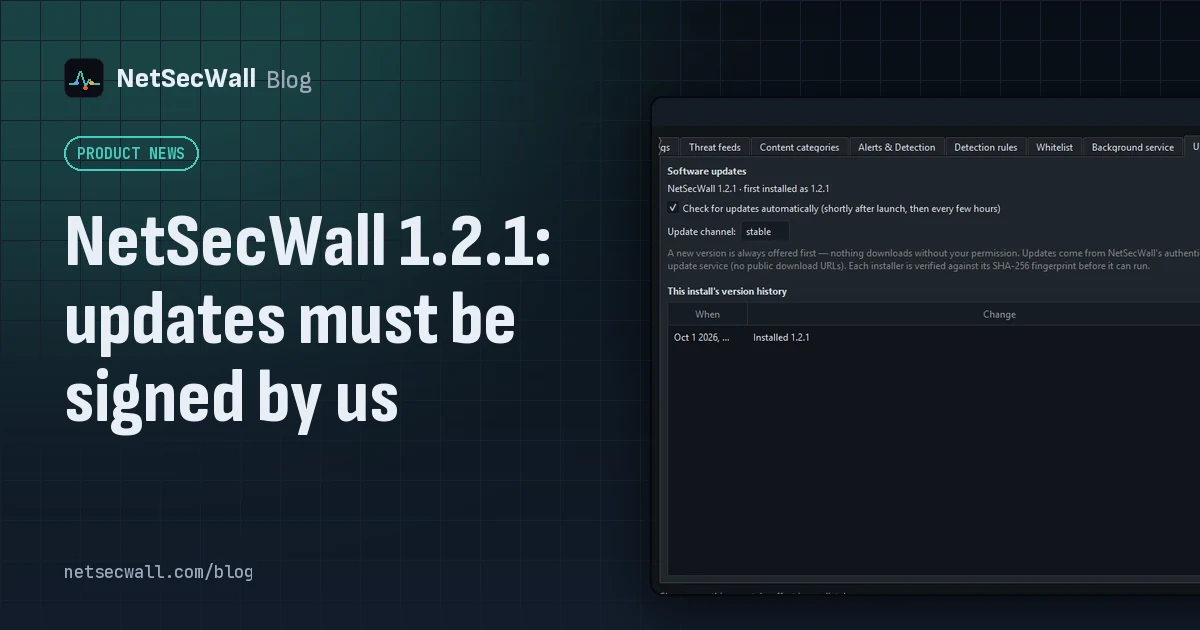 NetSecWall 1.2.1: updates must be signed by us
NetSecWall 1.2.1 installs an update only if it's signed by the same publisher as your copy, and fixes a crash when updates finished downloading. On 1.1.0 or 1.2.0, download 1.2.1 from the website.