Why you need a firewall and an antivirus, and what each one misses
An antivirus judges files and program behavior; a firewall judges connections. Each misses what the other sees, from a clean-looking tool phoning out to malware that never touches the network.
NetSecWall for Windows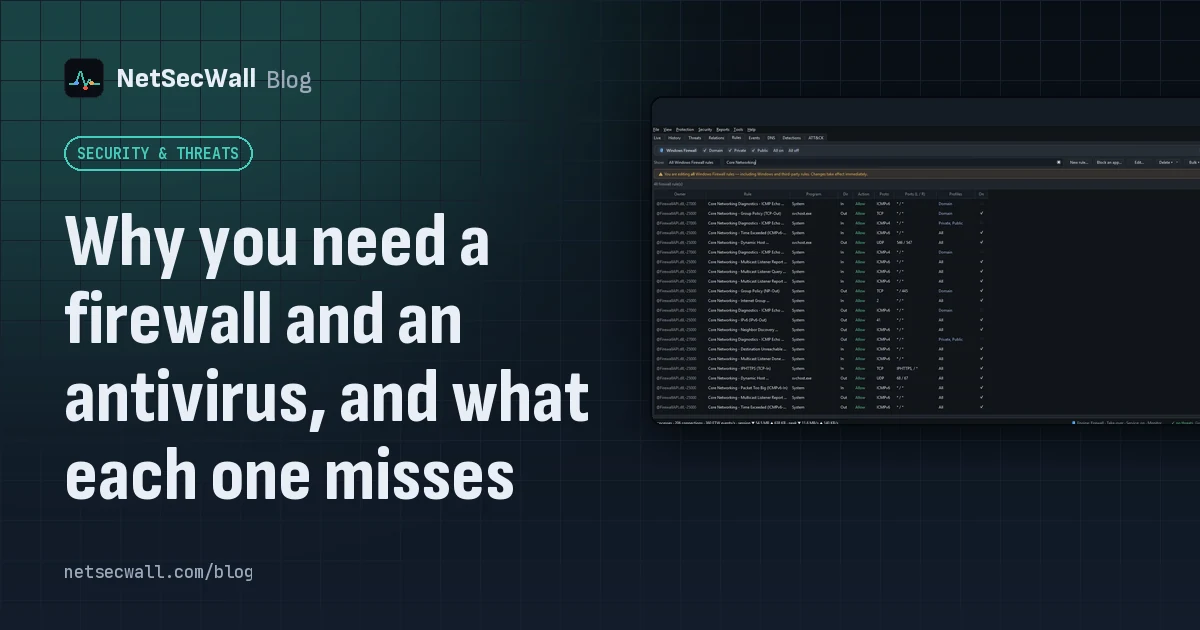
On this page
You need a firewall and antivirus together because they look at different things. An antivirus inspects files and program behavior on the PC and removes what it recognizes as malicious; a firewall decides which network connections are allowed in and out. Malware that looks clean to the antivirus still has to talk to someone, and a firewall is blind to anything that never touches the network, so each one covers the other's blind spot.
What an antivirus does
Every Windows 10 and 11 PC comes with Microsoft Defender Antivirus, part of the Windows Security app. It stays on unless you install another antivirus, in which case it steps aside. A modern antivirus does several jobs:
- Scans files when they're downloaded, opened or run, and on schedule.
- Recognizes known malware by signatures, and unknown malware by heuristics, machine learning and cloud lookups.
- Watches behavior, such as a program suddenly encrypting lots of files.
- Inspects scripts as they run. On Windows, the Antimalware Scan Interface (AMSI) lets Defender see PowerShell and other script content even when it never touches the disk.
- Quarantines and removes what it finds.
That last job is one no firewall can do.
What an antivirus can miss
- Brand-new or custom malware, before signatures and reputation catch up.
- Genuine tools used for bad ends. When an attacker uses Windows' own
certutil.exeor PowerShell, the file is legitimate. See living off the land. - Legal but unwanted behavior. An app sending more data than you'd like, or phoning home constantly, isn't malware, so an antivirus won't flag it.
- The network picture. An antivirus generally doesn't show you which program talks to which address, how often, or how much it sends.
What a firewall does
Windows Defender Firewall is also built in. By default it blocks unsolicited incoming connections and allows all outgoing ones. That default is covered in Windows Firewall allows outbound traffic by default.
An outbound firewall or network monitor adds the other direction:
- Visibility: which program connects where, when and with how much data.
- Control: cutting one program off the internet without uninstalling it.
- Behavior on the wire: a program checking in on a timer, reaching an address on a threat list, or uploading far more than it downloads.
What a firewall misses
- Anything that stays on the PC. Ransomware encrypting your files, a keylogger saving to disk, malware spread by USB stick: none of it needs the network to do its damage.
- Content. A firewall decides whether a connection may happen. It doesn't know whether a download is malicious, and with HTTPS it can't see what's being sent.
- Malware inside an allowed program. Code injected into your browser uses the browser's permission.
- Cleanup. A firewall can cut off an infected program; it can't remove it.
Firewall and antivirus: who catches what
| Situation | Antivirus | Outbound firewall and network monitor |
|---|---|---|
| A known malware file is downloaded | Usually blocks or quarantines it | Sees only the download connection |
| An unknown program checks in with a server on a timer | May miss it if it's new | Sees the program, the destination and the rhythm |
| A Windows tool fetches a payload from the internet | May miss it, since the file is genuine | Sees a system tool going online |
| An app uploads your files | Rarely tracks volumes | Sees the upload per program and where it went |
| Malware encrypts files without touching the network | Behavior monitoring may catch it | Sees nothing |
| Removing an infection | Yes | No |
Where NetSecWall fits
NetSecWall is the network half of that table. In the words of its own documentation: it is not an antivirus. It doesn't scan files, it won't remove malware, and it can't see anything that never touches the network.
What it does do: show every program with a network connection, live and in a local history; check each remote address against six public threat lists; score programs against 21 behavioral signals, from Windows tools going online to beaconing and upload-heavy transfers; and block individual programs, countries, website categories or everything at once. The routine in how to spot malware by its network traffic shows how those pieces fit together.
It's built to sit next to Defender, not replace anything:
- No kernel driver. NetSecWall reads connection data from Windows' own event tracing and connection tables, so monitoring doesn't sit in the path of your traffic. How NetSecWall works has the detail.
- It uses Windows Defender Firewall. With the default Windows Firewall (rules) engine, blocks are ordinary rules inside Windows Defender Firewall. If the firewall is switched off, a red banner says "Windows Firewall is turned OFF — NetSecWall blocking relies on it" and offers Enable Windows Firewall.
- An optional bridge to file reputation. NetSecWall can check the SHA-256 hash of each program that uses the network against your own IOC list and, with your VirusTotal API key, VirusTotal. That's a hash lookup, not a scan.
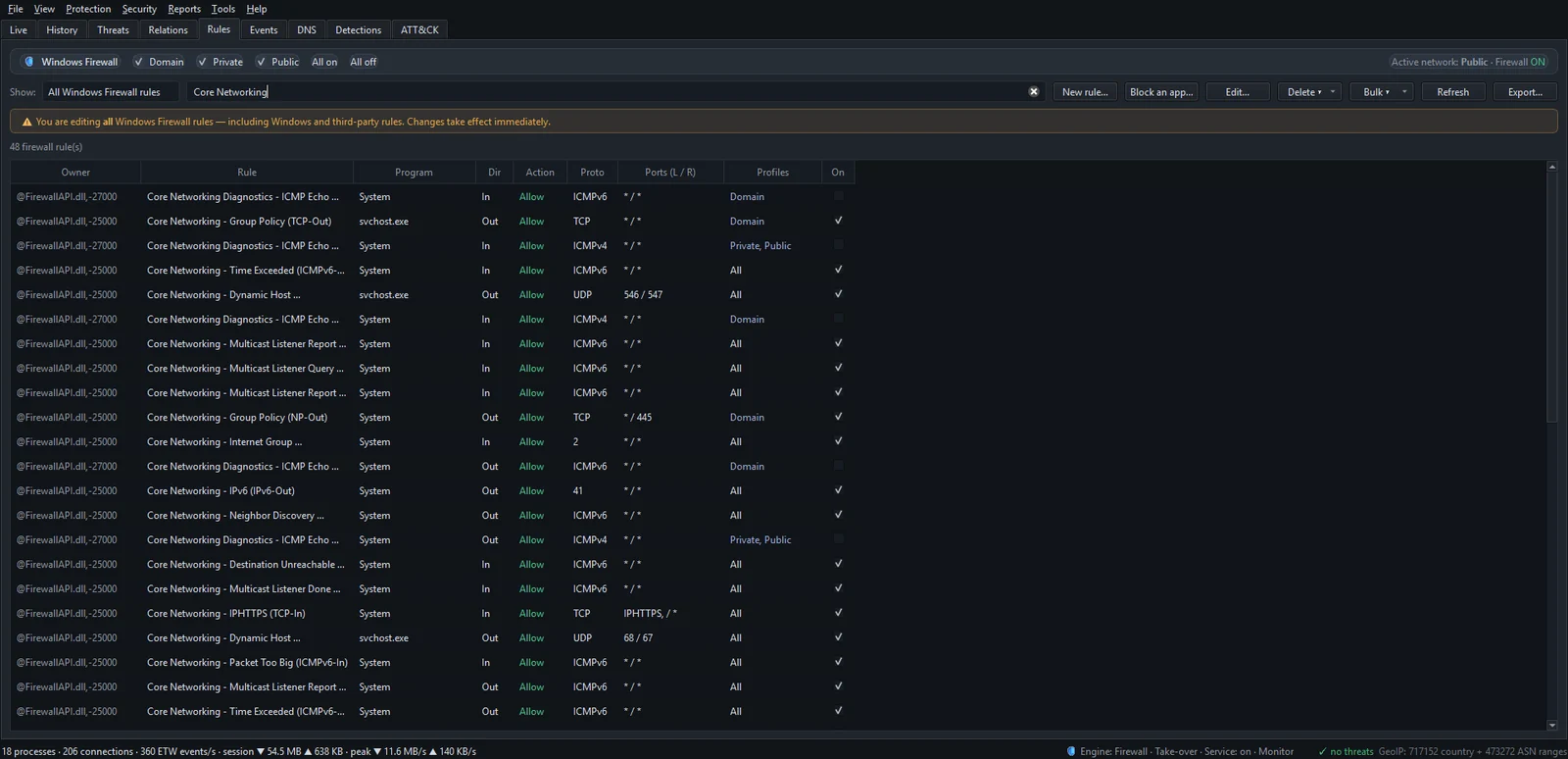
If another firewall manager already controls Windows Firewall on your PC, NetSecWall shows an amber banner and offers Companion mode; see using NetSecWall alongside another firewall manager.
A sensible layered setup for a home PC
- In Windows Security ▸ Virus & threat protection, make sure real-time protection is on.
- Keep Windows Defender Firewall on for the Domain, Private and Public profiles. NetSecWall's Rules tab shows a switch for each.
- Install NetSecWall and leave it in Monitor only for a few days to learn what's normal.
- Switch to Protection ▸ Filtering mode ▸ Learning — ask when a new app connects, so new programs have to be approved before they stay online.
- Leave the default detections on. When NetSecWall flags a program, run a full Defender scan as well.
- Keep Windows and your apps updated. Neither tool fixes an unpatched hole.
When the two disagree
NetSecWall flags a program and Defender says it's clean. Defender may be right: plenty of legitimate programs trip a behavioral signal. Or it may not know the file yet. Look at where the program runs from, whether it's signed, and what it talks to, and check its hash.
Defender quarantines something. Look the program up in NetSecWall's History tab or its app dashboard to see what it contacted before it was caught, and how much it sent. That tells you whether anything may have left the PC.
Having both answers is the point. If you want to see the network half on your own PC, the 7-day trial has every feature unlocked.
Frequently asked questions
Is Microsoft Defender enough on its own?
As an antivirus, Defender is a solid default for most home PCs. What it doesn't give you is a per-program view of network connections and outbound control, which is the part a network monitor adds.
Can I run two antivirus programs at once?
Running two real-time scanners together is generally a bad idea. On consumer Windows, Defender Antivirus switches itself off when another antivirus registers. A network monitor like NetSecWall isn't an antivirus, so it doesn't count as a second one.
Does NetSecWall conflict with Microsoft Defender?
No. NetSecWall installs no kernel driver and doesn't scan files. It uses Windows Defender Firewall for blocking rather than replacing it.
Do I need another firewall if Windows already has one?
Windows Defender Firewall handles incoming connections well. What it doesn't offer out of the box is a view of which program connects where, or prompts when a new program goes online.
Will a firewall stop ransomware?
Partly. It can cut off a program's command channel and block uploads of stolen files, but the encryption itself happens on the PC. Antivirus, backups and updates are the main defenses.
Keep reading
 How to block a country on Windows
Windows has no country switch, so you block the country's IP ranges with firewall rules. NetSecWall does it with one right-click; geolocation is approximate, and CDNs and VPNs blur borders.
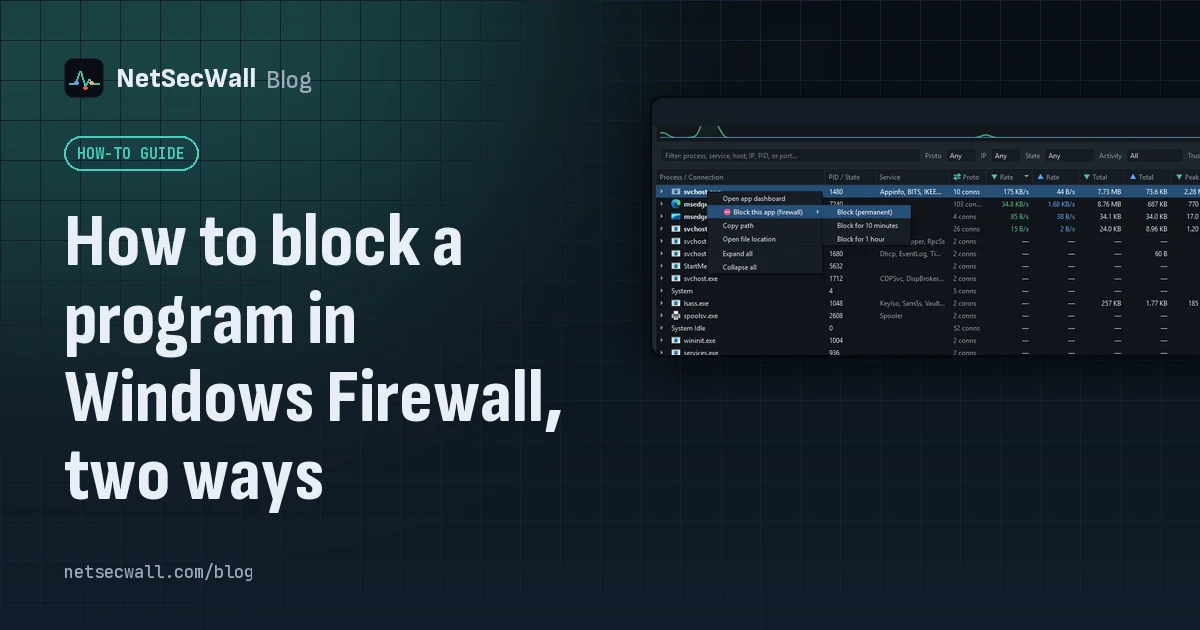 How to block a program in Windows Firewall, two ways
Create an outbound rule for the program's .exe in Windows Defender Firewall with Advanced Security, set to Block the connection. Or right-click the program in NetSecWall and choose Block.
 Keep the app, cut its internet: blocking without uninstalling
Block the program's outbound connections instead of removing it. The app still opens and works offline; it just can't reach the internet until you lift the block.
 Inbound and outbound connections, in plain English
A connection is outbound when your PC starts it, inbound when another machine does. Your router and Windows Firewall stop most unsolicited inbound traffic, so outbound is where apps phone home.