Unsigned programs on the internet: when to worry
An unsigned program going online isn't proof of malware; plenty of honest software is unsigned. Worry when it also runs from a temp folder, appeared minutes ago, or carries a broken signature.
NetSecWall for Windows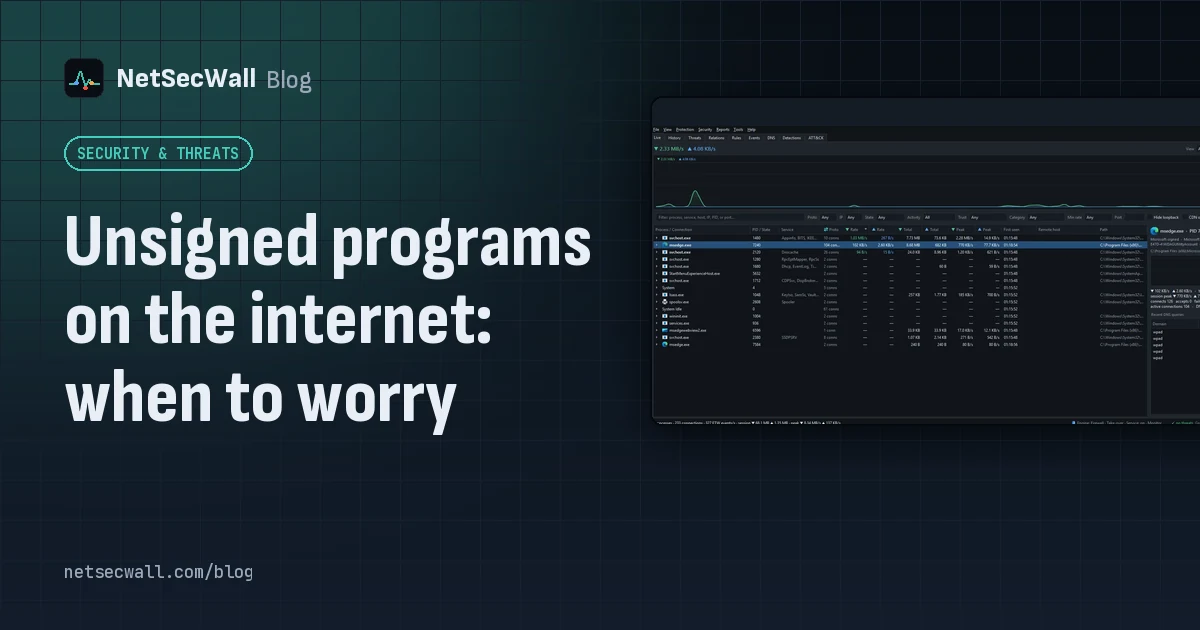
On this page
An unsigned program connecting to the internet is a reason to look, not a reason to panic. A digital signature tells you who published a file and that it hasn't been changed since; lots of legitimate software, from open-source tools to small utilities, simply isn't signed. Worry when an unsigned program also runs from a temporary or download folder, appeared a few minutes ago, imitates a Windows name, or carries a signature that is present but invalid.
What code signing actually proves
On Windows, publishers sign programs with Authenticode. The publisher gets a code-signing certificate from a certificate authority that has checked who they are, and uses it to sign the file. When Windows verifies the signature, it confirms two things:
- Identity: the file was signed by the named publisher, whose certificate chains to a trusted authority.
- Integrity: not a byte has changed since it was signed.
A timestamp added at signing keeps the signature valid after the certificate itself expires.
Many of Windows' own files aren't signed inside the file at all. Microsoft signs them through security catalogs, separate files that list trusted hashes. That's why some genuine Windows programs show no Digital Signatures tab in their Properties.
What a signature does not prove is that the software is safe. Certificates have been stolen and used to sign malware. Criminals have obtained certificates for front companies. And a properly signed program can still bundle adware or collect more data than you'd like. A signature answers "who", not "is it good".
Why so much honest software is unsigned
Signing costs money every year, and since 2023 the private keys have to be kept on dedicated hardware, which adds cost and hassle. So you'll find unsigned files among:
- open-source and hobby projects
- portable utilities and command-line tools
- older software from before signing was common
- in-house tools written by a company for its own staff
- programs you or a friend compiled yourselves
- game mods and community patches
Unsigned programs often trigger Microsoft Defender SmartScreen's "Windows protected your PC" warning. That warning is mostly about reputation, meaning how many people have run the file, not a finding of malware.
When an unsigned program connecting to the internet is worth a look
Run through four checks. The more that fail, the more attention it deserves.
- Where does it live?
C:\Program Filesneeds administrator rights to write to, so something installed properly usually sits there.AppData\Local\Temp,Downloads,C:\Users\Public, the Recycle Bin or a network share are odd homes for a program that talks to the internet. - Unsigned, or invalid? "No signature" is common. "Signature present but invalid" is not: it means the file changed after signing, or the certificate was revoked or isn't trusted.
- How new is it? A program that appeared minutes ago and went straight online is more interesting than one installed two years ago.
- What is it pretending to be? A Windows name in the wrong folder (
svchost.exeoutsideSystem32) or a double extension likeinvoice.pdf.exeis a deliberate disguise.
Then look at where it connects: a raw IP address with no name, an odd port, or an address on a threat list tips the balance.
To check a signature yourself, right-click the file, choose Properties and look for the Digital Signatures tab. In PowerShell, Get-AuthenticodeSignature "C:\path\to\app.exe" reports a status such as Valid, NotSigned or HashMismatch.
How NetSecWall shows trust
NetSecWall checks each networking program's signature with Windows' own verification, including the security catalogs, so core Windows files show as trusted rather than unsigned.
The trust line. Select a program in the Live tab and the details pane shows one of: Part of Windows, Microsoft-signed, ✔ Signed, ⚠ Unsigned, ⚠ Signature INVALID or trust unknown, followed by the publisher, the account it runs under and its install date.
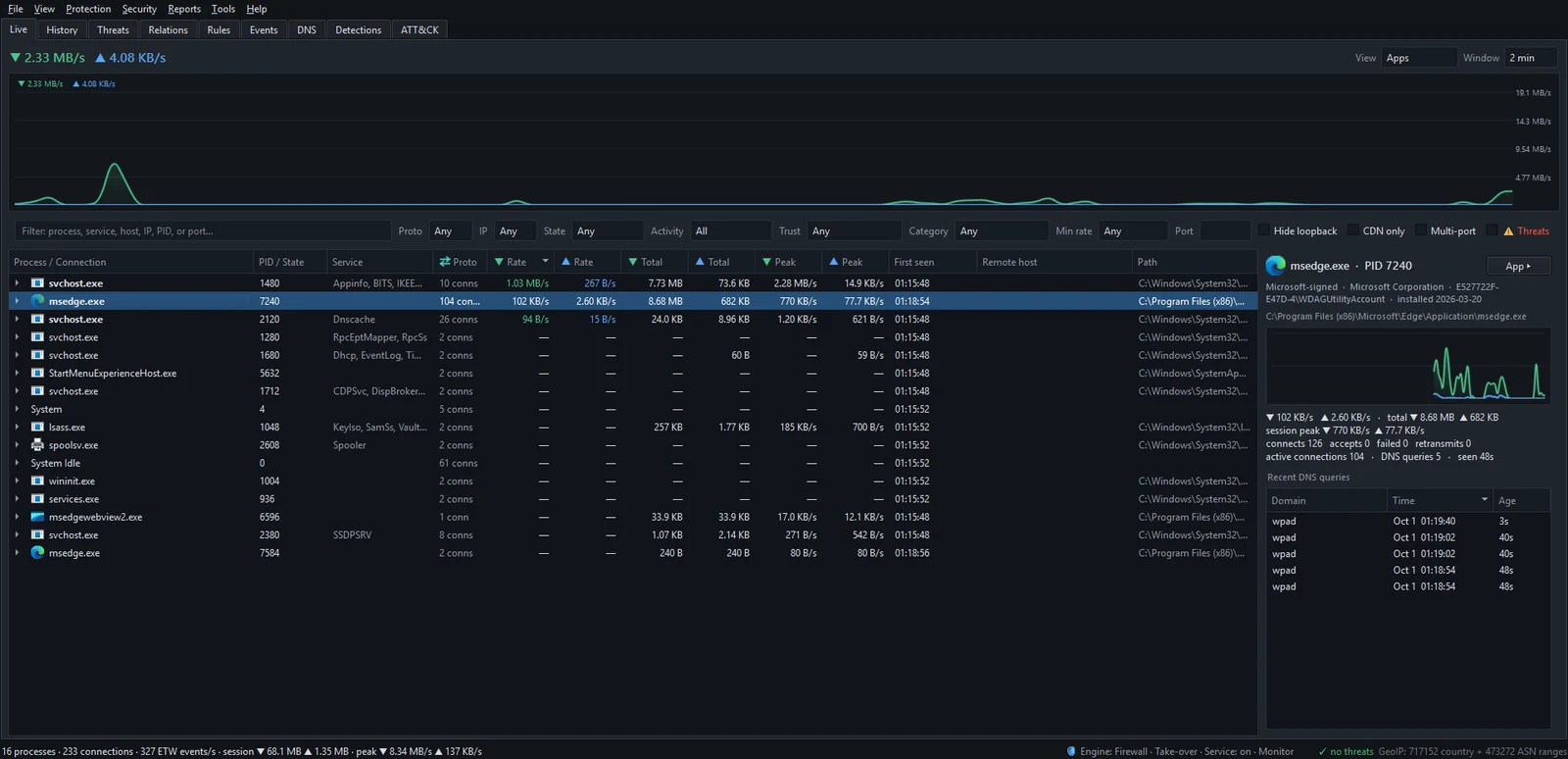
The Trust filter. To list every unsigned program online right now:
- Open the Live tab.
- In the filter bar, set Trust to Unsigned.
- Read the Path and First seen columns.
- Select a row to see its trust line, or right-click it and choose Open app dashboard for its full network history.
The same filter offers Signed, Microsoft, Part of Windows, System acct and User apps. There's more on the Live tab in live monitoring.
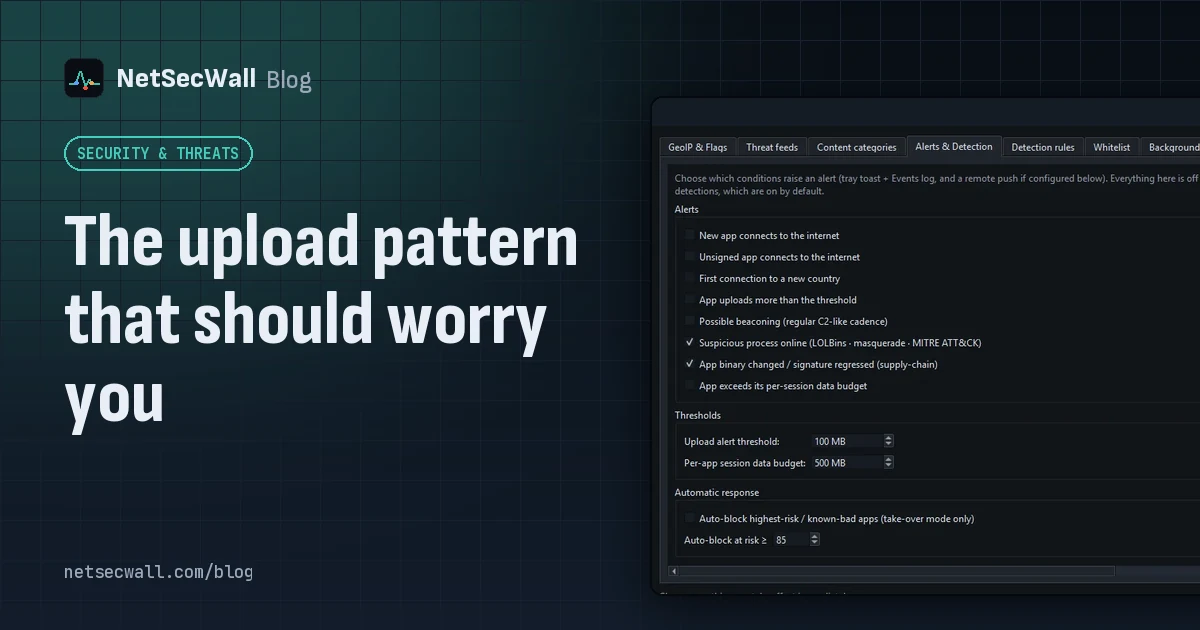
The alert. Security ▸ Alerts & detection… has an Unsigned app connects to the internet alert, off by default. When on, you get a tray notification, "Unsigned app online", the first time each unsigned program connects out in a session. It's a notification only; it isn't kept in the Events tab. For other alert options, see choosing your alerts.
The risk score. A plain unsigned file adds nothing to a program's risk score, because too much honest software is unsigned. An invalid signature does: 40 points (T1553 Subvert Trust Controls), or 60 if the file sits in a Windows system folder, plus another 55 if the file also claims to be Microsoft's. Running from a temp or download folder adds 30 and being created in the last half-hour adds 20. At 40 the program appears on the Detections tab.
Deciding what to do
- Signed or unsigned, you know what it is and where it came from: leave it.
- Unsigned, sensible location, but you don't recognize it: search the file name and folder, check the app dashboard for where it connects, and consider a hash check. NetSecWall can compare each networking program's SHA-256 with your own IOC list and, with your API key, VirusTotal; see hash reputation.
- Unsigned or invalid, odd location, brand new: right-click it and choose Block this app (firewall) ▸ Block (permanent), then run a full antivirus scan.
If you'd rather decide before anything new gets out, Learning mode holds each new program as soon as it connects and shows its signature status ("signed", "unsigned", "bad signature" or "unknown signer") and publisher in the pop-up.
What to keep in mind
A signature tells you who, not whether. NetSecWall reads signatures, paths and connections; it isn't an antivirus and doesn't examine what a program does with your files. App blocks follow the file path, so a program that moves needs a new block. And a file that changes after an update is a separate question, covered in when a trusted app's file suddenly changes.
To see which unsigned programs are online on your PC right now, the 7-day trial has the Trust filter and every alert above.
Frequently asked questions
Does unsigned mean a program is a virus?
No. Many legitimate programs, especially free, open-source and older ones, are unsigned. Treat it as one fact to weigh with the program's location, age and destinations.
Why does NetSecWall call a Windows file "Part of Windows" when Properties shows no signature?
Many Windows files are signed through security catalogs rather than inside the file. NetSecWall checks the catalogs too, so it recognizes them as genuine even though the Properties dialog shows no Digital Signatures tab.
How do I check whether a program is signed?
Right-click the file, choose Properties, and look for the Digital Signatures tab, or run Get-AuthenticodeSignature on it in PowerShell. In NetSecWall, select the program in the Live tab and read the trust line.
Can malware be digitally signed?
Yes. Stolen certificates and certificates obtained under false identities have both been used to sign malware. A valid signature lowers the odds, but it doesn't prove safety.
Can NetSecWall block all unsigned programs at once?
There's no single switch for that. Learning mode is the practical alternative: every new program is held at its first connection and you decide, with its signature status shown in the pop-up.
Keep reading
 The upload pattern that should worry you
Worry when one program uploads far more than it downloads, in bulk, to a place you can't explain. That's the shape of data theft. Backups and sync look the same, so context decides.
The upload pattern that should worry you
Worry when one program uploads far more than it downloads, in bulk, to a place you can't explain. That's the shape of data theft. Backups and sync look the same, so context decides.
 Network visibility for a small office without an IT department
Watch three things on each PC: programs you don't recognize going online, unusually large uploads, and threat-list hits. Then add phone alerts and a 15-minute weekly review. No IT staff needed.
Network visibility for a small office without an IT department
Watch three things on each PC: programs you don't recognize going online, unusually large uploads, and threat-list hits. Then add phone alerts and a 15-minute weekly review. No IT staff needed.
 How to spot malware by its network traffic
Almost all malware has to talk to someone. Look for unknown or unsigned programs online, odd ports, check-ins on a timer, lopsided uploads, threat-listed addresses and Windows tools going online.
How to spot malware by its network traffic
Almost all malware has to talk to someone. Look for unknown or unsigned programs online, odd ports, check-ins on a timer, lopsided uploads, threat-listed addresses and Windows tools going online.
 Threat-intelligence IP lists: what they catch and what they miss
Threat-intelligence IP lists name addresses already tied to botnets, hacked machines, spam networks or Tor. They catch known infrastructure well but miss new servers and can mislabel shared addresses.
Threat-intelligence IP lists: what they catch and what they miss
Threat-intelligence IP lists name addresses already tied to botnets, hacked machines, spam networks or Tor. They catch known infrastructure well but miss new servers and can mislabel shared addresses.