monitoring
Posts tagged “monitoring”.
 The upload pattern that should worry you
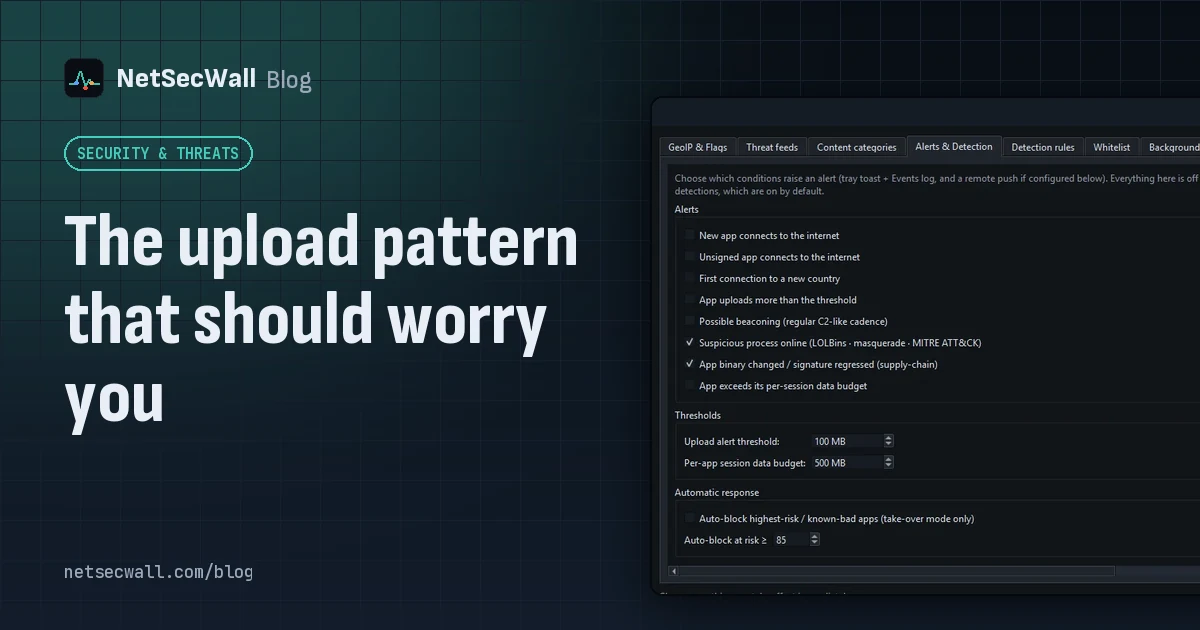
Worry when one program uploads far more than it downloads, in bulk, to a place you can't explain. That's the shape of data theft. Backups and sync look the same, so context decides.
The upload pattern that should worry you
Worry when one program uploads far more than it downloads, in bulk, to a place you can't explain. That's the shape of data theft. Backups and sync look the same, so context decides.
 Encrypted DNS (DoH): what it hides, and from whom
DNS over HTTPS encrypts the names your PC looks up, so the Wi-Fi owner and your ISP can't read them. The resolver you use still sees every name, and the addresses you then connect to stay visible.
Encrypted DNS (DoH): what it hides, and from whom
DNS over HTTPS encrypts the names your PC looks up, so the Wi-Fi owner and your ISP can't read them. The resolver you use still sees every name, and the addresses you then connect to stay visible.
 Find what's eating your bandwidth in the background
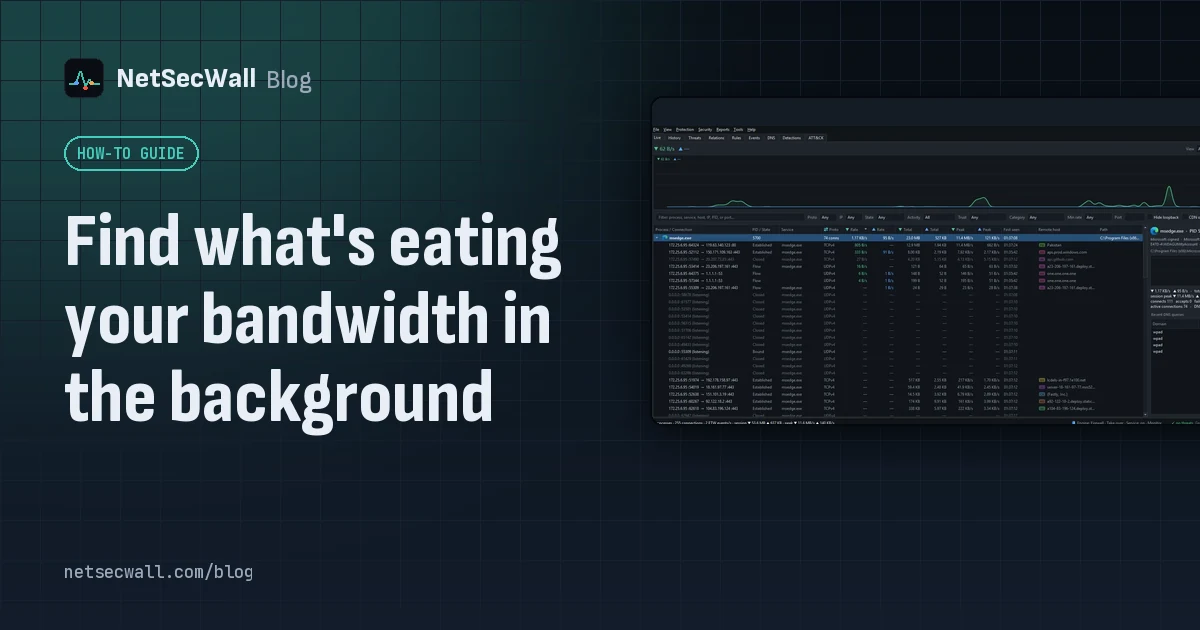
Sort Task Manager's Network column or Resource Monitor's Network Activity to catch what is using your bandwidth right now. To catch what used it an hour ago, you need per-app history.
Find what's eating your bandwidth in the background
Sort Task Manager's Network column or Resource Monitor's Network Activity to catch what is using your bandwidth right now. To catch what used it an hour ago, you need per-app history.
 How to find which app is using a port on Windows
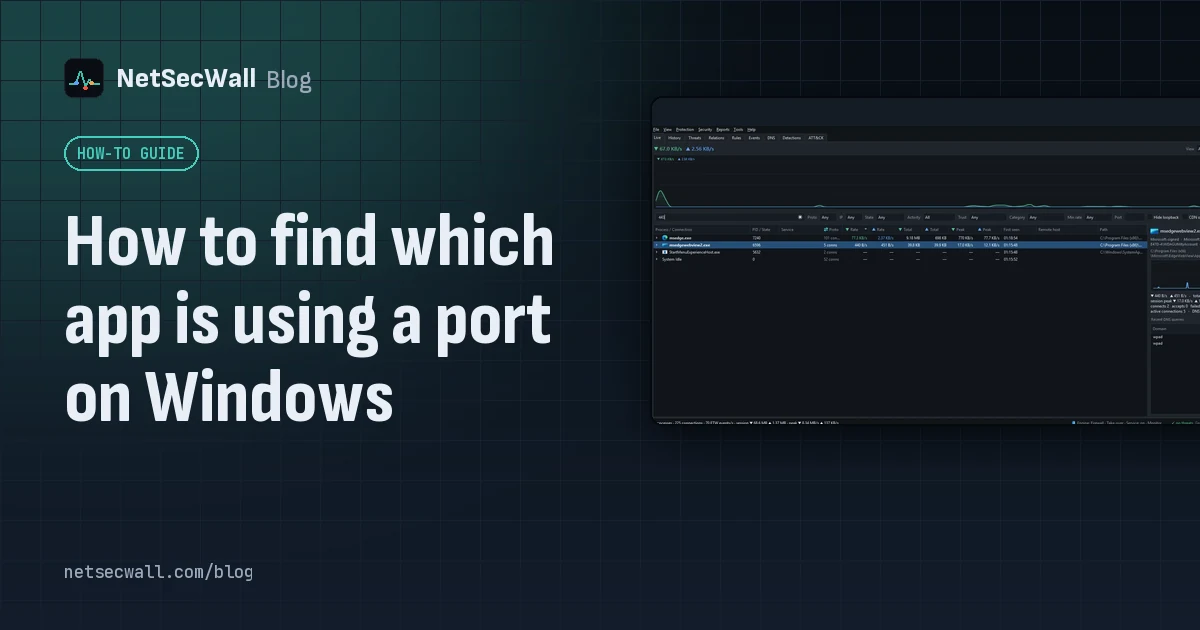
Run netstat -ano to get the process ID (PID) that owns the port, then look that PID up in Task Manager. PowerShell's Get-NetTCPConnection and Resource Monitor give the same answer.
How to find which app is using a port on Windows
Run netstat -ano to get the process ID (PID) that owns the port, then look that PID up in Task Manager. PowerShell's Get-NetTCPConnection and Resource Monitor give the same answer.
 How accurate is IP geolocation?
IP geolocation is usually right about the country and often wrong about the city. It's an educated guess from registry records and network measurements, and CDNs, anycast and VPNs throw it off.
How accurate is IP geolocation?
IP geolocation is usually right about the country and often wrong about the city. It's an educated guess from registry records and network measurements, and CDNs, anycast and VPNs throw it off.
 How NetSecWall sees every connection without a driver
NetSecWall reads what Windows already records: kernel network events through ETW, DNS answers, and the TCP and UDP tables. It sees which app talks to which address without capturing a single packet.
How NetSecWall sees every connection without a driver
NetSecWall reads what Windows already records: kernel network events through ETW, DNS answers, and the TCP and UDP tables. It sees which app talks to which address without capturing a single packet.
 Is my computer being tracked? What your network traffic says
Almost certainly, by ad and analytics services, which is normal and mostly happens in your browser. Signs of worse are specific: unknown programs, steady check-ins and flagged addresses.
Is my computer being tracked? What your network traffic says
Almost certainly, by ad and analytics services, which is normal and mostly happens in your browser. Signs of worse are specific: unknown programs, steady check-ins and flagged addresses.
 How to monitor network traffic per app on Windows
Task Manager and Resource Monitor show a live per-app figure. To see where each app connects, how much it sends, and what it did yesterday, you need a per-app monitor that keeps history.
How to monitor network traffic per app on Windows
Task Manager and Resource Monitor show a live per-app figure. To see where each app connects, how much it sends, and what it did yesterday, you need a per-app monitor that keeps history.
 What is a port? 443, 53, 3389 and friends
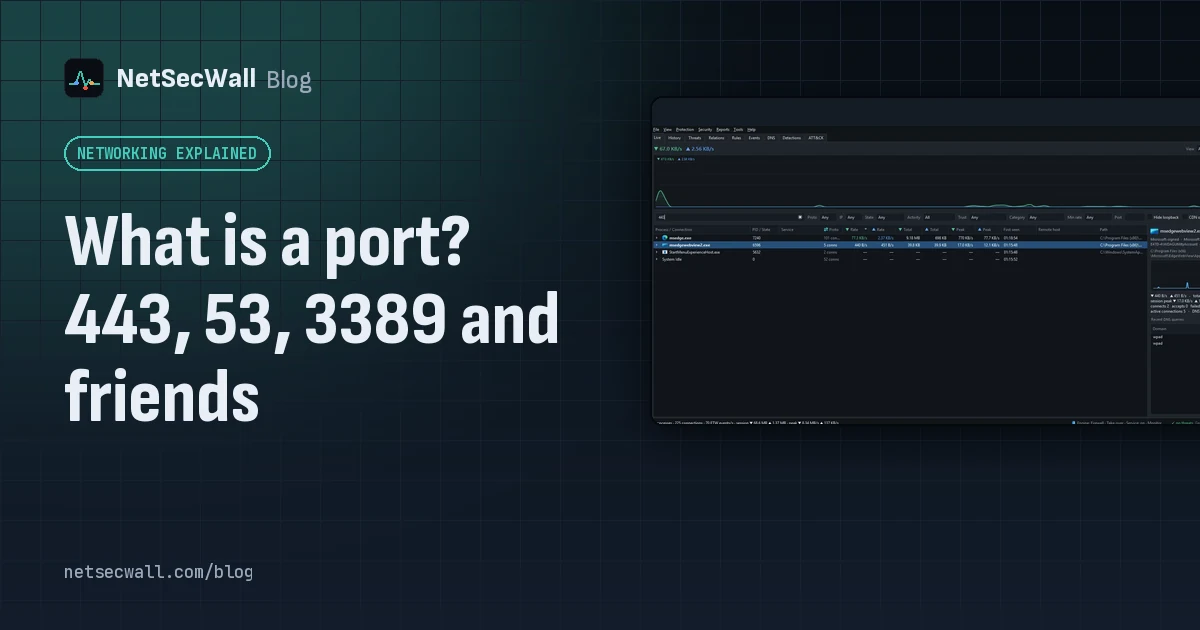
A port is a number from 0 to 65535 that tells a computer which program a piece of network traffic is for. Servers wait on well-known ports like 443 or 53; your side uses a random high port.
What is a port? 443, 53, 3389 and friends
A port is a number from 0 to 65535 that tells a computer which program a piece of network traffic is for. Servers wait on well-known ports like 443 or 53; your side uses a random high port.
 Why is my PC uploading data when I'm not using it?
Usually it's cloud sync, a backup, Windows Update sharing pieces of updates, telemetry or a forgotten browser tab. Sort your apps by upload rate to find the one responsible.
Why is my PC uploading data when I'm not using it?
Usually it's cloud sync, a backup, Windows Update sharing pieces of updates, telemetry or a forgotten browser tab. Sort your apps by upload rate to find the one responsible.
 On a hotspot or metered connection? Stop background apps burning data
Mark the network as metered, pause updates and sync, then watch what still uses data. NetSecWall's session data cap warns you at 80% and 100%, and a timed block silences one app for an hour.
On a hotspot or metered connection? Stop background apps burning data
Mark the network as metered, pause updates and sync, then watch what still uses data. NetSecWall's session data cap warns you at 80% and 100%, and a timed block silences one app for an hour.
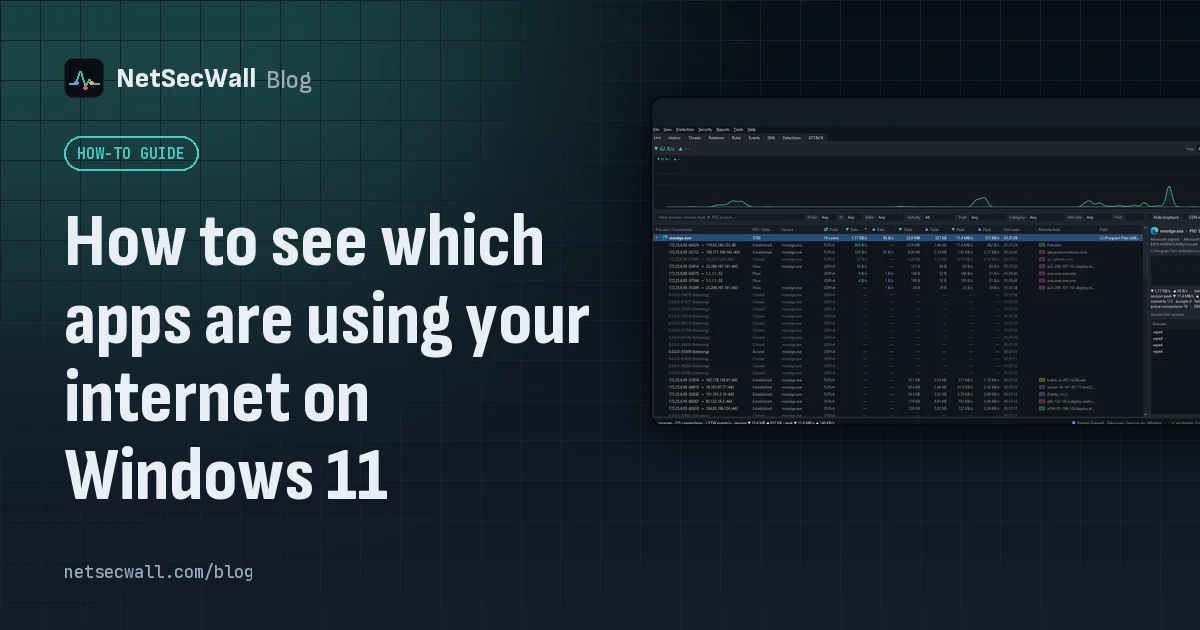 How to see which apps are using your internet on Windows 11
Task Manager's Network column shows which apps are busy right now; Resource Monitor and netstat show where each one connects. For history, countries and alerts you need a per-app monitor.
How to see which apps are using your internet on Windows 11
Task Manager's Network column shows which apps are busy right now; Resource Monitor and netstat show where each one connects. For history, countries and alerts you need a per-app monitor.
 Network visibility for a small office without an IT department
Watch three things on each PC: programs you don't recognize going online, unusually large uploads, and threat-list hits. Then add phone alerts and a 15-minute weekly review. No IT staff needed.
Network visibility for a small office without an IT department
Watch three things on each PC: programs you don't recognize going online, unusually large uploads, and threat-list hits. Then add phone alerts and a 15-minute weekly review. No IT staff needed.
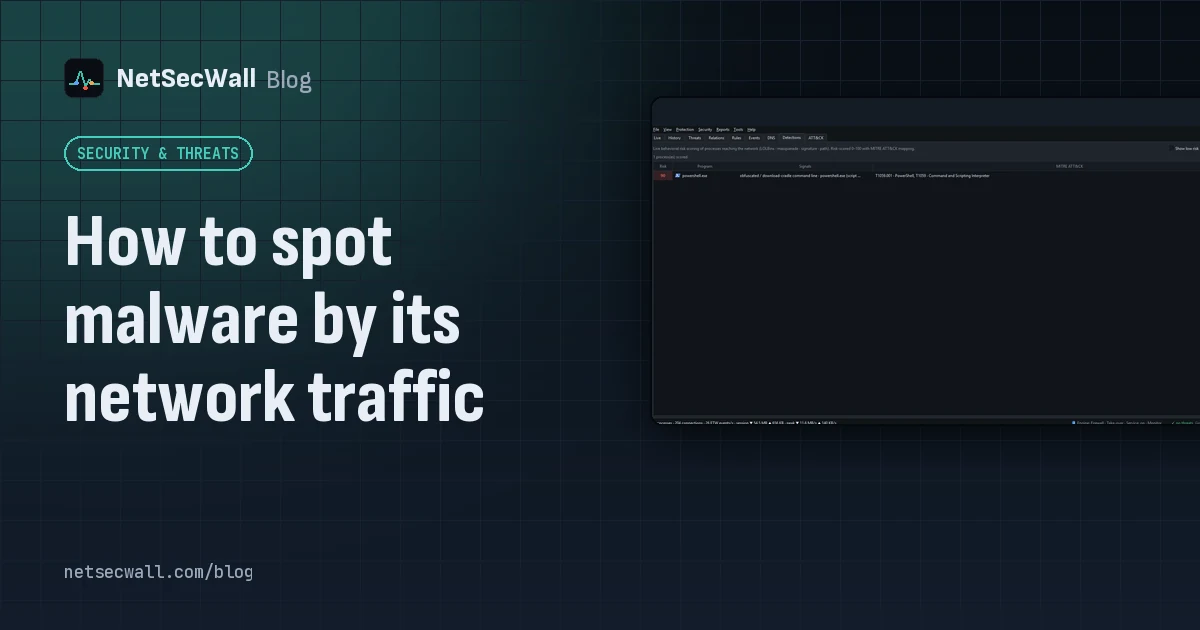 How to spot malware by its network traffic
Almost all malware has to talk to someone. Look for unknown or unsigned programs online, odd ports, check-ins on a timer, lopsided uploads, threat-listed addresses and Windows tools going online.
How to spot malware by its network traffic
Almost all malware has to talk to someone. Look for unknown or unsigned programs online, odd ports, check-ins on a timer, lopsided uploads, threat-listed addresses and Windows tools going online.
 ESTABLISHED, TIME_WAIT, LISTENING: TCP states decoded
TCP states show where a connection is in its life: LISTENING waits, SYN_SENT is dialing, ESTABLISHED is talking, CLOSE_WAIT and TIME_WAIT are the goodbye. Most are harmless; piles of some are clues.
ESTABLISHED, TIME_WAIT, LISTENING: TCP states decoded
TCP states show where a connection is in its life: LISTENING waits, SYN_SENT is dialing, ESTABLISHED is talking, CLOSE_WAIT and TIME_WAIT are the goodbye. Most are harmless; piles of some are clues.
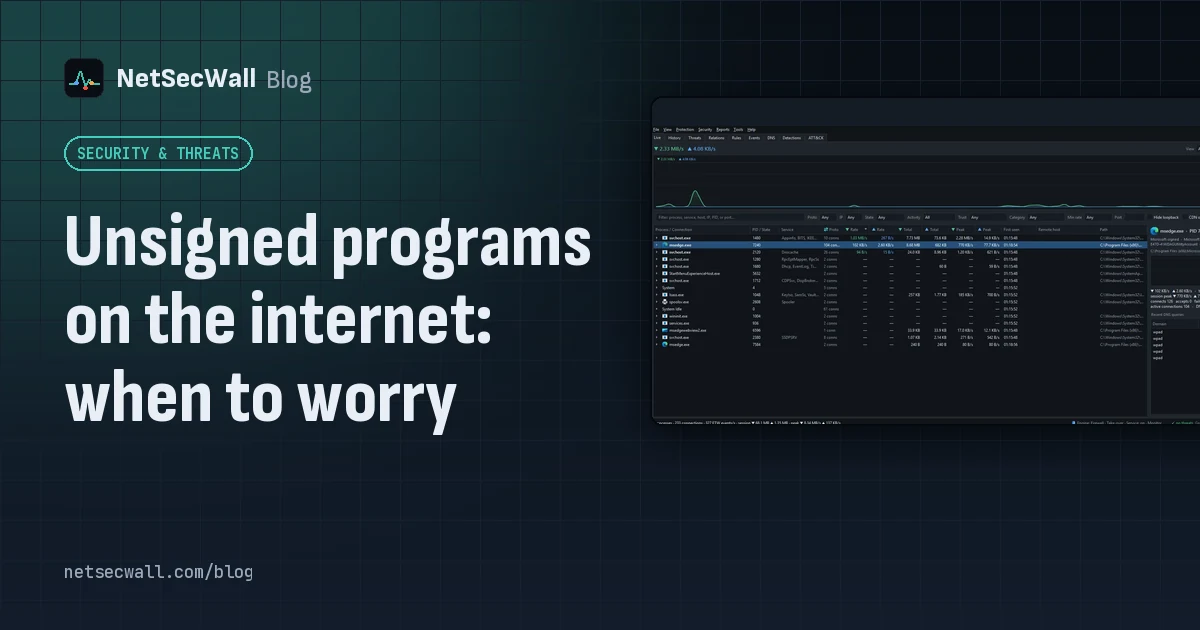 Unsigned programs on the internet: when to worry
An unsigned program going online isn't proof of malware; plenty of honest software is unsigned. Worry when it also runs from a temp folder, appeared minutes ago, or carries a broken signature.
Unsigned programs on the internet: when to worry
An unsigned program going online isn't proof of malware; plenty of honest software is unsigned. Worry when it also runs from a temp folder, appeared minutes ago, or carries a broken signature.
 What your DNS lookups reveal about the apps on your PC
Before most connections, an app asks DNS for a name. A per-app list of those names shows which services each program uses, what it checks in with, and odd lookups worth a second look.
What your DNS lookups reveal about the apps on your PC
Before most connections, an app asks DNS for a name. A per-app list of those names shows which services each program uses, what it checks in with, and odd lookups worth a second look.
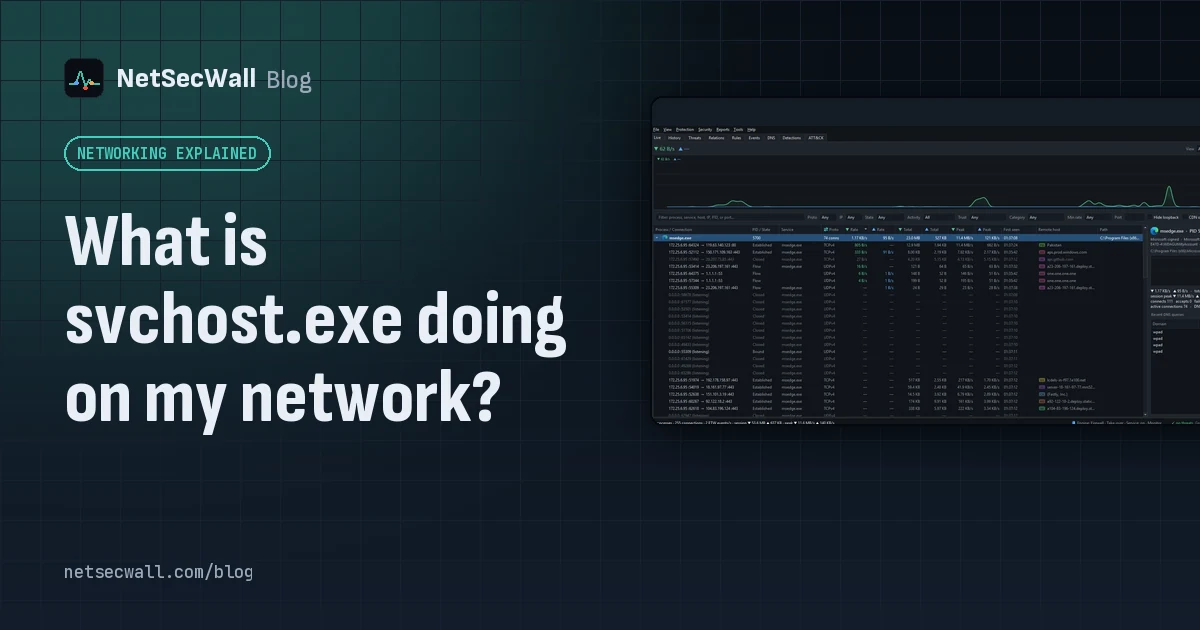 What is svchost.exe doing on my network?
svchost.exe hosts Windows services, and several of them need the internet: Windows Update, BITS, Delivery Optimization, time sync and the DNS Client. The real question is always which service.
What is svchost.exe doing on my network?
svchost.exe hosts Windows services, and several of them need the internet: Windows Update, BITS, Delivery Optimization, time sync and the DNS Client. The real question is always which service.
 Which countries are your apps sending data to?
Group your PC's connections by country to see where each app's servers are. Expect surprises that aren't problems: CDNs and cloud regions put servers far from the company that owns them.
Which countries are your apps sending data to?
Group your PC's connections by country to see where each app's servers are. Expect surprises that aren't problems: CDNs and cloud regions put servers far from the company that owns them.
 Why every app connects to Cloudflare, Akamai and Amazon
Most software companies don't serve their apps from their own servers. They rent content delivery networks and cloud platforms, so the address owner you see is usually the host, not the company.
Why every app connects to Cloudflare, Akamai and Amazon
Most software companies don't serve their apps from their own servers. They rent content delivery networks and cloud platforms, so the address owner you see is usually the host, not the company.