NetSecWall Blog
Blog — page 2
 Encrypted DNS (DoH): what it hides, and from whom
DNS over HTTPS encrypts the names your PC looks up, so the Wi-Fi owner and your ISP can't read them. The resolver you use still sees every name, and the addresses you then connect to stay visible.
Encrypted DNS (DoH): what it hides, and from whom
DNS over HTTPS encrypts the names your PC looks up, so the Wi-Fi owner and your ISP can't read them. The resolver you use still sees every name, and the addresses you then connect to stay visible.
 Find what's eating your bandwidth in the background
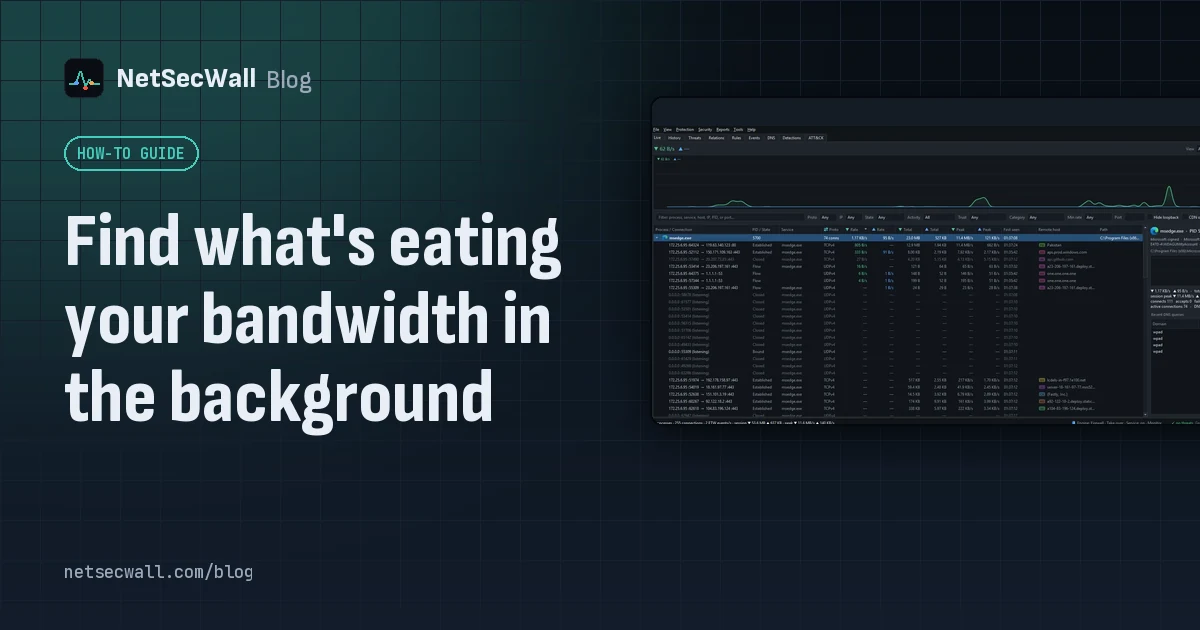
Sort Task Manager's Network column or Resource Monitor's Network Activity to catch what is using your bandwidth right now. To catch what used it an hour ago, you need per-app history.
Find what's eating your bandwidth in the background
Sort Task Manager's Network column or Resource Monitor's Network Activity to catch what is using your bandwidth right now. To catch what used it an hour ago, you need per-app history.
 How to find which app is using a port on Windows
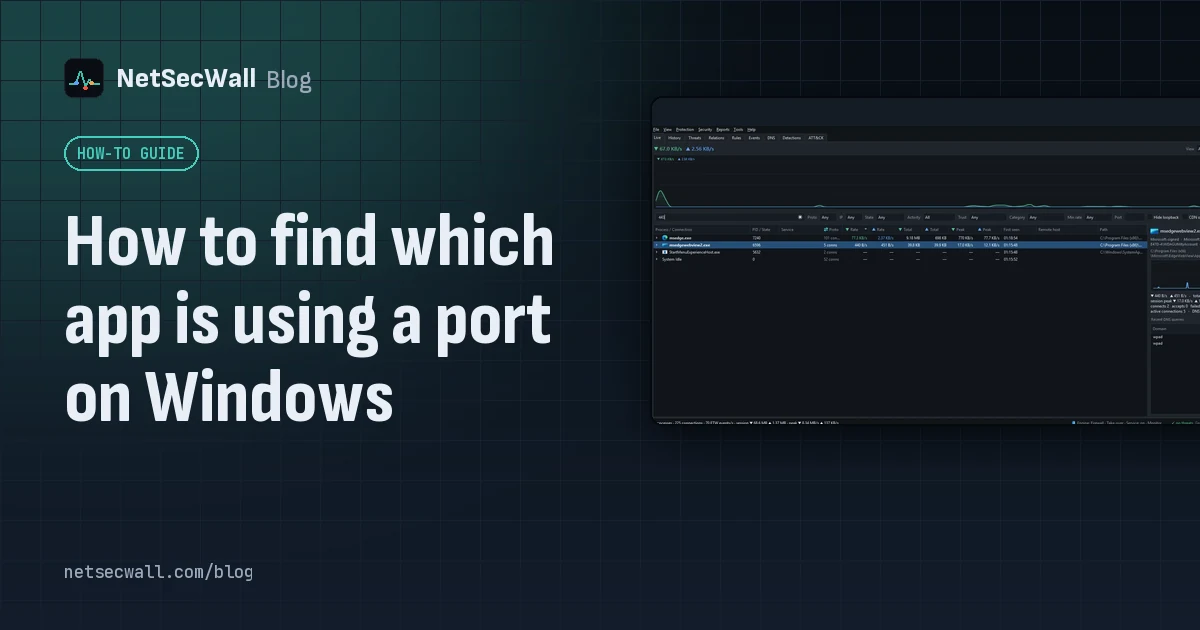
Run netstat -ano to get the process ID (PID) that owns the port, then look that PID up in Task Manager. PowerShell's Get-NetTCPConnection and Resource Monitor give the same answer.
How to find which app is using a port on Windows
Run netstat -ano to get the process ID (PID) that owns the port, then look that PID up in Task Manager. PowerShell's Get-NetTCPConnection and Resource Monitor give the same answer.
 Why you need a firewall and an antivirus, and what each one misses
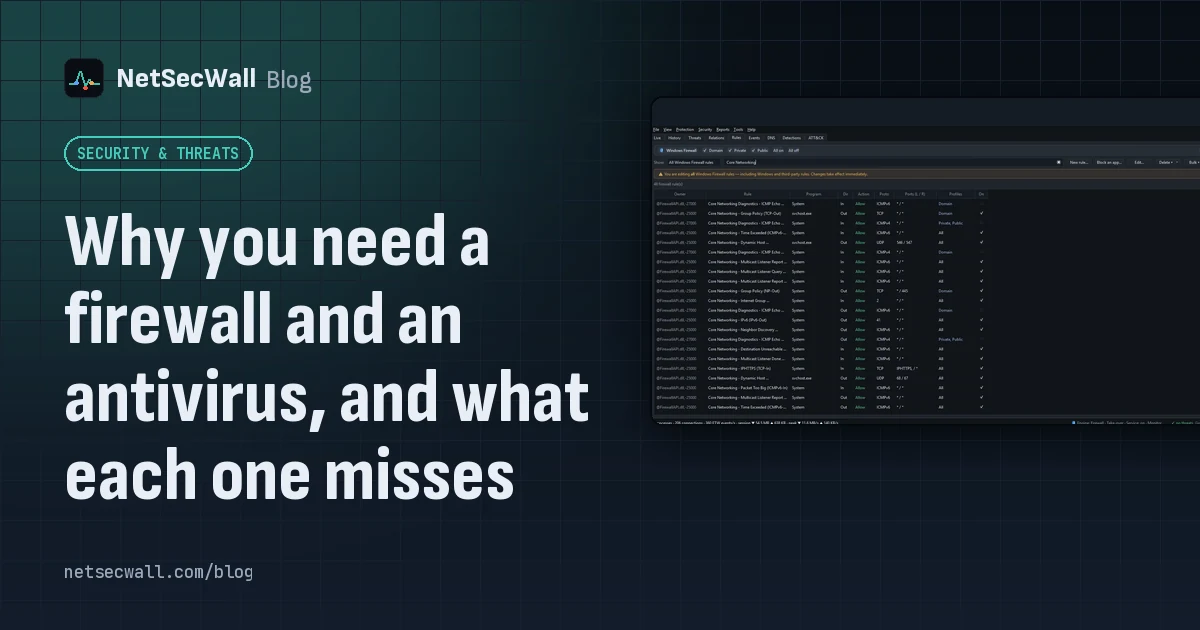
An antivirus judges files and program behavior; a firewall judges connections. Each misses what the other sees, from a clean-looking tool phoning out to malware that never touches the network.
Why you need a firewall and an antivirus, and what each one misses
An antivirus judges files and program behavior; a firewall judges connections. Each misses what the other sees, from a clean-looking tool phoning out to malware that never touches the network.
 How accurate is IP geolocation?
IP geolocation is usually right about the country and often wrong about the city. It's an educated guess from registry records and network measurements, and CDNs, anycast and VPNs throw it off.
How accurate is IP geolocation?
IP geolocation is usually right about the country and often wrong about the city. It's an educated guess from registry records and network measurements, and CDNs, anycast and VPNs throw it off.
 How NetSecWall sees every connection without a driver
NetSecWall reads what Windows already records: kernel network events through ETW, DNS answers, and the TCP and UDP tables. It sees which app talks to which address without capturing a single packet.
How NetSecWall sees every connection without a driver
NetSecWall reads what Windows already records: kernel network events through ETW, DNS answers, and the TCP and UDP tables. It sees which app talks to which address without capturing a single packet.
 Inbound and outbound connections, in plain English
A connection is outbound when your PC starts it, inbound when another machine does. Your router and Windows Firewall stop most unsolicited inbound traffic, so outbound is where apps phone home.
Inbound and outbound connections, in plain English
A connection is outbound when your PC starts it, inbound when another machine does. Your router and Windows Firewall stop most unsolicited inbound traffic, so outbound is where apps phone home.
 How to set an internet bedtime on your kid's PC
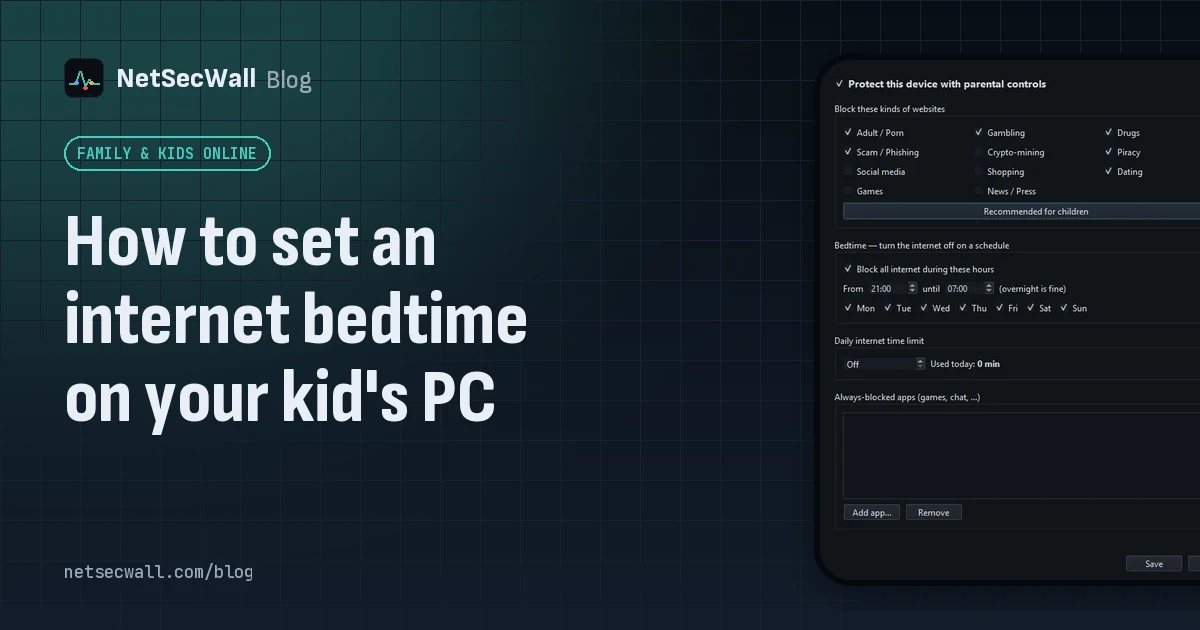
Set a schedule that switches the internet off at night, on your router or on the PC itself. NetSecWall's bedtime blocks all internet on the PC between two times you choose, overnight included.
How to set an internet bedtime on your kid's PC
Set a schedule that switches the internet off at night, on your router or on the PC itself. NetSecWall's bedtime blocks all internet on the PC between two times you choose, overnight included.
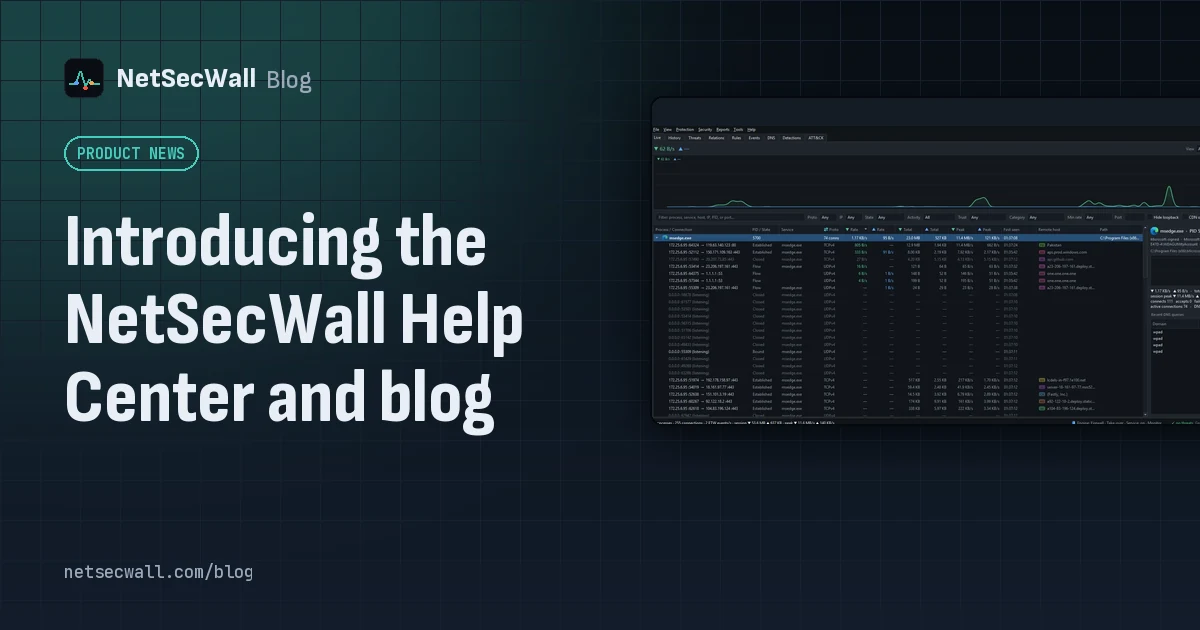 Introducing the NetSecWall Help Center and blog
The NetSecWall Help Center at /kb/ has step-by-step guides with real screenshots, sorted by topic and product and searchable. The blog at /blog/ explains the problems behind them.
Introducing the NetSecWall Help Center and blog
The NetSecWall Help Center at /kb/ has step-by-step guides with real screenshots, sorted by topic and product and searchable. The blog at /blog/ explains the problems behind them.
 Is my computer being tracked? What your network traffic says
Almost certainly, by ad and analytics services, which is normal and mostly happens in your browser. Signs of worse are specific: unknown programs, steady check-ins and flagged addresses.
Is my computer being tracked? What your network traffic says
Almost certainly, by ad and analytics services, which is normal and mostly happens in your browser. Signs of worse are specific: unknown programs, steady check-ins and flagged addresses.
 How to cut an infected PC off the network in one step
Contain first: stop the PC talking to the network so malware can't take orders, send data out or spread. On one PC, use Block all outbound (panic). On a managed fleet, use Isolate (beta).
How to cut an infected PC off the network in one step
Contain first: stop the PC talking to the network so malware can't take orders, send data out or spread. On one PC, use Block all outbound (panic). On a managed fleet, use Isolate (beta).
 Living off the land: when Windows' own tools go rogue
Attackers often skip custom malware and use tools Windows already ships, such as PowerShell, certutil and mshta. The files are genuine, so the tell is behavior, like those tools reaching the internet.
Living off the land: when Windows' own tools go rogue
Attackers often skip custom malware and use tools Windows already ships, such as PowerShell, certutil and mshta. The files are genuine, so the tell is behavior, like those tools reaching the internet.