NetSecWall Blog
Blog — page 4
 Network visibility for a small office without an IT department
Watch three things on each PC: programs you don't recognize going online, unusually large uploads, and threat-list hits. Then add phone alerts and a 15-minute weekly review. No IT staff needed.
Network visibility for a small office without an IT department
Watch three things on each PC: programs you don't recognize going online, unusually large uploads, and threat-list hits. Then add phone alerts and a 15-minute weekly review. No IT staff needed.
 How to spot malware by its network traffic
Almost all malware has to talk to someone. Look for unknown or unsigned programs online, odd ports, check-ins on a timer, lopsided uploads, threat-listed addresses and Windows tools going online.
How to spot malware by its network traffic
Almost all malware has to talk to someone. Look for unknown or unsigned programs online, odd ports, check-ins on a timer, lopsided uploads, threat-listed addresses and Windows tools going online.
 How to stop apps from phoning home on Windows
See what each app contacts, decide which calls you'd miss, then block the rest: the whole app, just its updater or crash reporter, or ad and tracking domains across every app.
How to stop apps from phoning home on Windows
See what each app contacts, decide which calls you'd miss, then block the rest: the whole app, just its updater or crash reporter, or ad and tracking domains across every app.
 ESTABLISHED, TIME_WAIT, LISTENING: TCP states decoded
TCP states show where a connection is in its life: LISTENING waits, SYN_SENT is dialing, ESTABLISHED is talking, CLOSE_WAIT and TIME_WAIT are the goodbye. Most are harmless; piles of some are clues.
ESTABLISHED, TIME_WAIT, LISTENING: TCP states decoded
TCP states show where a connection is in its life: LISTENING waits, SYN_SENT is dialing, ESTABLISHED is talking, CLOSE_WAIT and TIME_WAIT are the goodbye. Most are harmless; piles of some are clues.
 Threat-intelligence IP lists: what they catch and what they miss
Threat-intelligence IP lists name addresses already tied to botnets, hacked machines, spam networks or Tor. They catch known infrastructure well but miss new servers and can mislabel shared addresses.
Threat-intelligence IP lists: what they catch and what they miss
Threat-intelligence IP lists name addresses already tied to botnets, hacked machines, spam networks or Tor. They catch known infrastructure well but miss new servers and can mislabel shared addresses.
 When a trusted app's file suddenly changes
A trusted app's file changing usually means an update. Worry when the change brings a lost or broken signature, or new destinations — the marks of a tampered, supply-chain-compromised app.
When a trusted app's file suddenly changes
A trusted app's file changing usually means an update. Worry when the change brings a lost or broken signature, or new destinations — the marks of a tampered, supply-chain-compromised app.
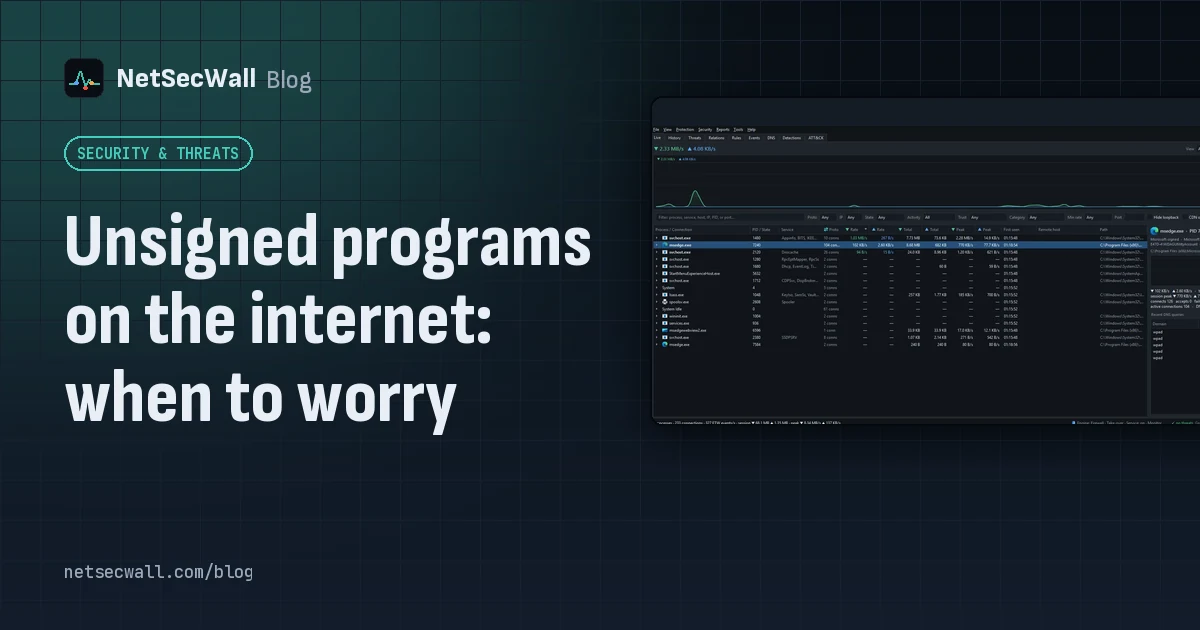 Unsigned programs on the internet: when to worry
An unsigned program going online isn't proof of malware; plenty of honest software is unsigned. Worry when it also runs from a temp folder, appeared minutes ago, or carries a broken signature.
Unsigned programs on the internet: when to worry
An unsigned program going online isn't proof of malware; plenty of honest software is unsigned. Worry when it also runs from a temp folder, appeared minutes ago, or carries a broken signature.
 What your DNS lookups reveal about the apps on your PC
Before most connections, an app asks DNS for a name. A per-app list of those names shows which services each program uses, what it checks in with, and odd lookups worth a second look.
What your DNS lookups reveal about the apps on your PC
Before most connections, an app asks DNS for a name. A per-app list of those names shows which services each program uses, what it checks in with, and odd lookups worth a second look.
 What is beaconing? How malware checks in with its server
Beaconing is malware's regular check-in with its command-and-control server. The steady timing is hard to hide, so a program contacting one address like clockwork is worth a look.
What is beaconing? How malware checks in with its server
Beaconing is malware's regular check-in with its command-and-control server. The steady timing is hard to hide, so a program contacting one address like clockwork is worth a look.
 What is svchost.exe doing on my network?
svchost.exe hosts Windows services, and several of them need the internet: Windows Update, BITS, Delivery Optimization, time sync and the DNS Client. The real question is always which service.
What is svchost.exe doing on my network?
svchost.exe hosts Windows services, and several of them need the internet: Windows Update, BITS, Delivery Optimization, time sync and the DNS Client. The real question is always which service.
 Which countries are your apps sending data to?
Group your PC's connections by country to see where each app's servers are. Expect surprises that aren't problems: CDNs and cloud regions put servers far from the company that owns them.
Which countries are your apps sending data to?
Group your PC's connections by country to see where each app's servers are. Expect surprises that aren't problems: CDNs and cloud regions put servers far from the company that owns them.
 Why every app connects to Cloudflare, Akamai and Amazon
Most software companies don't serve their apps from their own servers. They rent content delivery networks and cloud platforms, so the address owner you see is usually the host, not the company.
Why every app connects to Cloudflare, Akamai and Amazon
Most software companies don't serve their apps from their own servers. They rent content delivery networks and cloud platforms, so the address owner you see is usually the host, not the company.