NetSecWall Blog
Blog — page 3
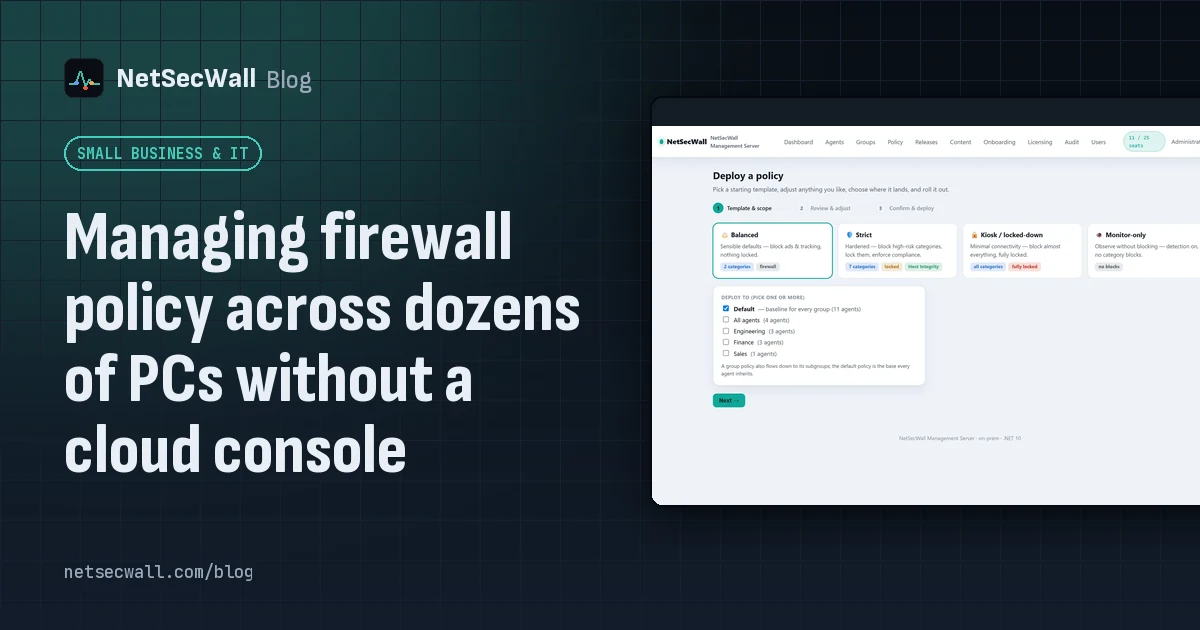 Managing firewall policy across dozens of PCs without a cloud console
Group the PCs on a Management Server you host yourself, set one policy with the wizard, lock what users mustn't change, and let each PC apply it at its next check-in. No cloud console.
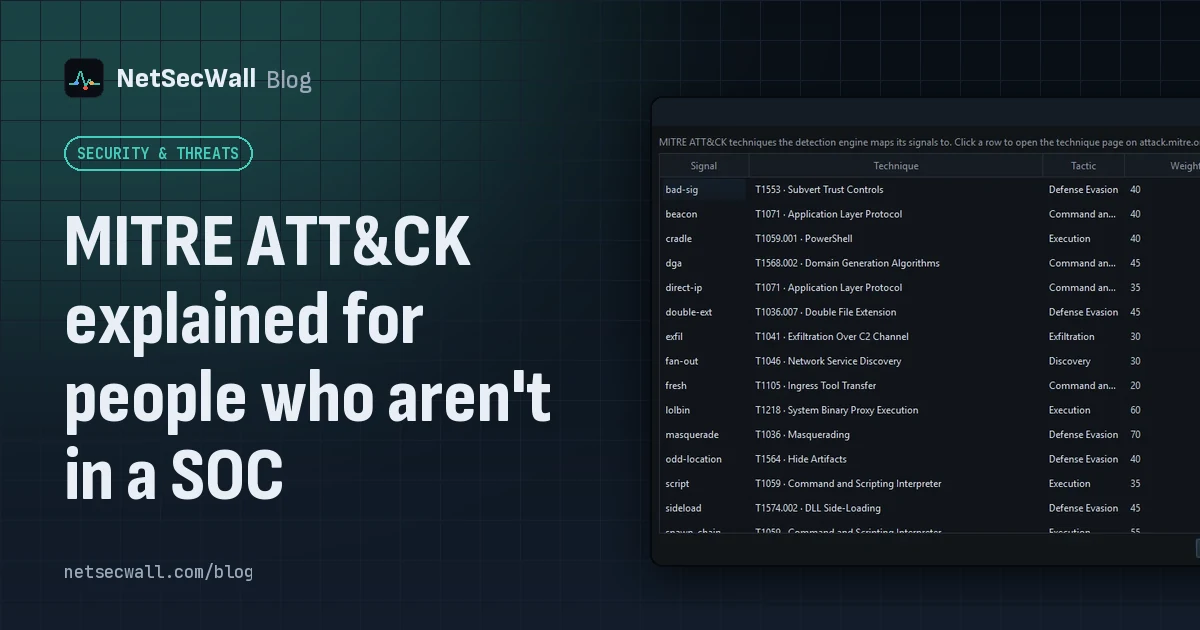 MITRE ATT&CK explained for people who aren't in a SOC
MITRE ATT&CK is a free public catalog of how real attackers operate. Tactics are their goals, techniques are their methods, and knowing the two helps you read a security alert without guessing.
 How to monitor network traffic per app on Windows
Task Manager and Resource Monitor show a live per-app figure. To see where each app connects, how much it sends, and what it did yesterday, you need a per-app monitor that keeps history.
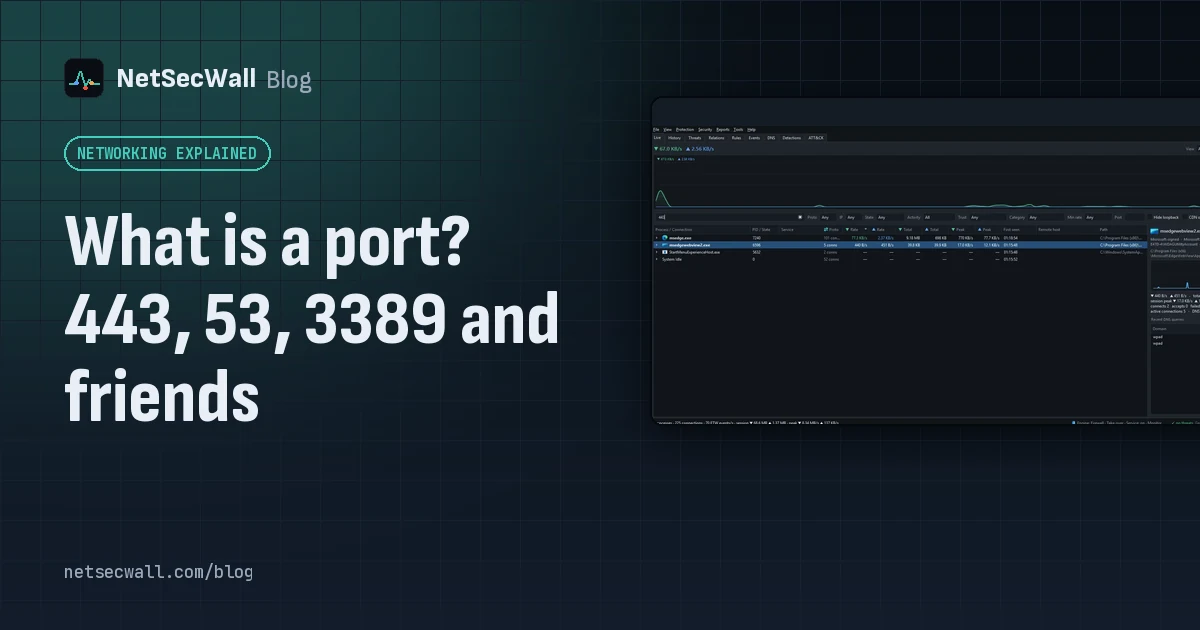 What is a port? 443, 53, 3389 and friends
A port is a number from 0 to 65535 that tells a computer which program a piece of network traffic is for. Servers wait on well-known ports like 443 or 53; your side uses a random high port.
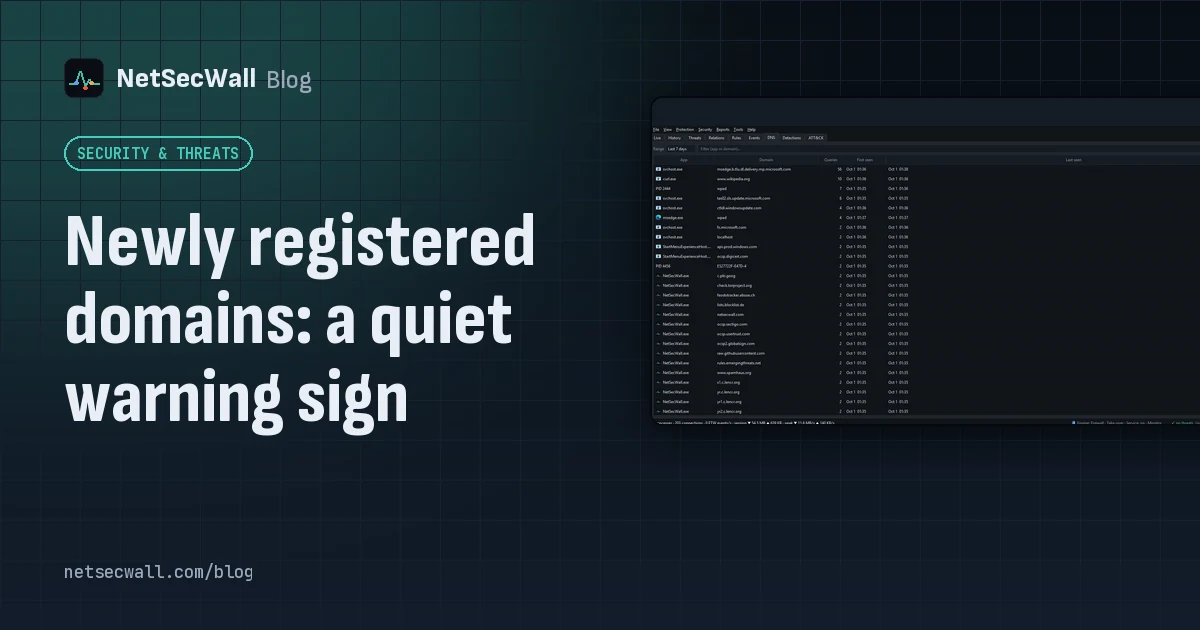 Newly registered domains: a quiet warning sign
Phishing and malware campaigns tend to use domains registered days earlier, before blocklists catch up. A very young domain proves nothing alone, but it adds weight when an app already looks wrong.
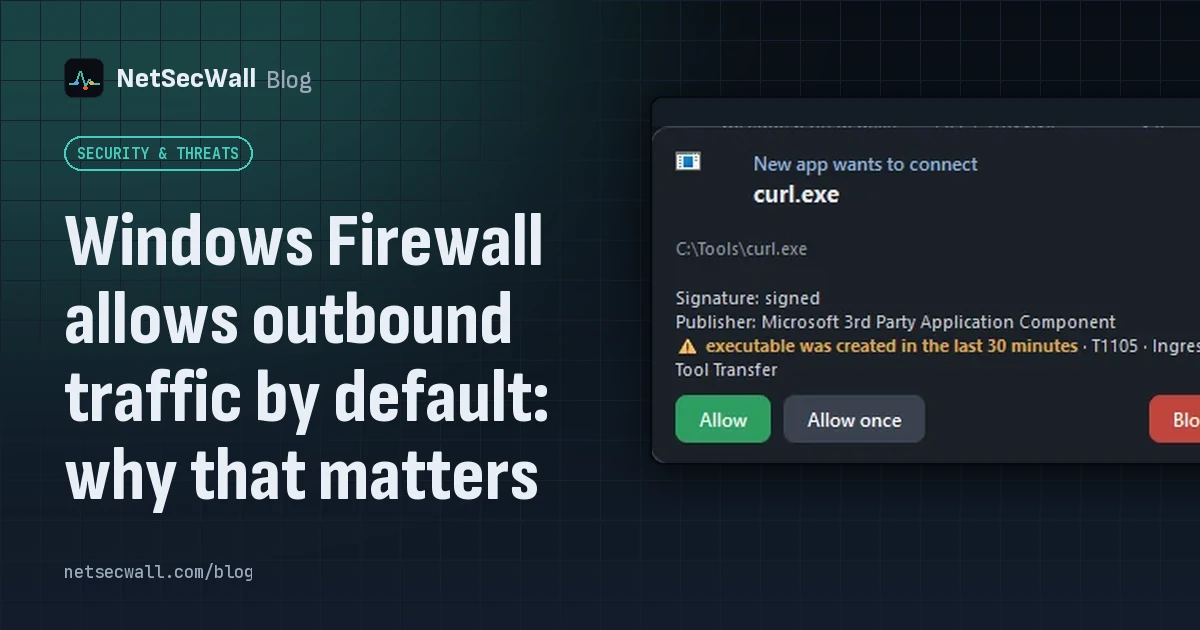 Windows Firewall allows outbound traffic by default: why that matters
Out of the box, Windows Defender Firewall blocks unsolicited inbound connections but lets every program connect out. That keeps things working, and it means nothing stops an unwanted app phoning home.
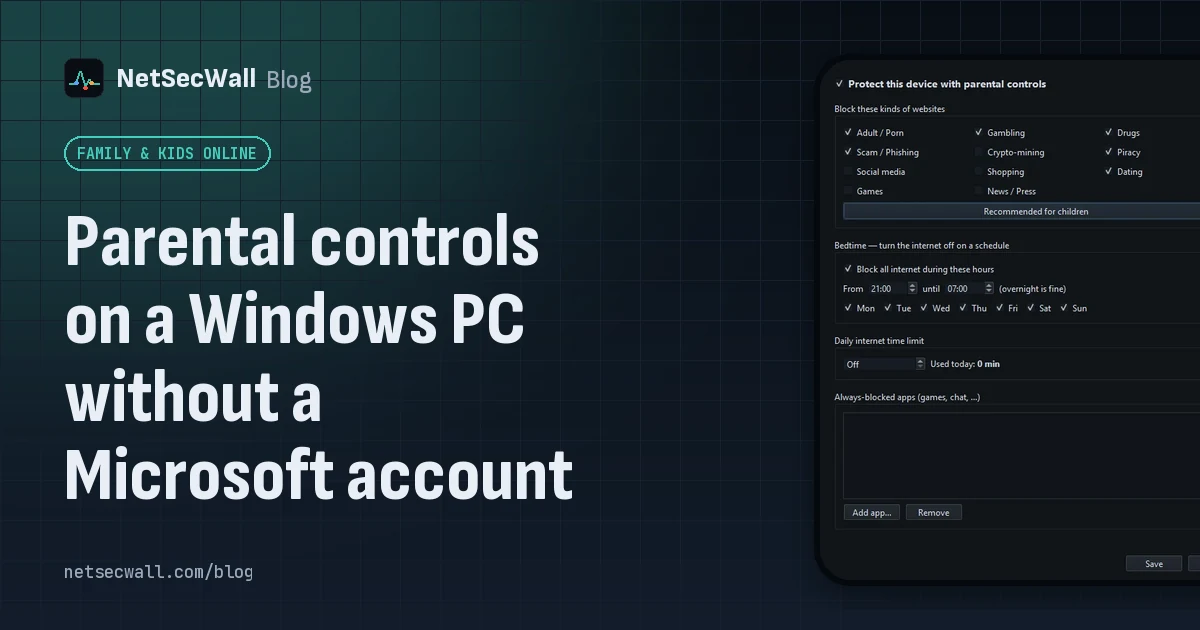 Parental controls on a Windows PC without a Microsoft account
Windows' own family features need Microsoft accounts. Without them, give your child a standard local account and use an on-PC tool that filters sites and sets a bedtime and daily limit.
 Why is my PC uploading data when I'm not using it?
Usually it's cloud sync, a backup, Windows Update sharing pieces of updates, telemetry or a forgotten browser tab. Sort your apps by upload rate to find the one responsible.
 On a hotspot or metered connection? Stop background apps burning data
Mark the network as metered, pause updates and sync, then watch what still uses data. NetSecWall's session data cap warns you at 80% and 100%, and a timed block silences one app for an hour.
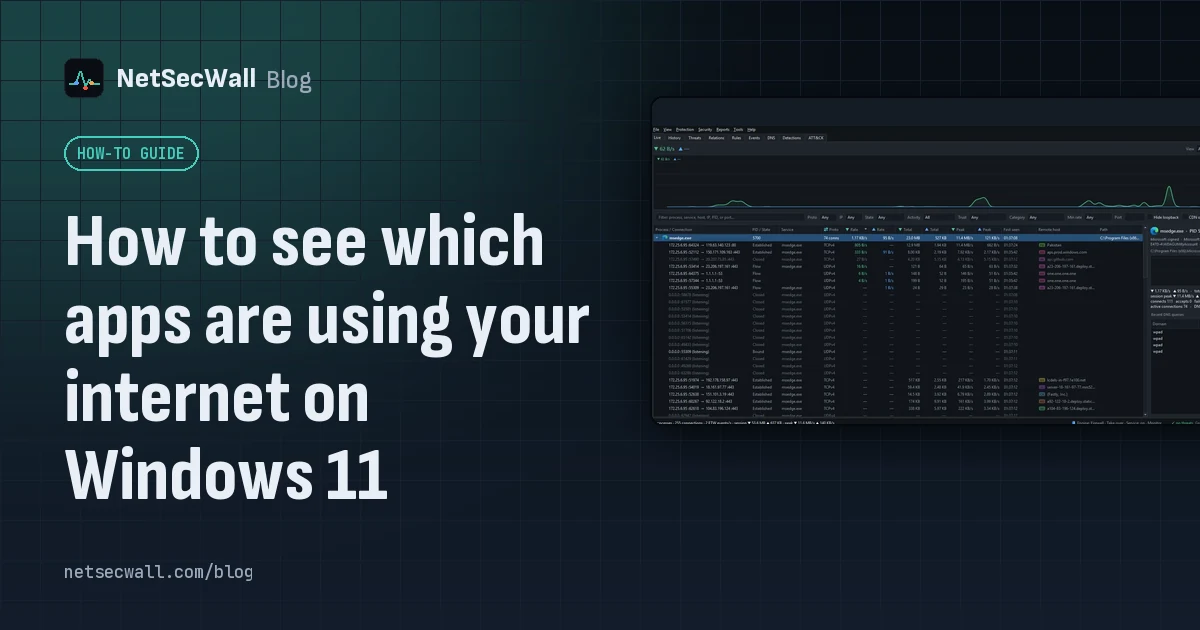 How to see which apps are using your internet on Windows 11
Task Manager's Network column shows which apps are busy right now; Resource Monitor and netstat show where each one connects. For history, countries and alerts you need a per-app monitor.
 Why some organizations keep security management on their own servers
Self-hosting keeps fleet data, policy and admin access inside your network. NetSecWall's Management Server (beta) contacts netsecwall.com once, to activate. Managed PCs still check for updates.
 Silently deploying NetSecWall to Windows PCs
Run the installer with /VERYSILENT /SUPPRESSMSGBOXES /NORESTART /RESTARTEXITCODE=3010 from your deployment tool, check the exit code, then license each PC or add a netlens-mgmt.json file.